Doubao Say
13/13 cases passed
| Result | Case | Node screenshot | AI response / error |
|---|---|---|---|
| ✅ Passed | Cancel sign-in and retry | 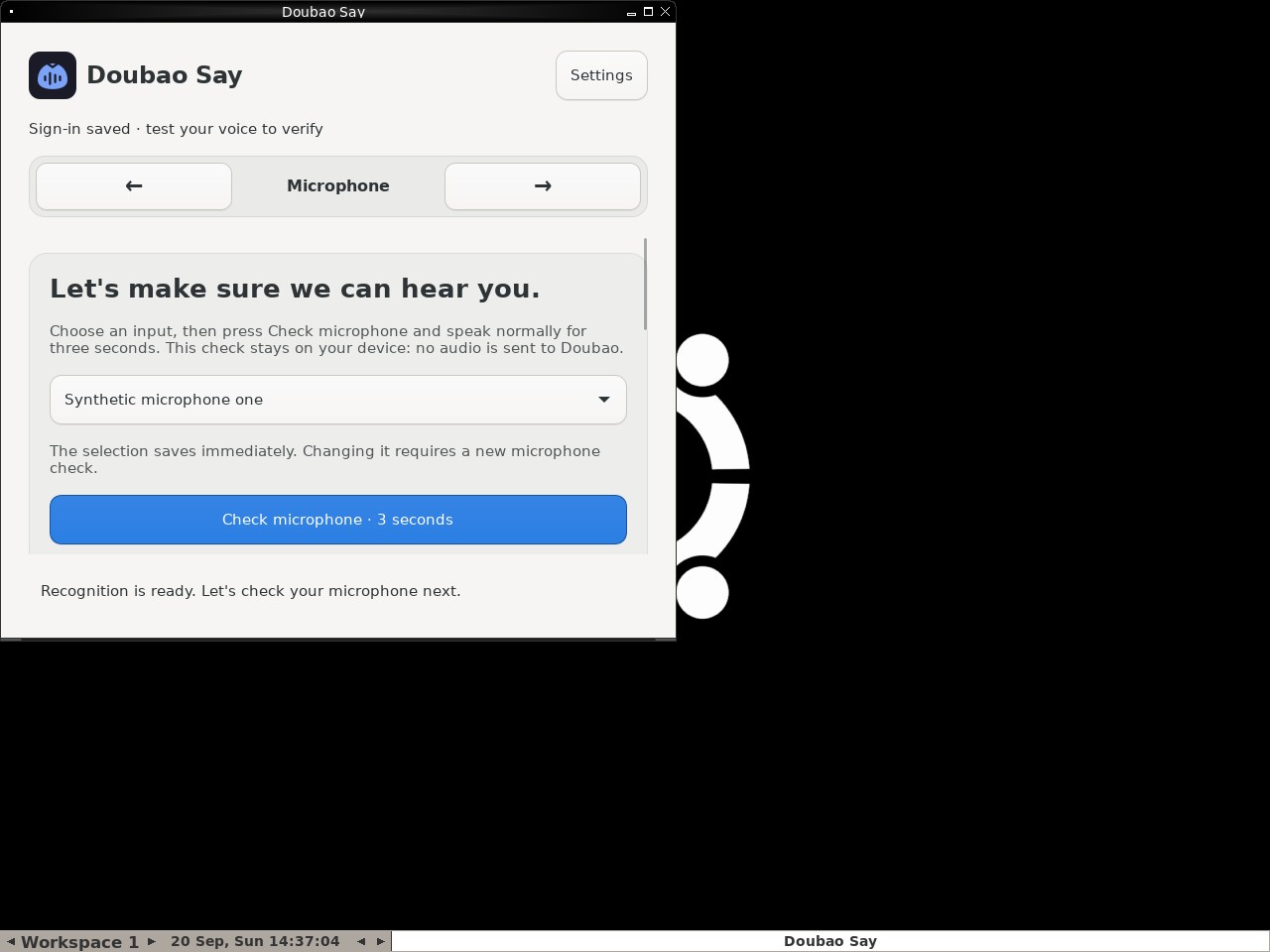 |
AI: The screenshot shows the "Doubao Say" application window is currently active and visible. The interface displays a navigation bar with "Microphone" highlighted as the current step. Below this, there is a section titled "Let's make sure we can hear you," which contains instructions for checking the microphone input. Additionally, a status message at the bottom reads "Recognition is ready. Let's check your microphone next." This confirms that the application has moved past the sign-in phase (indicated by "Sign-in saved") and is now on the Microphone verification step. |
| ✅ Passed | Recover from an endpoint failure | 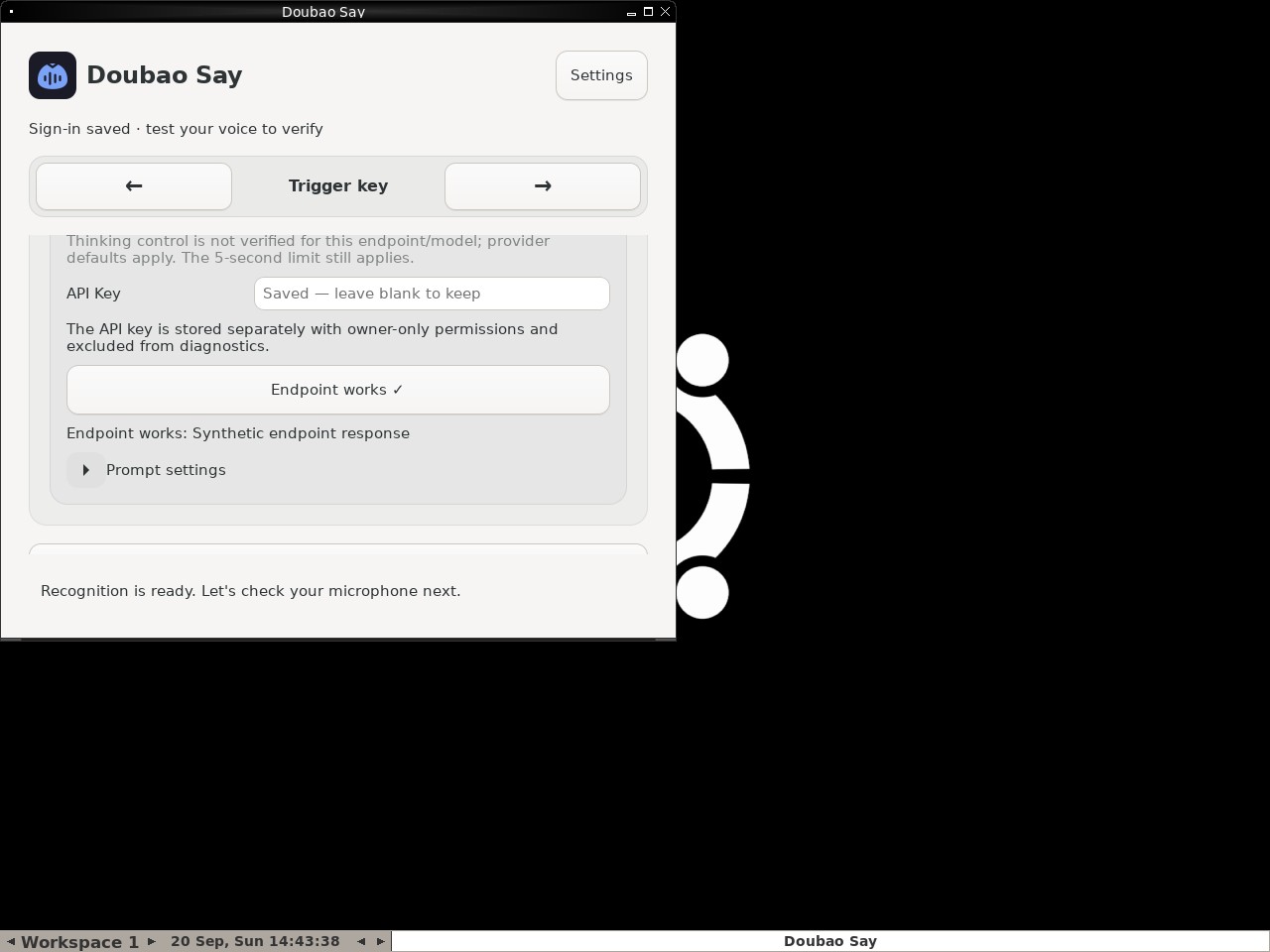 |
AI: Based on the screenshot, I can verify the following: 1. There is a text line that reads "Endpoint works: Synthetic endpoint response". 2. There is a button labeled "Endpoint works ✓", which appears enabled/active. 3. There is no visible error message stating "Synthetic endpoint unavailable". Therefore, all parts of the statement are true based on the visual evidence. |
| ✅ Passed | Changing microphone requires another check | 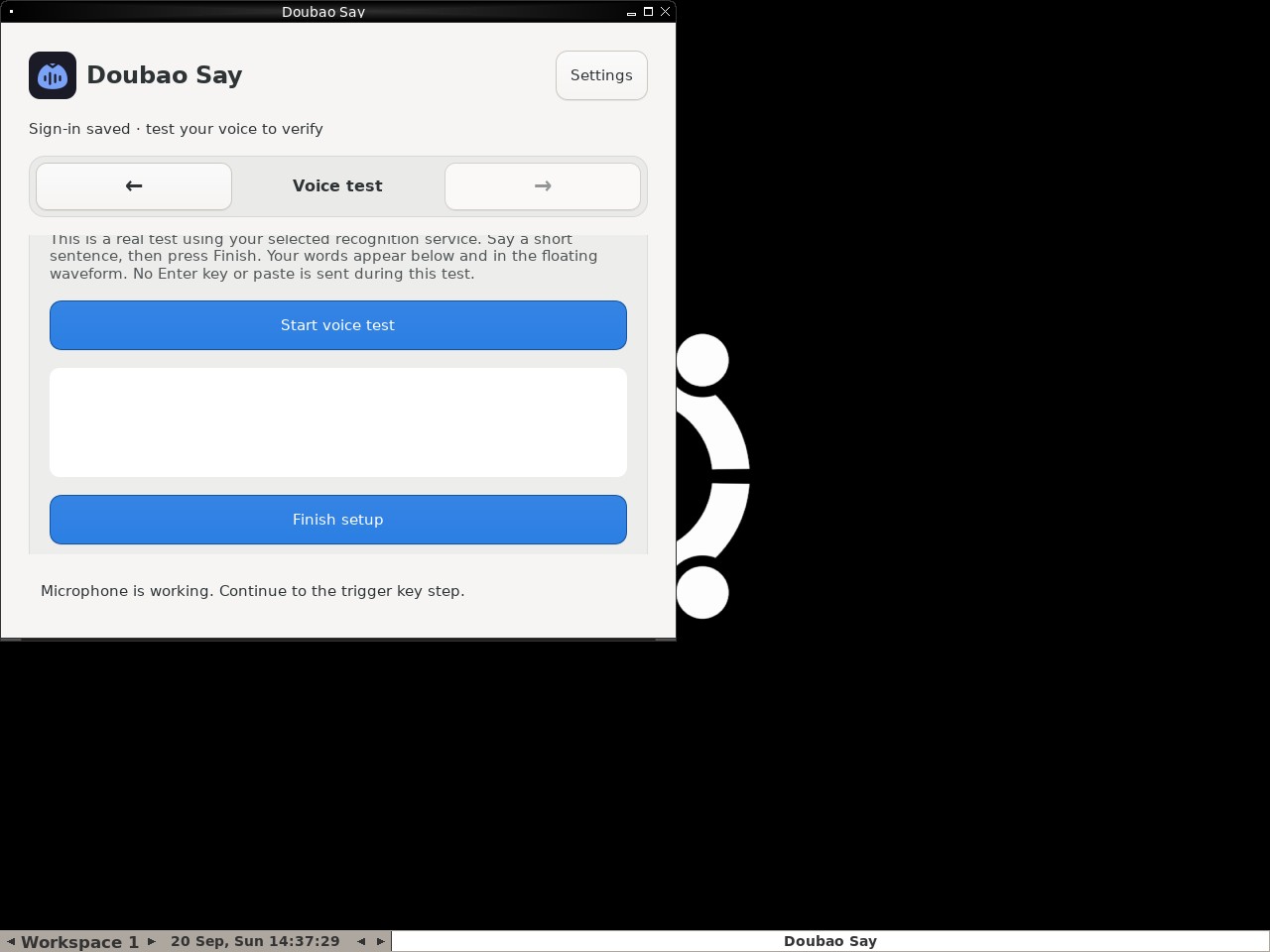 |
AI: The screenshot shows the "Doubao Say" application interface. At the bottom of the main content area, there is a blue button labeled "Finish setup". The button has a solid blue background and white text, indicating it is in an active, enabled state (disabled buttons are typically grayed out or have reduced opacity). Therefore, the statement that the Finish setup button is visibly enabled is true. |
| ✅ Passed | Capture and retain a custom trigger shortcut | 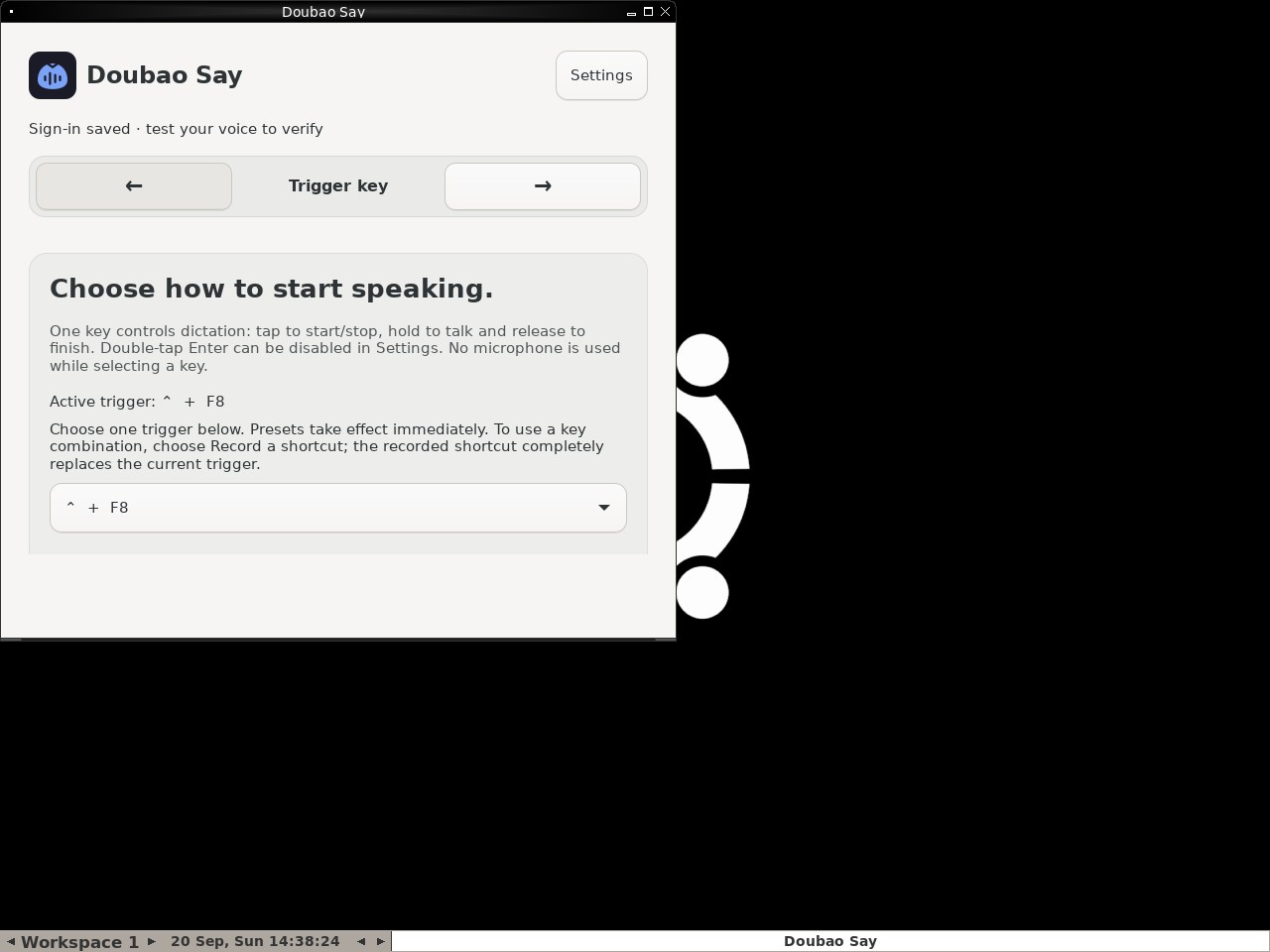 |
AI: The screenshot displays the "Doubao Say" application on the "Trigger key" page. Under the section "Choose how to start speaking," there is a line of text that reads "Active trigger: ^ + F8". Additionally, the dropdown menu below it shows "^ + F8" as the selected value. The symbol "^" corresponds to the Control key (⌃). Therefore, the statement that the custom ⌃ plus F8 shortcut is shown as the active and selected trigger is true. |
| ✅ Passed | Complete Doubao Say onboarding on a real desktop | 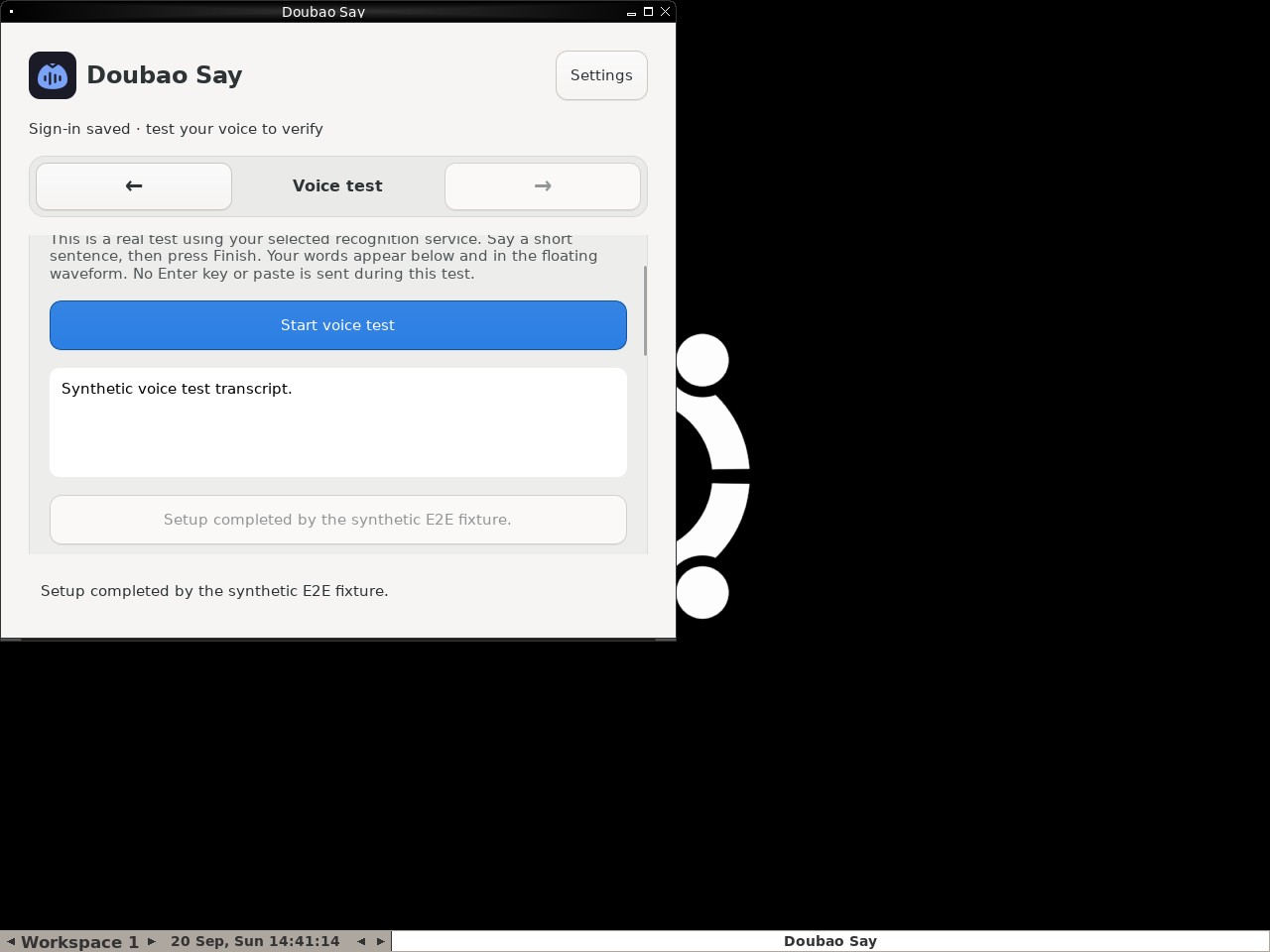 |
AI: The screenshot shows the "Doubao Say" application on the "Voice test" page. At the bottom of the voice test panel, there is a button-like element that is grayed out (disabled appearance) and contains the text "Setup completed by the synthetic E2E fixture.". This matches the description in the statement regarding the button's status and text. |
| ✅ Passed | Toggle polishing without losing configuration | 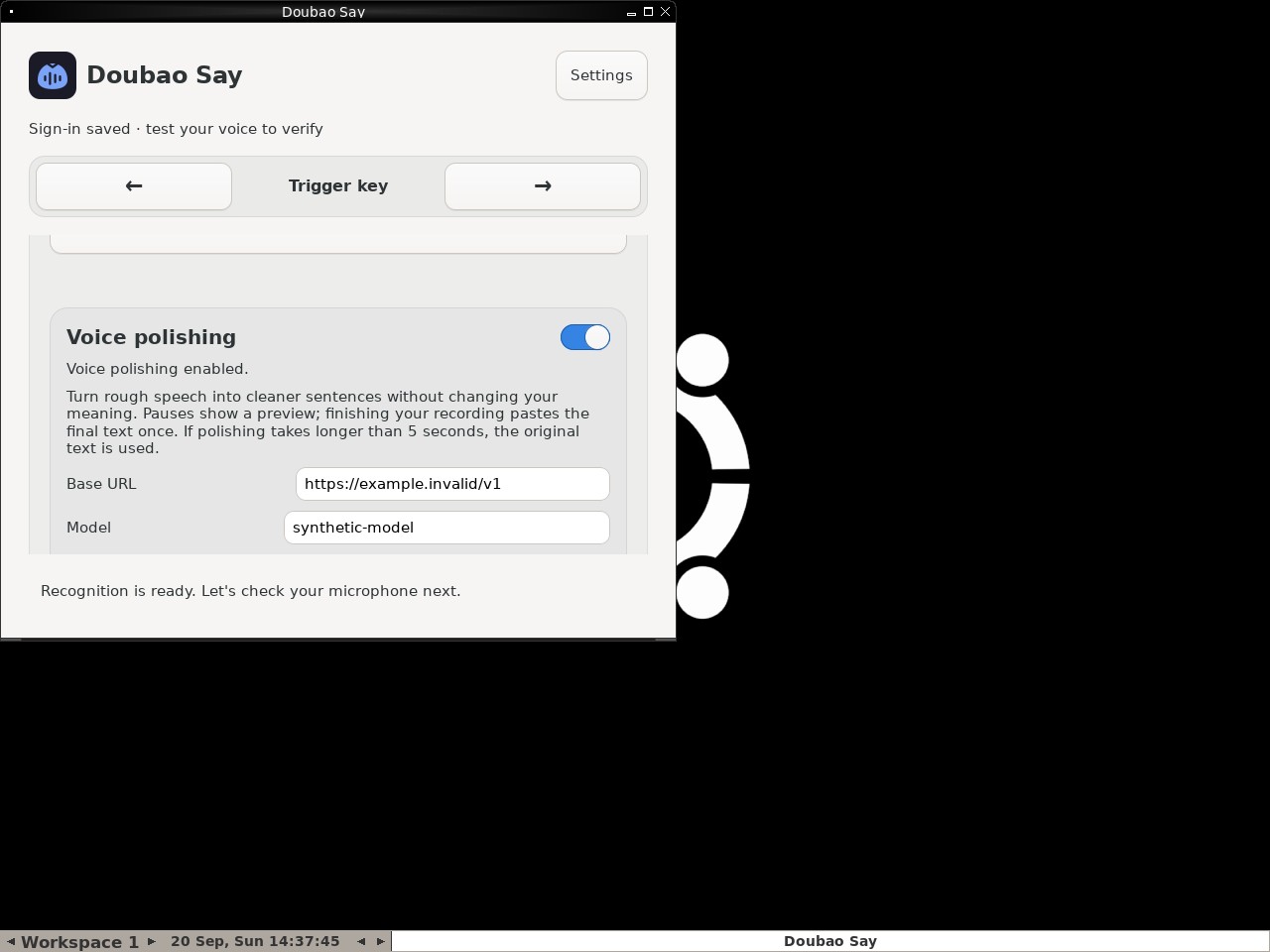 |
AI: The screenshot shows the "Doubao Say" application interface. Under the "Voice polishing" section, there is a field labeled "Model". The value entered in this input field is clearly visible as "synthetic-model". This matches the statement in the data demand exactly. |
| ✅ Passed | Complete and cancel a voice test safely | 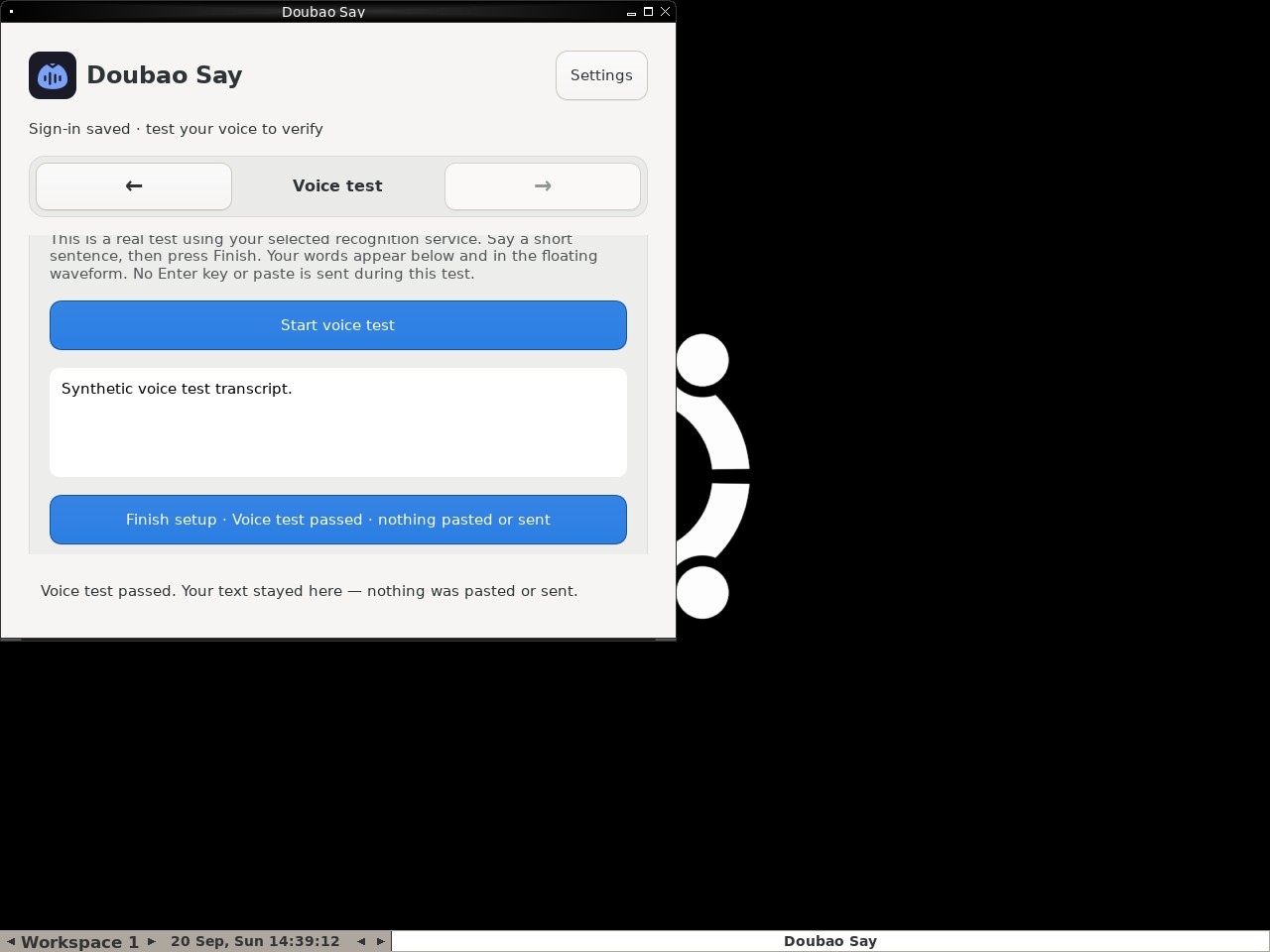 |
AI: The screenshot shows the "Doubao Say" application interface. At the bottom of the main content area, there is a large blue button that appears enabled (active color). The text on this button reads "Finish setup · Voice test passed · nothing pasted or sent". This matches the statement in the data demand. |
| ✅ Passed | Switch to Volcengine and validate credentials | 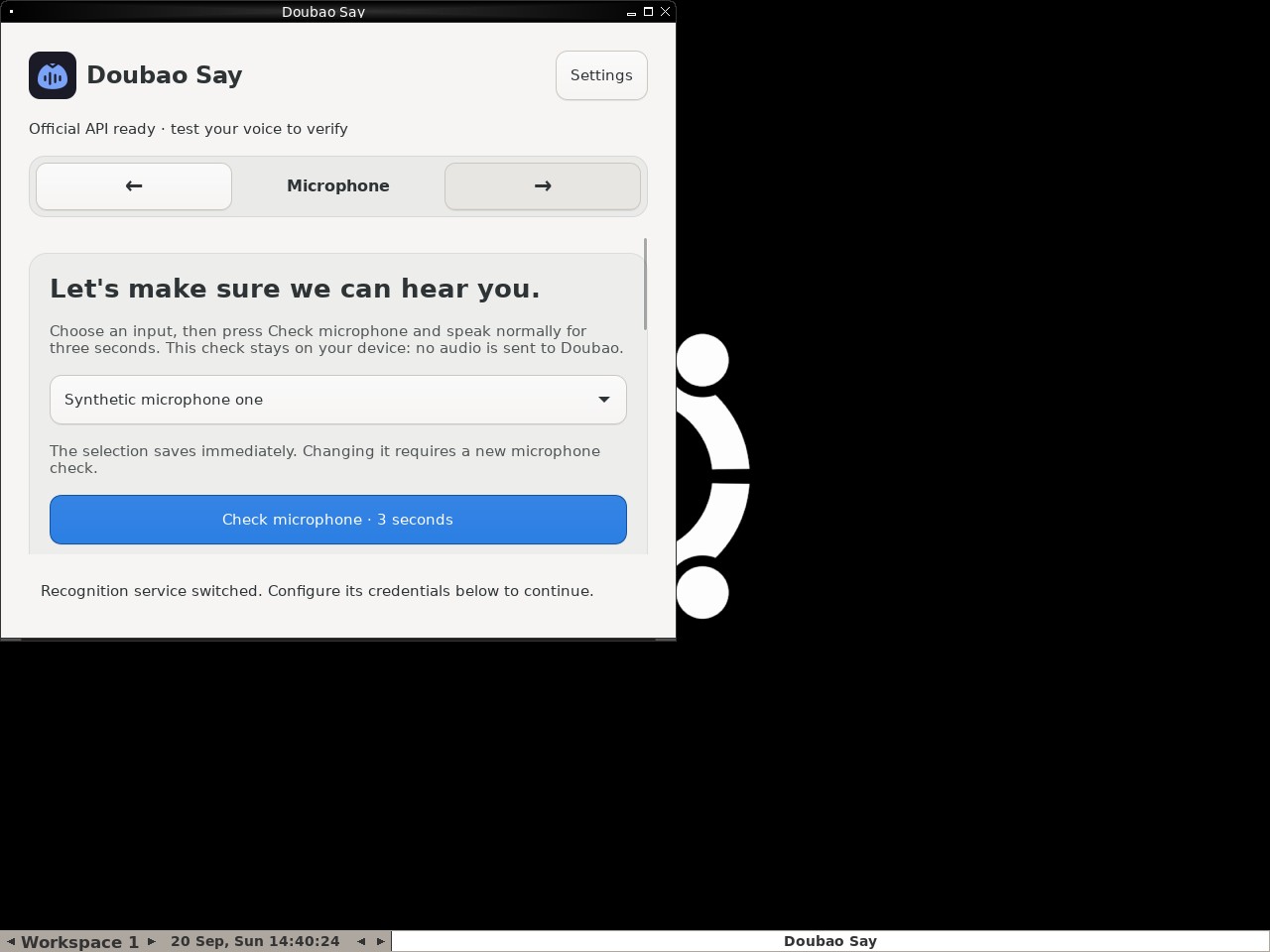 |
AI: The screenshot shows the "Doubao Say" application interface. In the navigation bar near the top, the word "Microphone" is clearly displayed between left and right arrows, indicating the current step. Below this, there is a prominent heading that reads "Let's make sure we can hear you." Both conditions specified in the statement are present and visible in the image. |
| ✅ Passed | Deliver one synthetic dictation to the focused target | 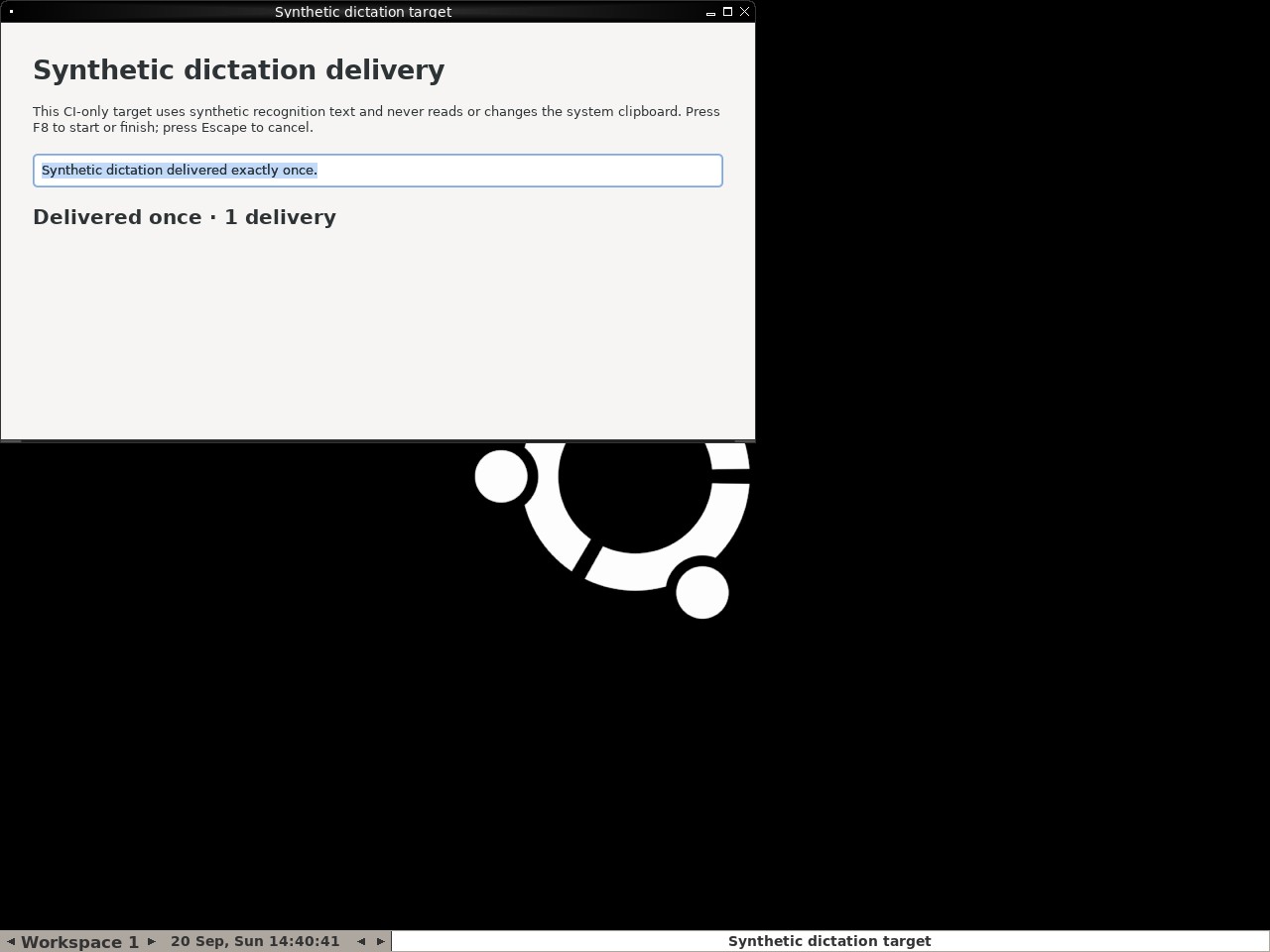 |
AI: Based on the screenshot, there is no overlay obscuring the main content. The text input field clearly contains the text "Synthetic dictation delivered exactly once." (highlighted). Below the input field, the status text reads "Delivered once · 1 delivery". All conditions in the statement are met. |
| ✅ Passed | Preserve signed-in account across backward navigation | 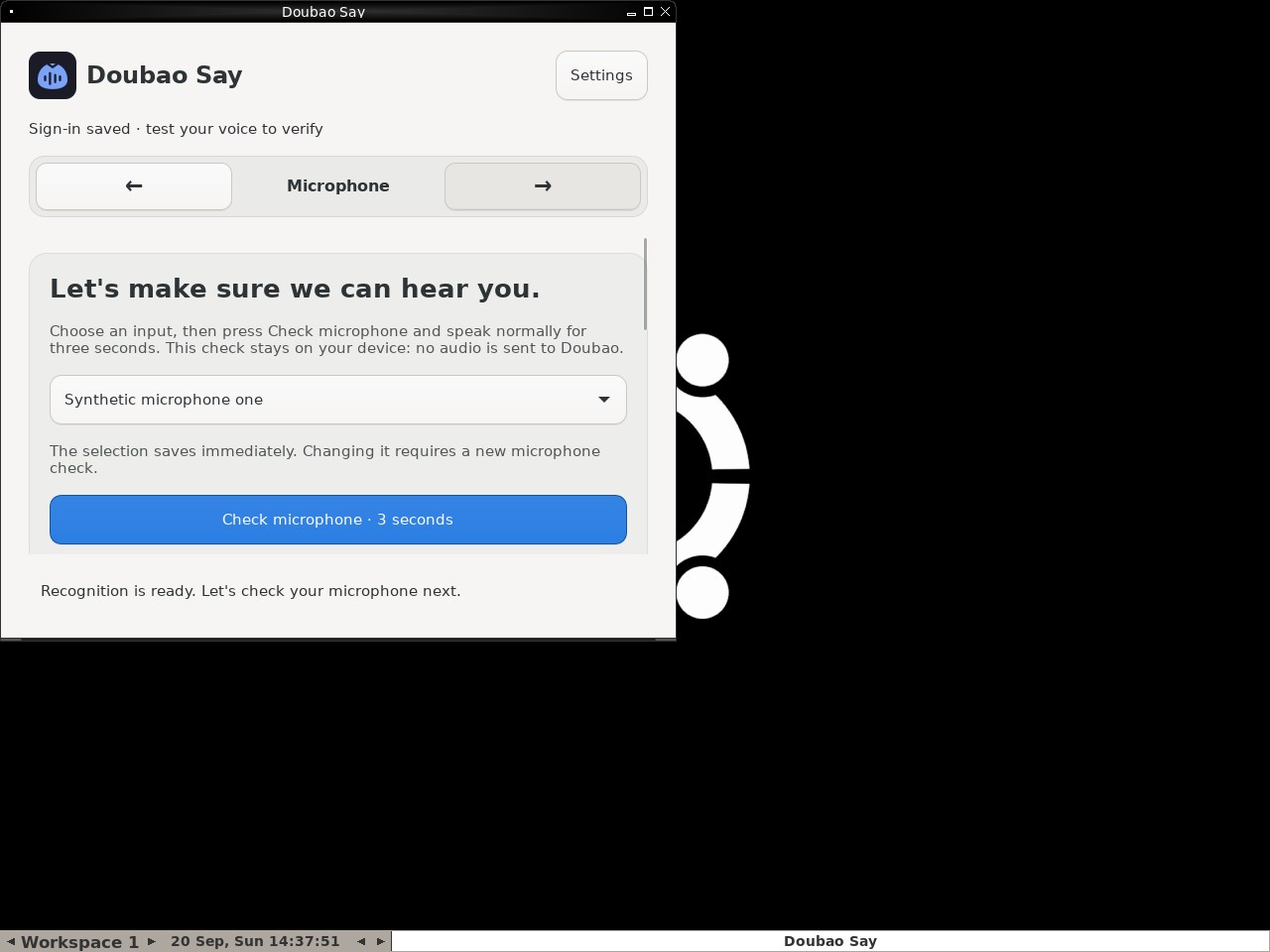 |
AI: The screenshot displays the "Doubao Say" application interface. The active tab is labeled "Microphone". The main content area prominently features the heading "Let's make sure we can hear you." Additionally, there is a status message at the top stating "Sign-in saved", and no separate sign-in window or modal is visible on the screen. Therefore, both conditions of the statement are met. |
| ✅ Passed | Require an enabled trigger and retain the replacement | 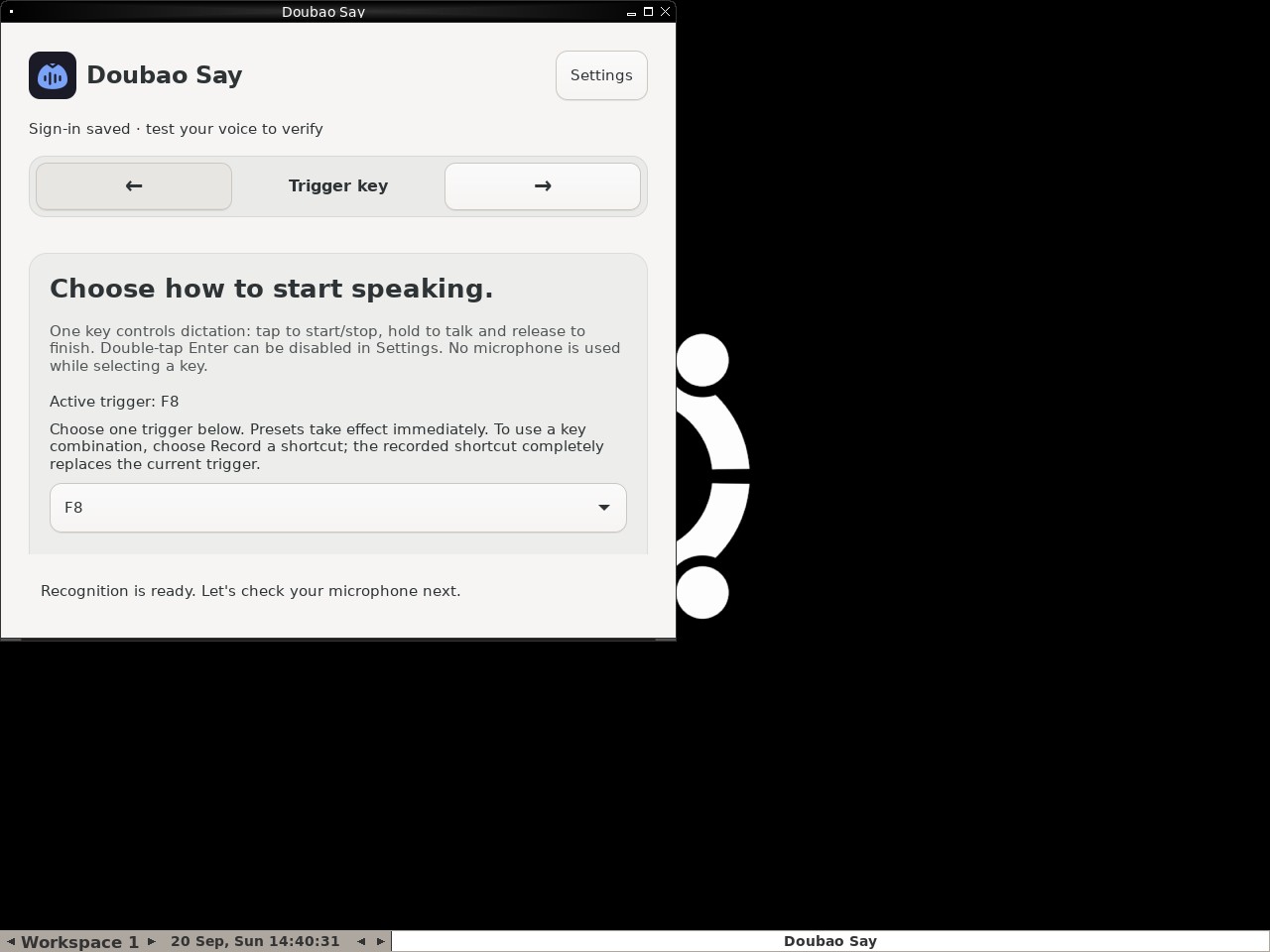 |
AI: The screenshot displays the "Trigger key" step of the Doubao Say application. Within the content area, there is a line of text that explicitly reads "Active trigger: F8". Additionally, below this text, there is a dropdown menu for selecting a trigger key, and the value currently displayed in this dropdown is "F8". Both conditions mentioned in the statement are visually confirmed. |
| ✅ Passed | Microphone check gates setup completion | 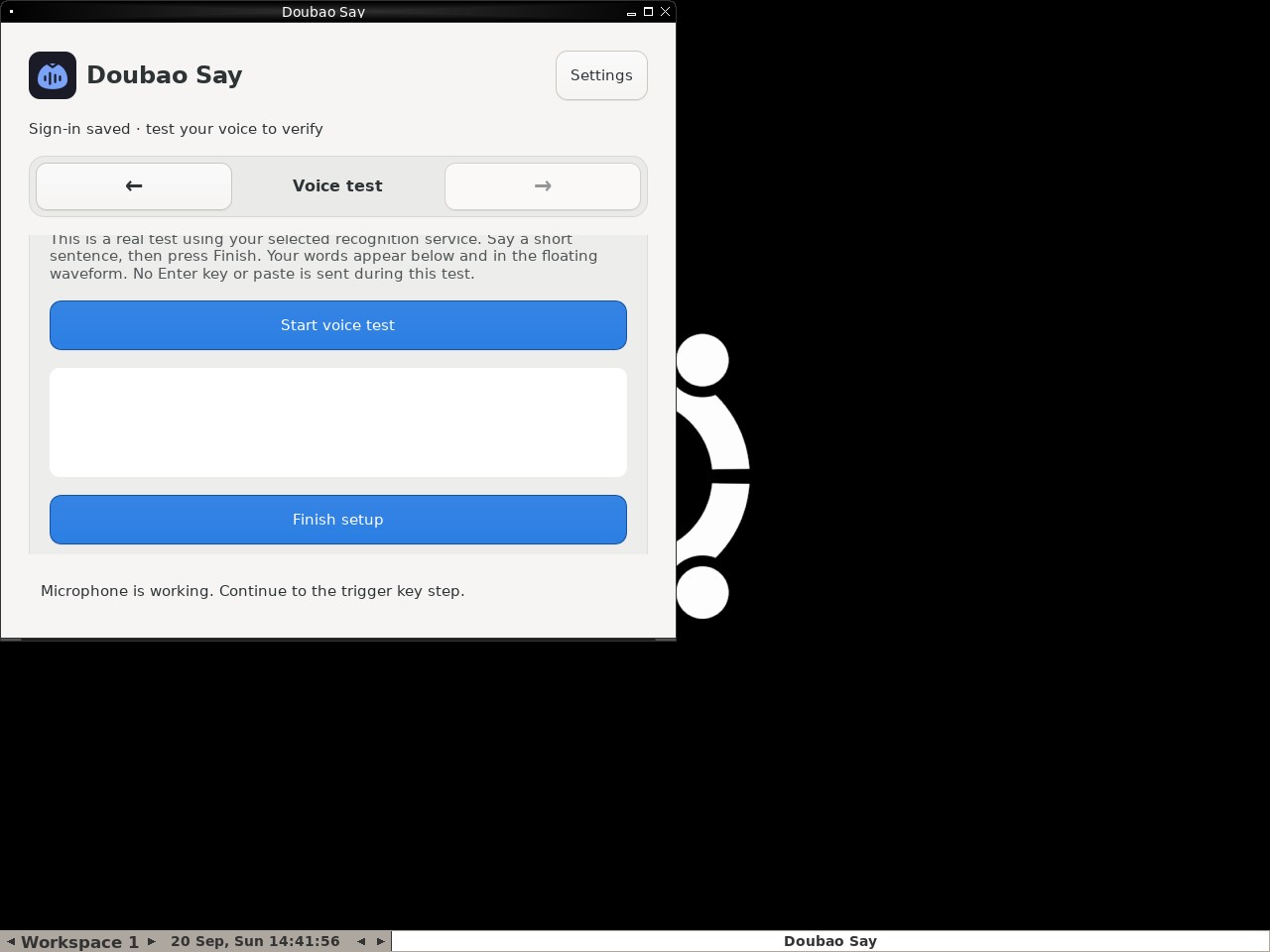 |
AI: The screenshot shows the "Doubao Say" application interface. At the bottom of the main content area, there is a blue button labeled "Finish setup". The button has a solid blue background and white text, indicating it is in an active, enabled state (disabled buttons are typically grayed out or have reduced opacity). Therefore, the statement that the Finish setup button is visibly enabled is true. |
| ✅ Passed | Cancel synthetic dictation without delivering text | 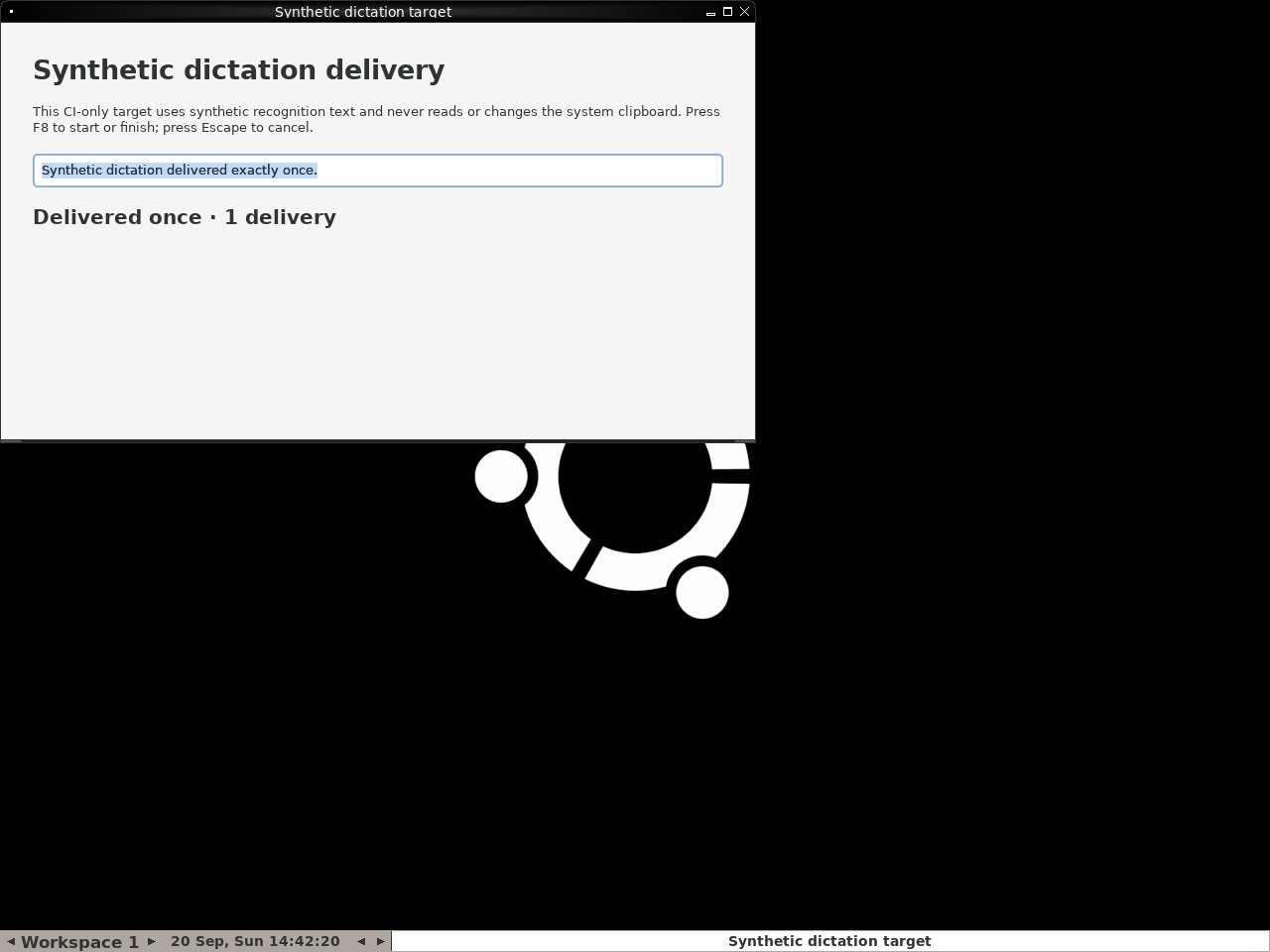 |
AI: The screenshot shows a window titled "Synthetic dictation delivery". Inside, there is a text box containing the sentence "Synthetic dictation delivered exactly once." which appears to be the result of the dictation. Below the text box, there is a status line that reads "Delivered once · 1 delivery". This confirms that a synthetic sentence was delivered and the count is exactly one. |
Polishing overlay report
1/1 cases passed
| Result | Case | Node screenshot | AI response / error |
|---|---|---|---|
| ✅ Passed | Polishing status stays separate from synthetic transcript | 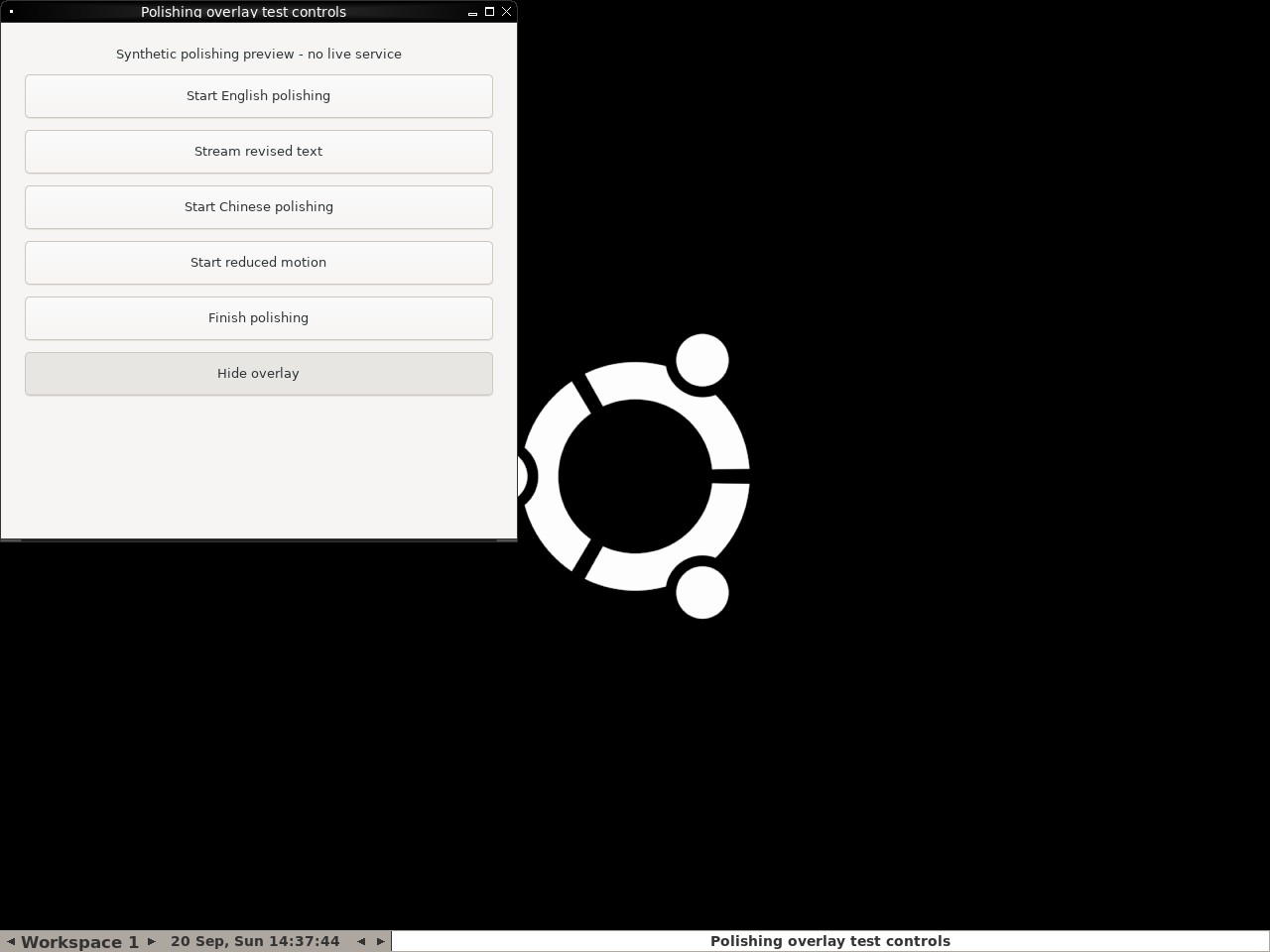 |
AI: The screenshot shows the "Polishing overlay test controls" window clearly visible in the top-left corner. The background is a solid black screen featuring the Ubuntu logo, with no dark transcript overlay text or content visible. Therefore, the statement that the dark transcript overlay is gone and the test controls window remains visible is accurate. |