Doubao Say
5/10 cases passed
| Result | Case | Duration | Node screenshot | AI response / error |
|---|---|---|---|---|
| ✅ Passed | Cancel sign-in and retry | 1m06s | 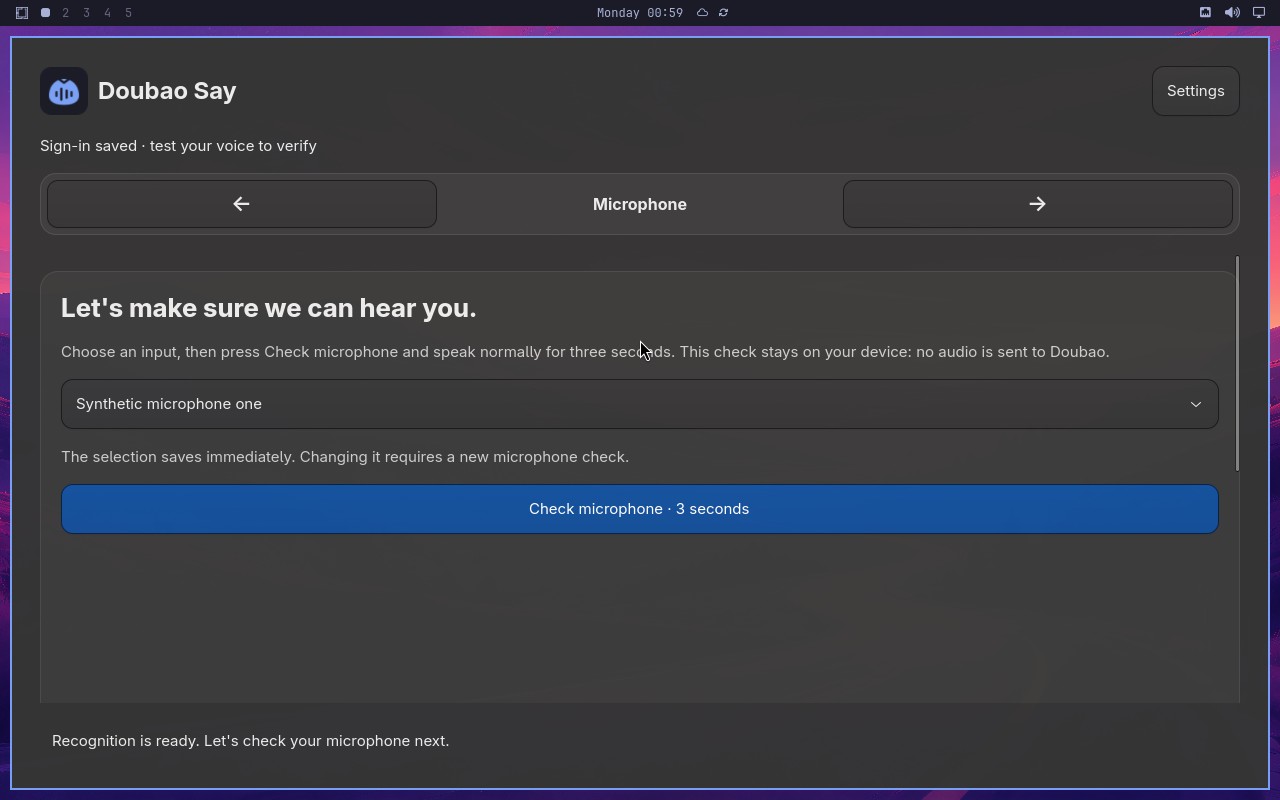 |
AI: The screenshot shows the "Doubao Say" application on the "Microphone" step. The header displays "Microphone" with navigation arrows, and the main content shows "Let's make sure we can hear you." with a microphone input selector and a "Check microphone · 3 seconds" button. The text "Sign-in saved · test your voice to verify" indicates the sign-in was completed and the app advanced to the microphone verification step. No sign-in window is visible. |
| ✅ Passed | Recover from an endpoint failure | 3m01s | 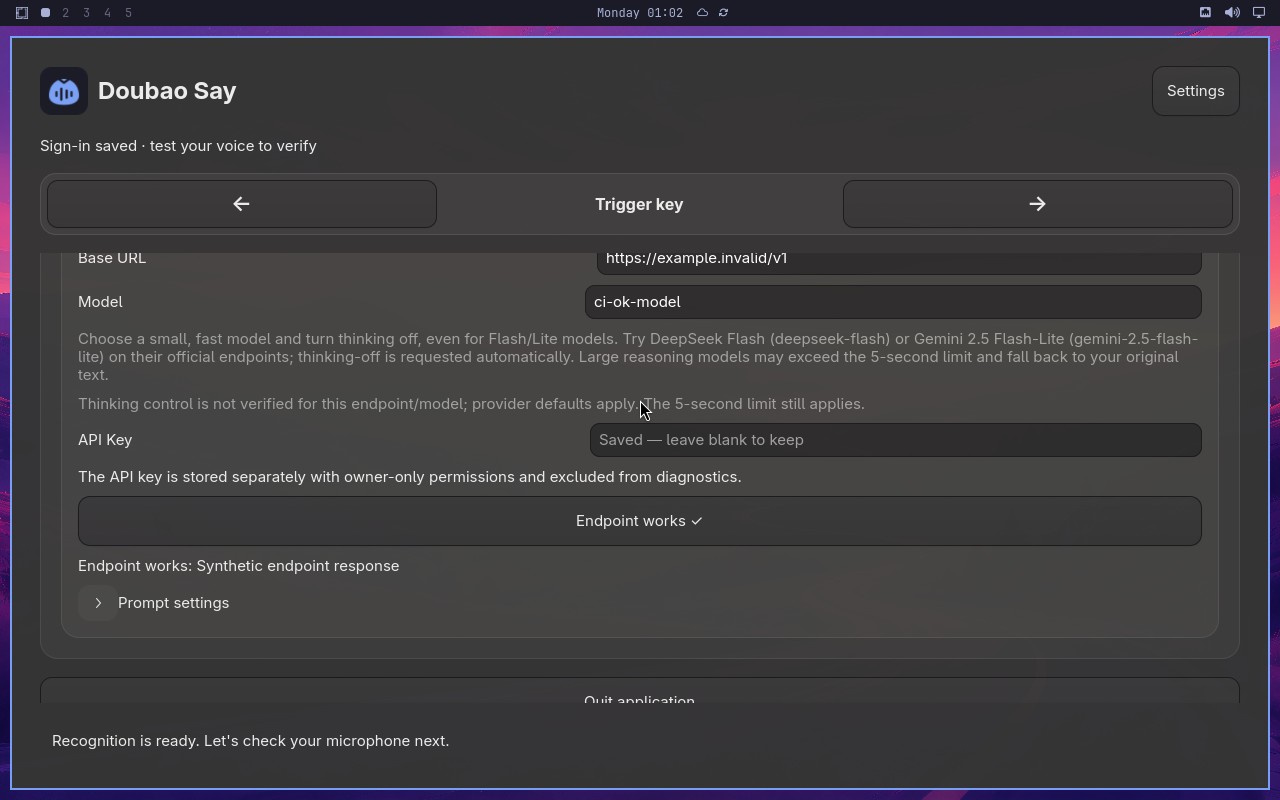 |
AI: The screenshot shows the Doubao Say settings page. The endpoint result text reads "Endpoint works: Synthetic endpoint response". The button below it is enabled and labeled "Endpoint works" with a checkmark. No "Synthetic endpoint unavailable" error is visible anywhere on the page. |
| ❌ Failed | Changing microphone requires another check | 7m23s | 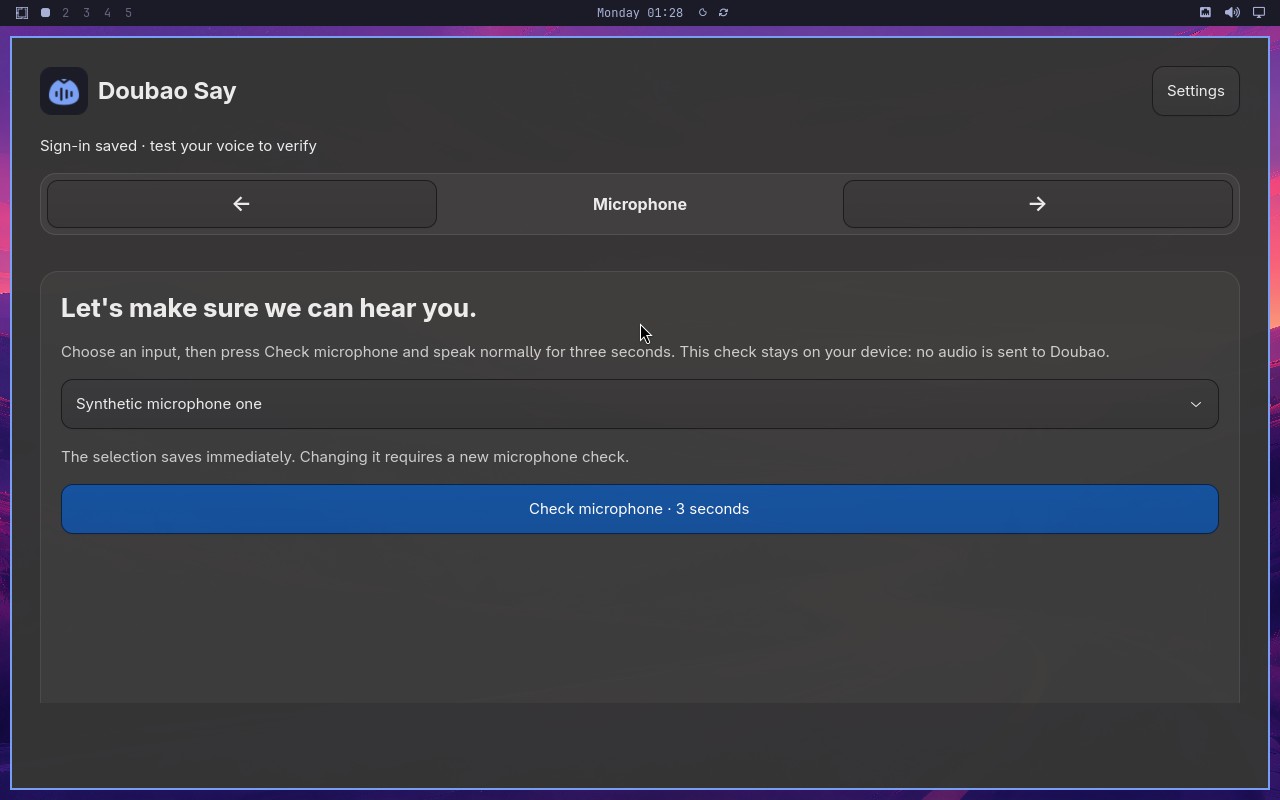 |
Error: Node "aiAct" failed: Replanned 40 times, exceeding the limit. Please configure a larger value for replanningCycleLimit (or use MIDSCENE_REPLANNING_CYCLE_LIMIT) to handle more complex tasks. |
| ❌ Failed | Capture and retain a custom trigger shortcut | 16s | 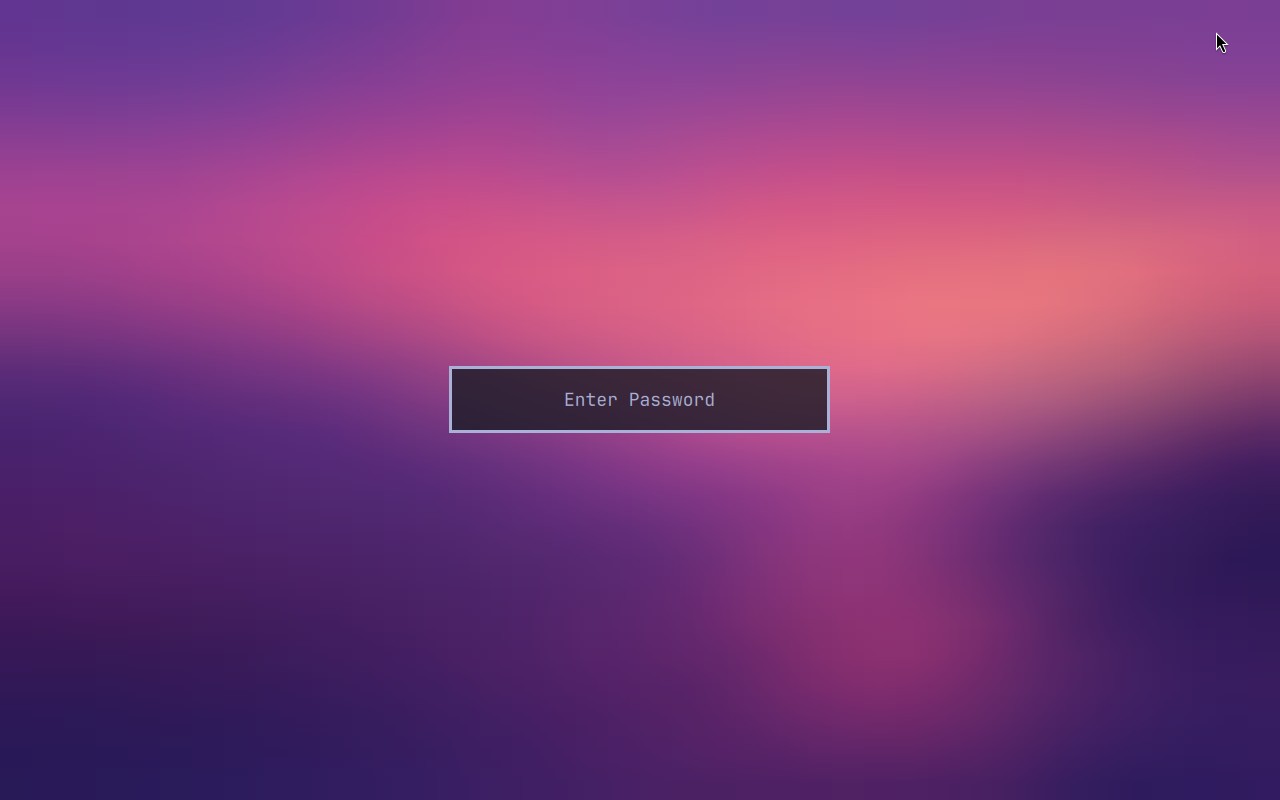 |
Error: Node "aiAssert" failed: Node "aiAssert" failed: Assertion failed: The Trigger key page shows Active trigger fn and a trigger selection dropdown. Reason: The screenshot shows a full-screen gradient background (purple to pink) with a single centered input field labeled "Enter Password". There is no visible "Active trigger fn" text, no trigger selection dropdown, and no Trigger key page elements present. The statement is therefore false. |
| ❌ Failed | Complete Doubao Say onboarding on a real desktop | 8s | 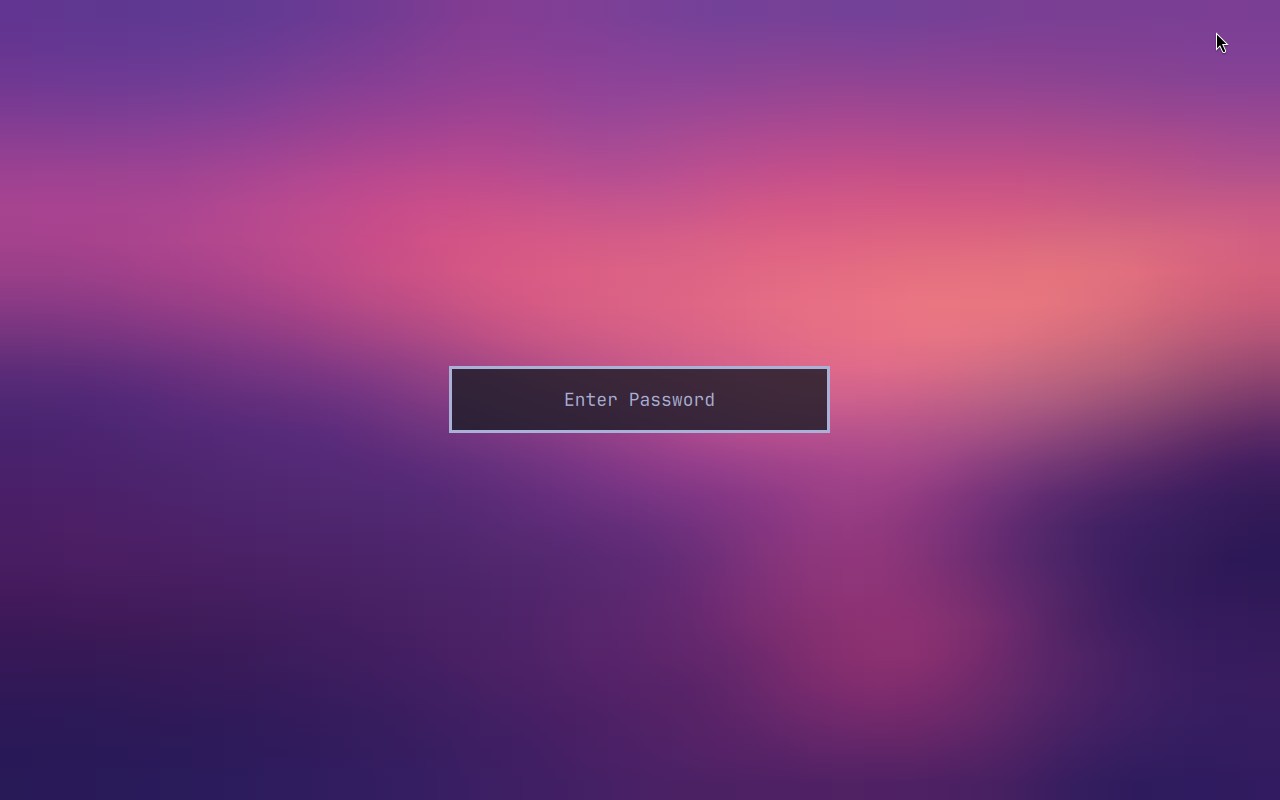 |
Error: Node "aiAssert" failed: Node "aiAssert" failed: Assertion failed: The visible Doubao Say window is on Sign in and says the user is not signed in. Reason: The screenshot shows a full-screen gradient background (purple to pink) with a single centered input field labeled "Enter Password". There is no Doubao Say window, no sign-in interface, and no text indicating the user is not signed in. The statement is therefore false. |
| ❌ Failed | omarchy-shard-3 CI shard |  |
Error: omarchy-shard-3 stopped during Midscene test execution (failure) before Midscene produced a native report. | |
| ✅ Passed | Preserve signed-in account across backward navigation | 2m52s | 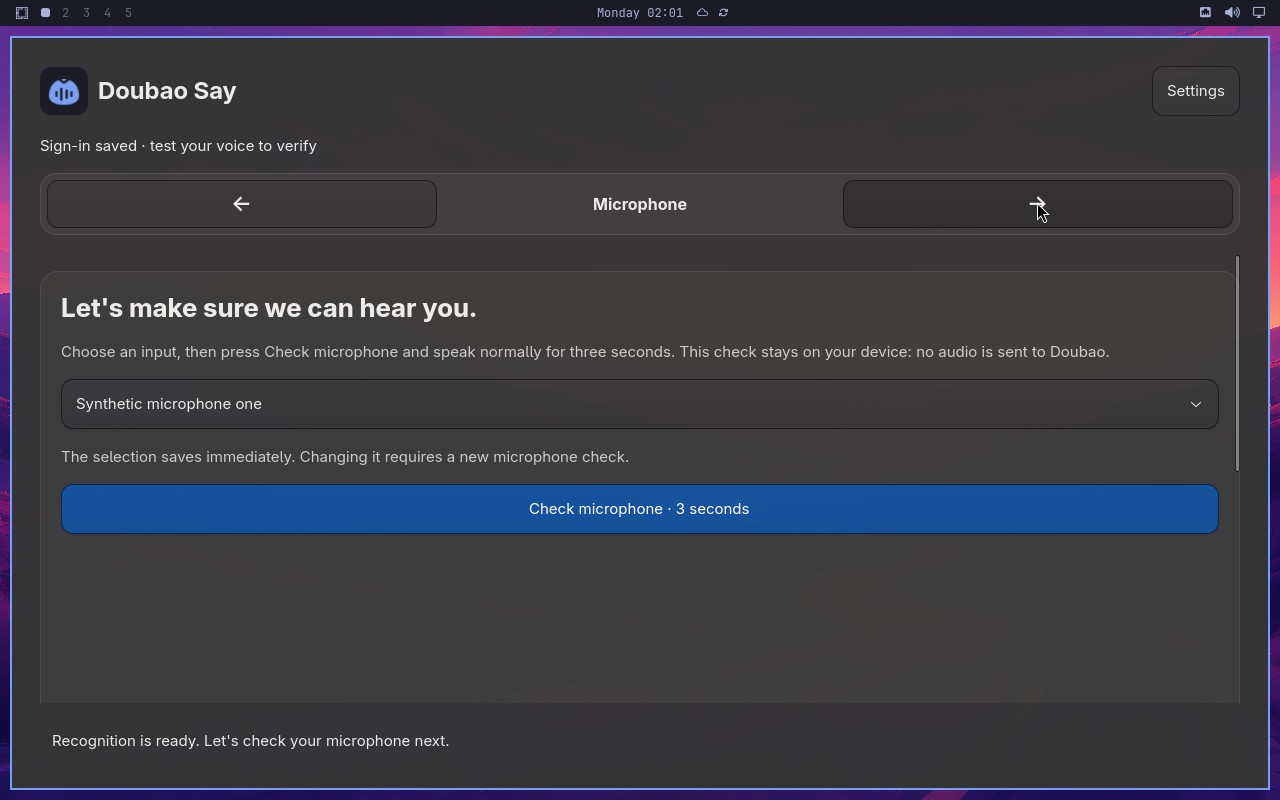 |
AI: The screenshot shows the Doubao Say setup page with the "Microphone" step active. The main heading reads "Let's make sure we can hear you." There is no synthetic sign-in window open; the page displays a microphone input selector and a "Check microphone · 3 seconds" button. |
| ✅ Passed | Require an enabled trigger and retain the replacement | 7m35s | 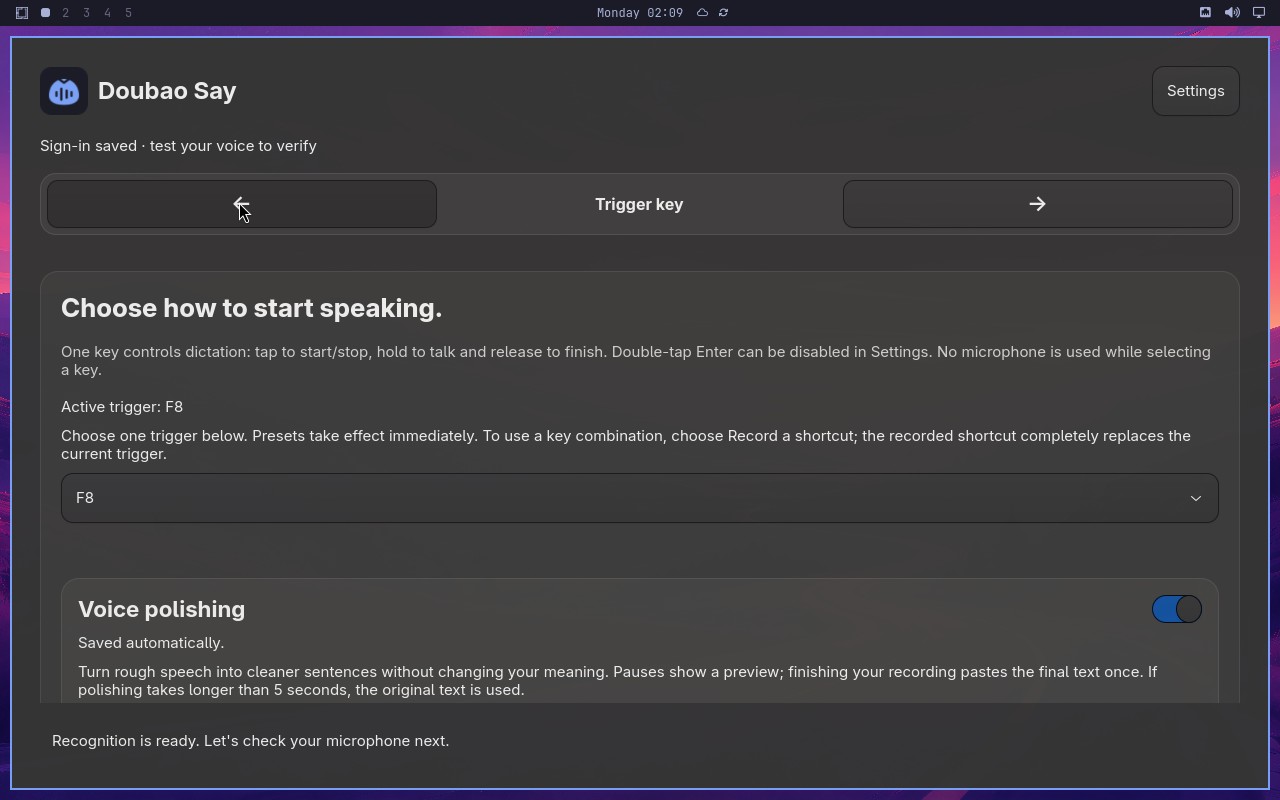 |
AI: The screenshot shows the "Choose how to start speaking." section. It displays "Active trigger: F8" and the trigger dropdown below shows "F8" selected. Therefore the statement is true. |
| ❌ Failed | Microphone check gates setup completion | 1m59s | 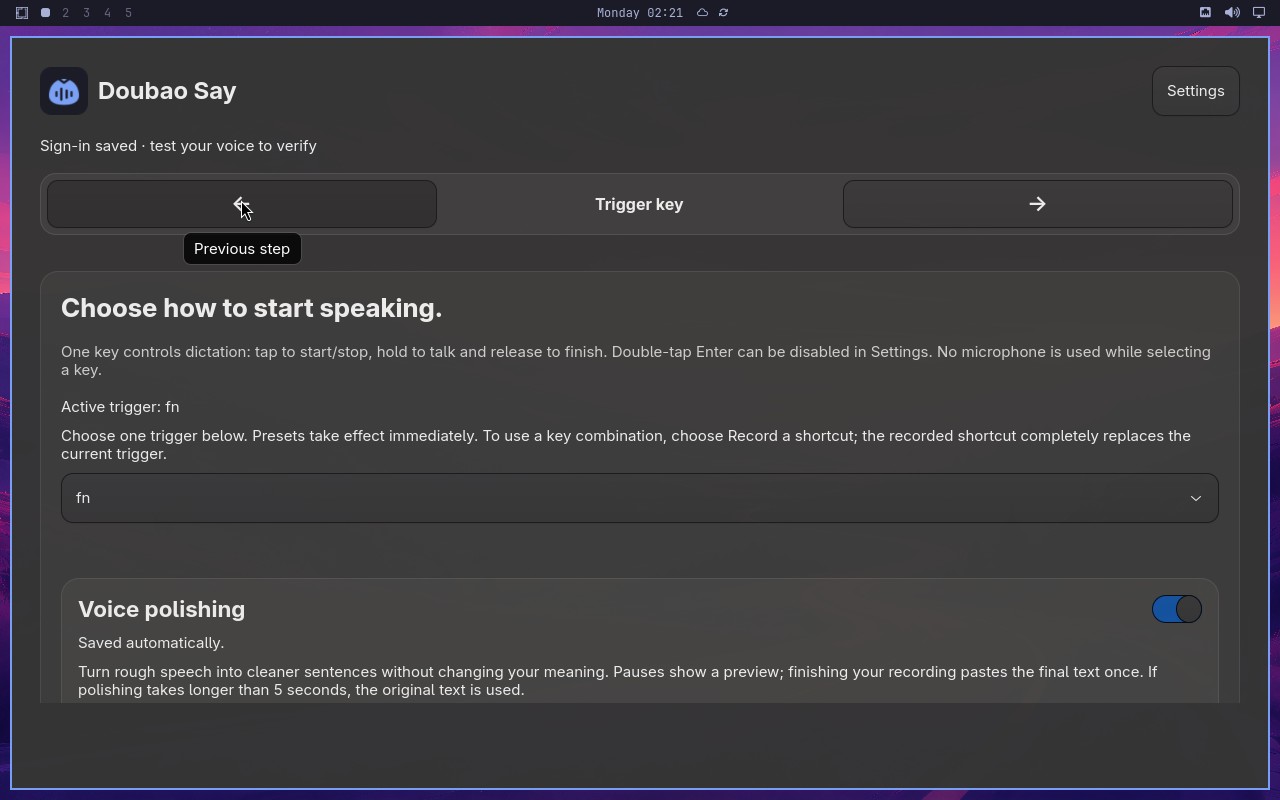 |
Error: Node "aiAssert" failed: Node "aiAssert" failed: Assertion failed: A visible message says Microphone is working and instructs the user to continue to the trigger key step. Reason: The screenshot shows the "Doubao Say" onboarding page. The visible message reads "Sign-in saved · test your voice to verify", and the main heading is "Choose how to start speaking." There is no message stating "Microphone is working" nor any instruction to continue to the trigger key step. The page is already on the trigger key selection step, but the specific statement's message is not present. |
| ✅ Passed | Cancel synthetic dictation without delivering text | 39s | 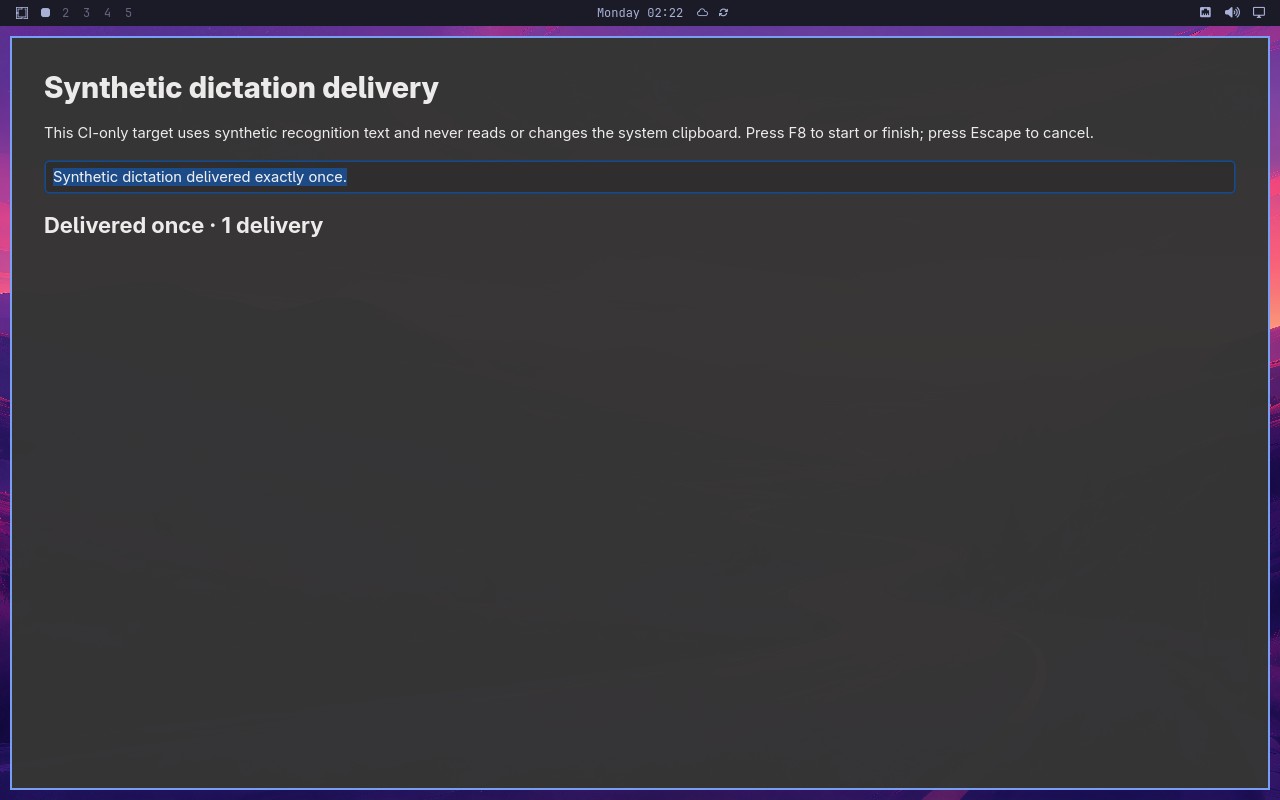 |
AI: The screenshot shows a page titled "Synthetic dictation delivery". A text box displays "Synthetic dictation delivered exactly once." Below it, the status line reads "Delivered once · 1 delivery", indicating exactly one delivered synthetic sentence and a status reporting 1 delivery. |
Omarchy visual checks
1/1 cases passed
| Result | Case | Duration | Node screenshot | AI response / error |
|---|---|---|---|---|
| ✅ Passed | System menu text and focused row are visible | 36s |  |
AI: The screenshot shows a desktop wallpaper with a vertical bar docked along the left edge. This bar contains workspace numbers (2, 3, 4, 5), a date/time indicator (02, 28), and system icons (network, volume, power). It is clearly a tall vertical bar on the left, not a horizontal bar at the top or bottom. |