Doubao Say
2/7 cases passed
| Result | Case | Duration | Node screenshot | AI response / error |
|---|---|---|---|---|
| ✅ Passed | Cancel sign-in and retry | 7m20s | 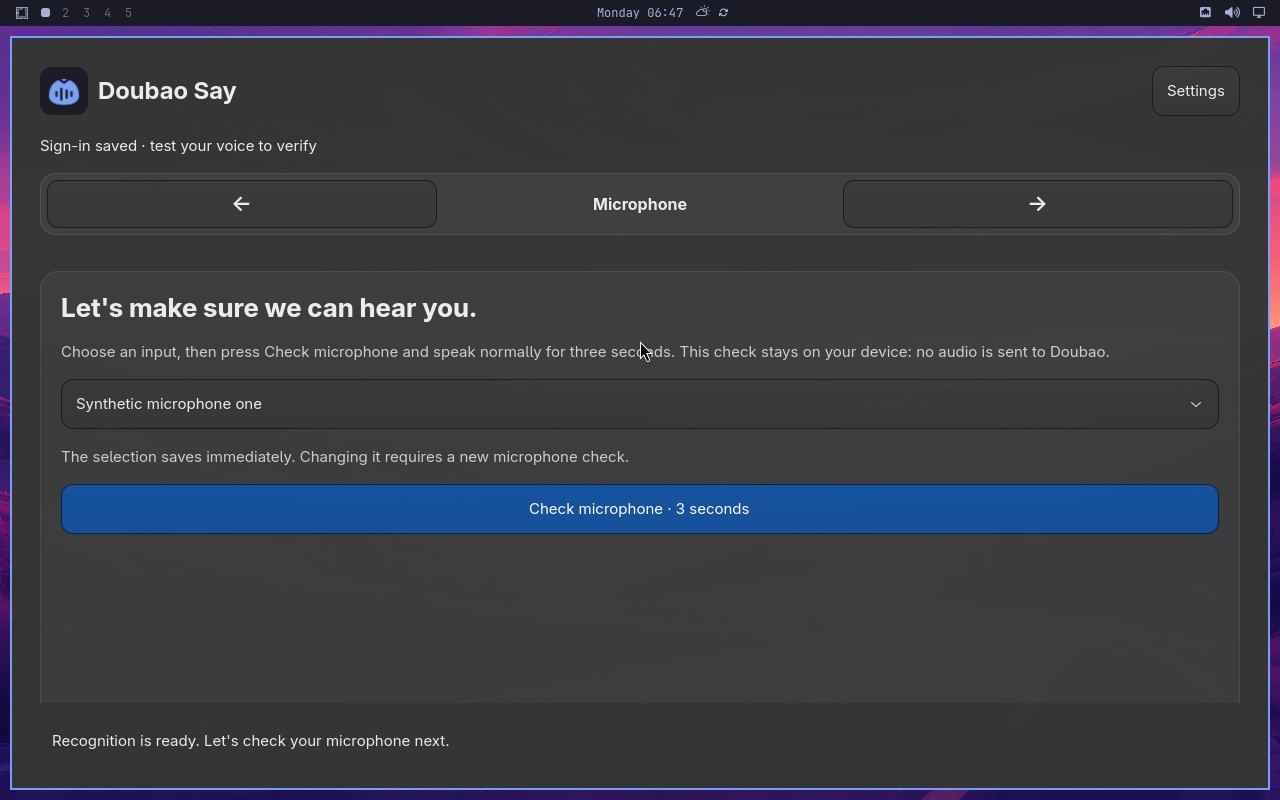 |
AI: The screenshot shows the "Doubao Say" app with the header "Microphone" highlighted in the step navigation. The main panel displays "Let's make sure we can hear you." with a microphone input selector and a "Check microphone · 3 seconds" button. No synthetic sign-in window is visible on screen. |
| ❌ Failed | Recover from an endpoint failure | 11m01s | 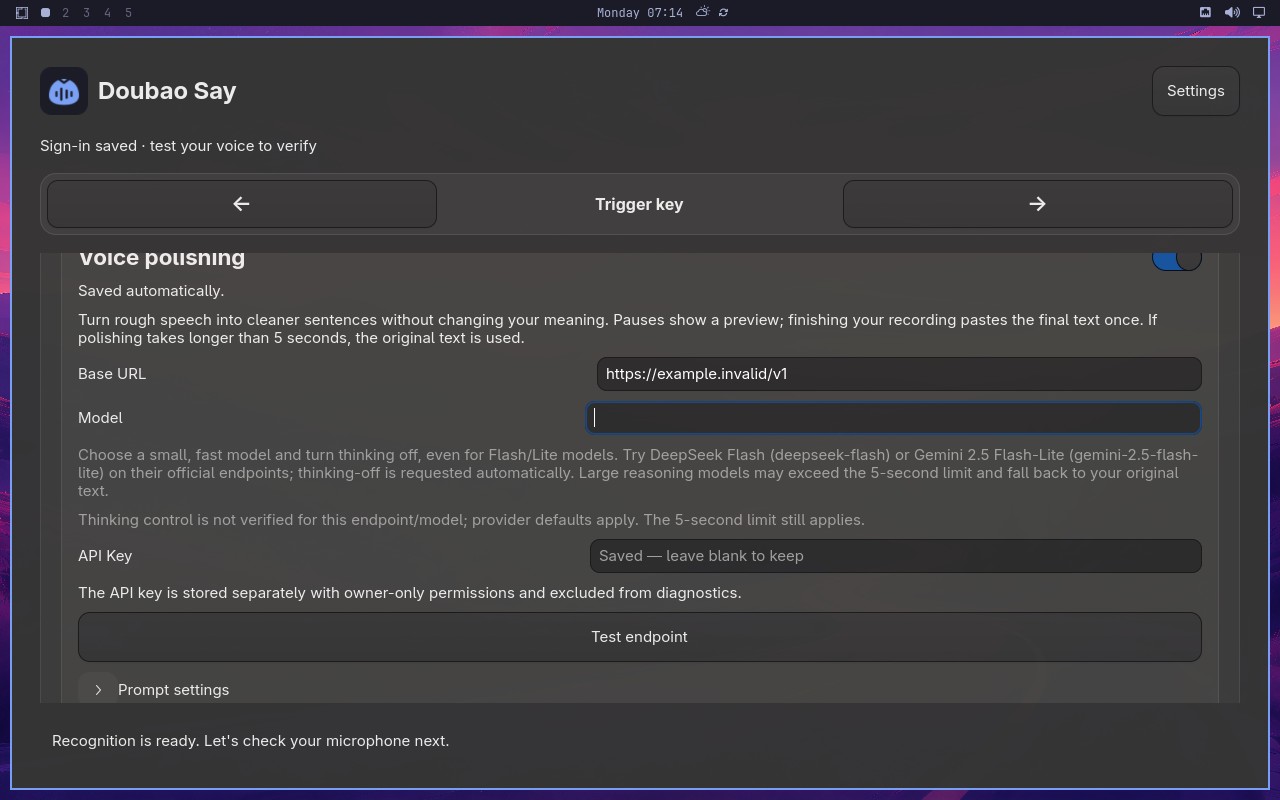 |
Error: Node "aiAct" timed out after 480000ms. |
| ✅ Passed | Changing microphone requires another check | 12m24s | 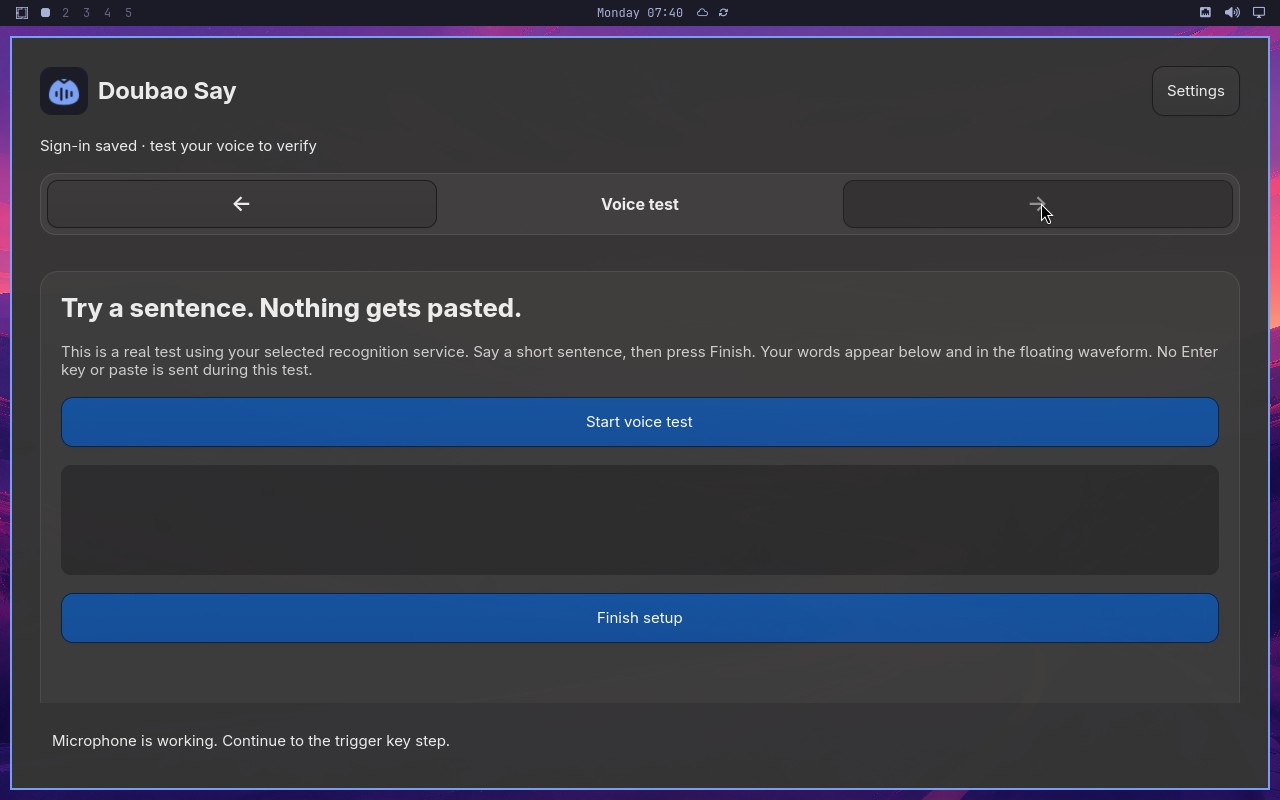 |
AI: The screenshot shows a "Voice test" setup page for "Doubao Say". At the bottom of the main card, there is a "Finish setup" button rendered in a solid blue color, which indicates it is in an enabled/active state (as opposed to a grayed-out disabled state). |
| ❌ Failed | Capture and retain a custom trigger shortcut | 1m05s | 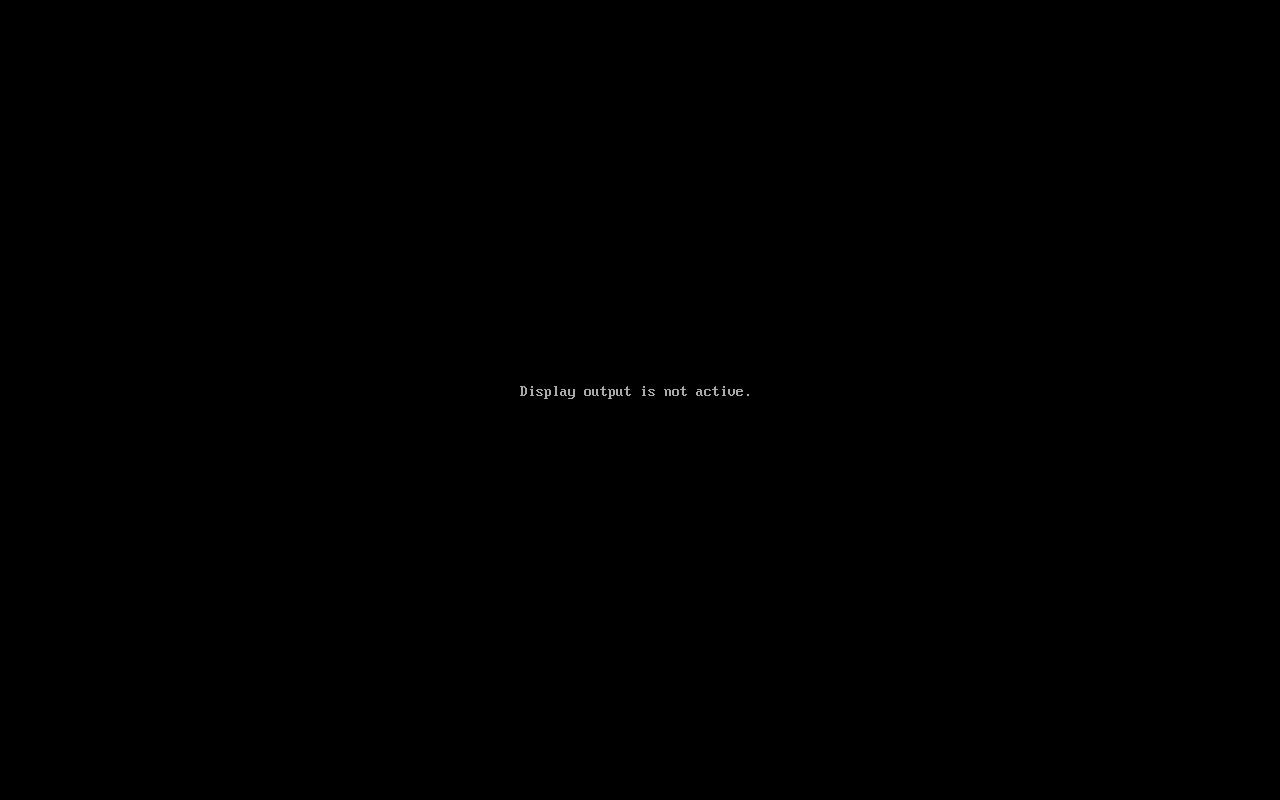 |
Error: Node "aiAct" failed: Task failed: Unable to complete the task: the VNC display output is not active ("Display output is not active." shown on a black screen). The Doubao Say onboarding window is not visible or accessible, so the right-arrow Next button to open Trigger key cannot be clicked. This appears to be an environmental/display issue that cannot be resolved through UI interaction. |
| ❌ Failed | Complete Doubao Say onboarding on a real desktop | 11s | 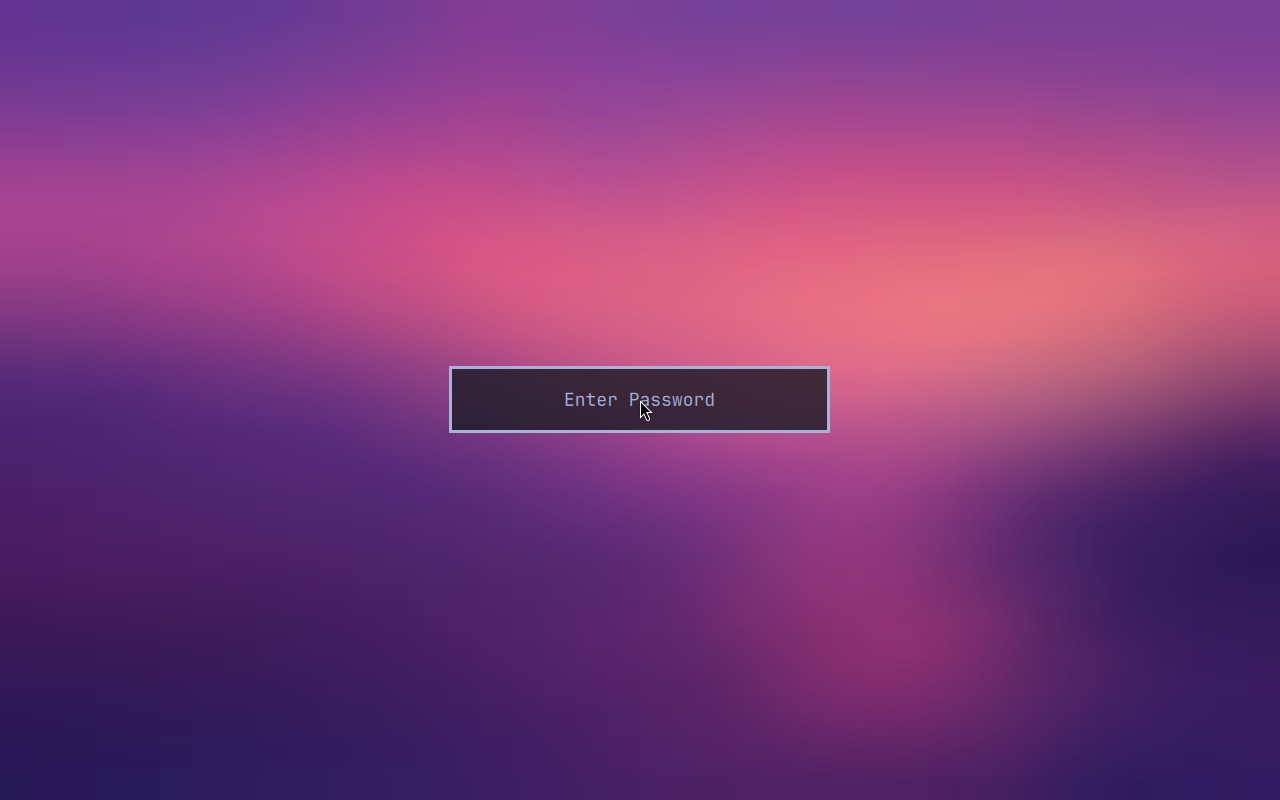 |
Error: Node "aiAssert" failed: Node "aiAssert" failed: Assertion failed: The visible Doubao Say window is on Sign in and says the user is not signed in. Reason: The screenshot shows a full-screen gradient background (purple to pink) with a single centered input field displaying the placeholder text "Enter Password". There is no Doubao Say window, no sign-in interface, and no text indicating the user is not signed in. The statement's conditions are not met. |
| ❌ Failed | omarchy-shard-3 CI shard |  |
Error: omarchy-shard-3 did not produce a native Midscene report. Open the Actions run for the failing setup or test step. | |
| ❌ Failed | omarchy-shard-4 CI shard |  |
Error: omarchy-shard-4 did not produce a native Midscene report. Open the Actions run for the failing setup or test step. |
Omarchy visual checks
1/1 cases passed
| Result | Case | Duration | Node screenshot | AI response / error |
|---|---|---|---|---|
| ✅ Passed | System menu text and focused row are visible | 48s | 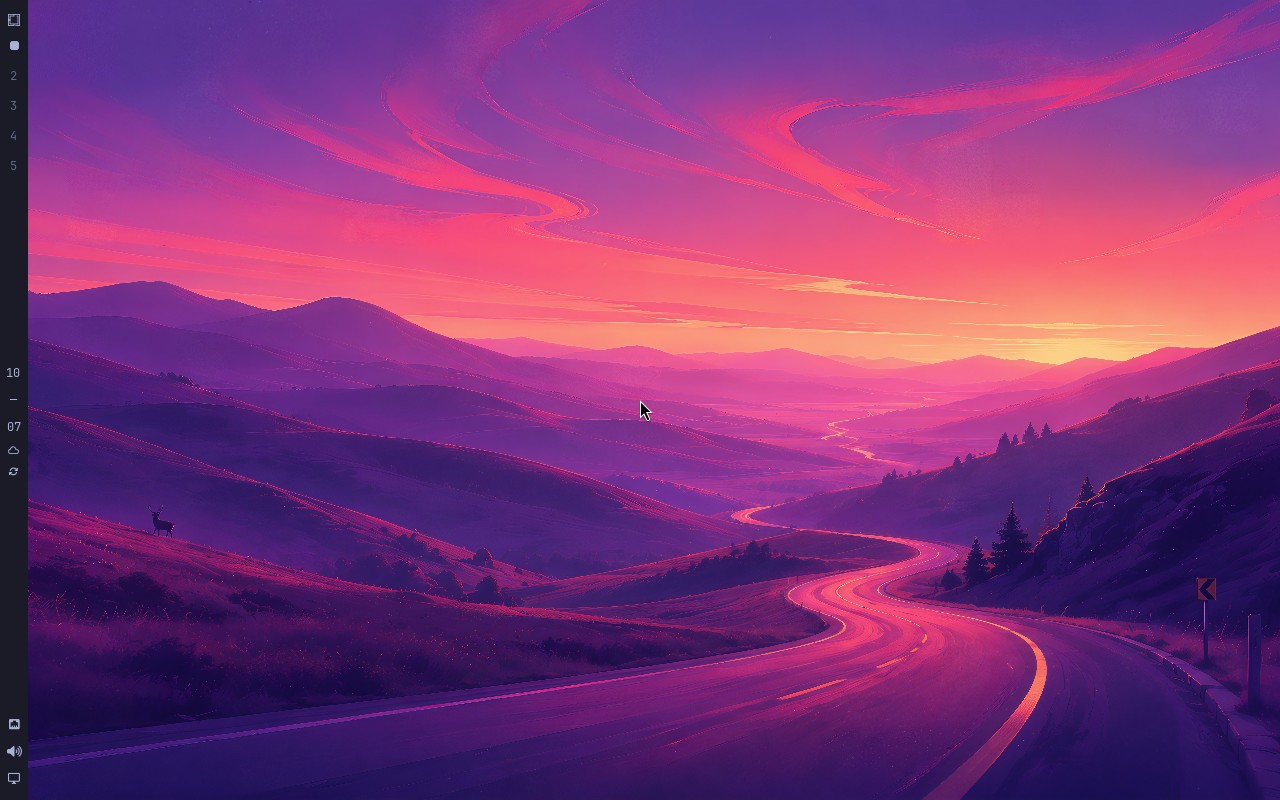 |
AI: The screenshot shows a vertical bar docked to the left edge of the desktop, containing workspace numbers (2, 3, 4, 5, 10), a clock (07), and system icons. It is clearly a tall vertical bar on the left, not a horizontal bar across the top or bottom. |