Doubao Say
1/13 cases passed
| Result | Case | Duration | Node screenshot | AI response / error |
|---|---|---|---|---|
| ✅ Passed | Cancel sign-in and retry | 5m12s | 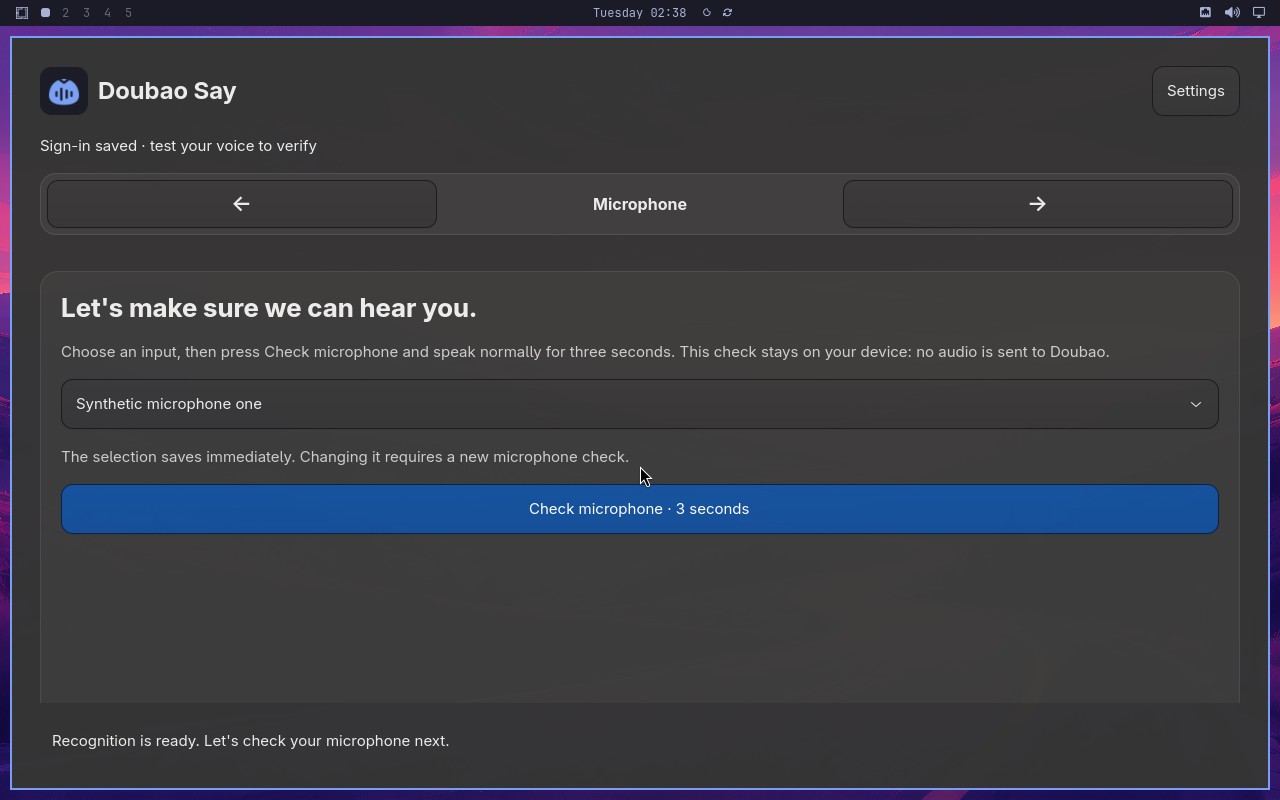 |
AI: The screenshot shows the "Doubao Say" app on the "Microphone" step, indicated by the highlighted "Microphone" tab and the heading "Let's make sure we can hear you." No synthetic sign-in window is visible; the page shows microphone selection and a "Check microphone" button. |
| ❌ Failed | Complete Doubao Say onboarding on a real desktop | 5m11s | 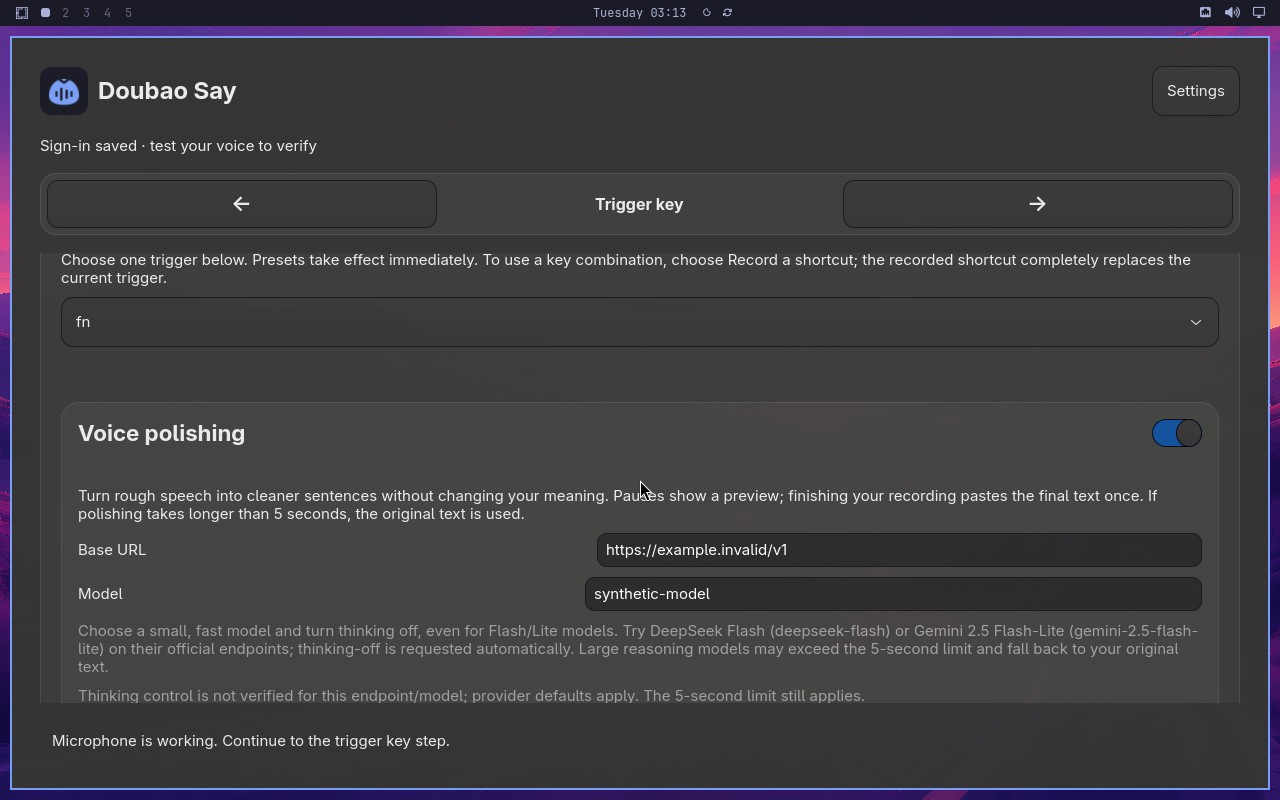 |
Error: Node "aiWaitFor" failed: waitFor timeout: The screenshot shows the "Doubao Say" settings window with the "Trigger key" page active (title "Trigger key" and trigger key selector showing "fn"). The "Voice polishing" section is visible with its toggle on, Base URL, Model fields, and guidance text. However, the guidance text at the bottom ("Thinking control is not verified...") appears partially cut off/faded at the bottom edge, and the page is scrolled such that the full model guidance may not be completely readable. The statement requires both the Trigger key page visible AND the complete Voice polishing model guidance readable. The guidance text is partially obscured/faded, so it is not completely readable. |
| ❌ Failed | Recover from an endpoint failure | 5m42s | 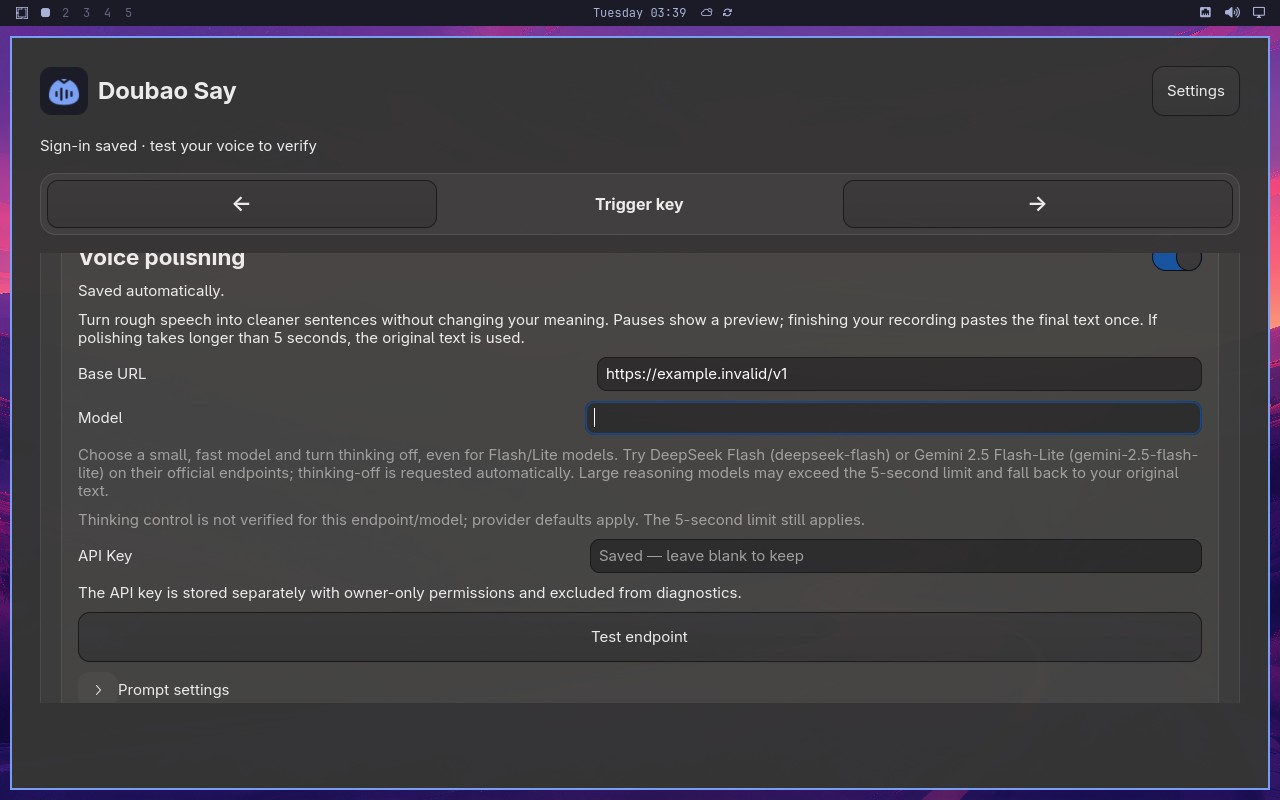 |
Error: Node "aiAct" failed: Replanned 40 times, exceeding the limit. Please configure a larger value for replanningCycleLimit (or use MIDSCENE_REPLANNING_CYCLE_LIMIT) to handle more complex tasks. |
| ❌ Failed | Changing microphone requires another check | 51s | 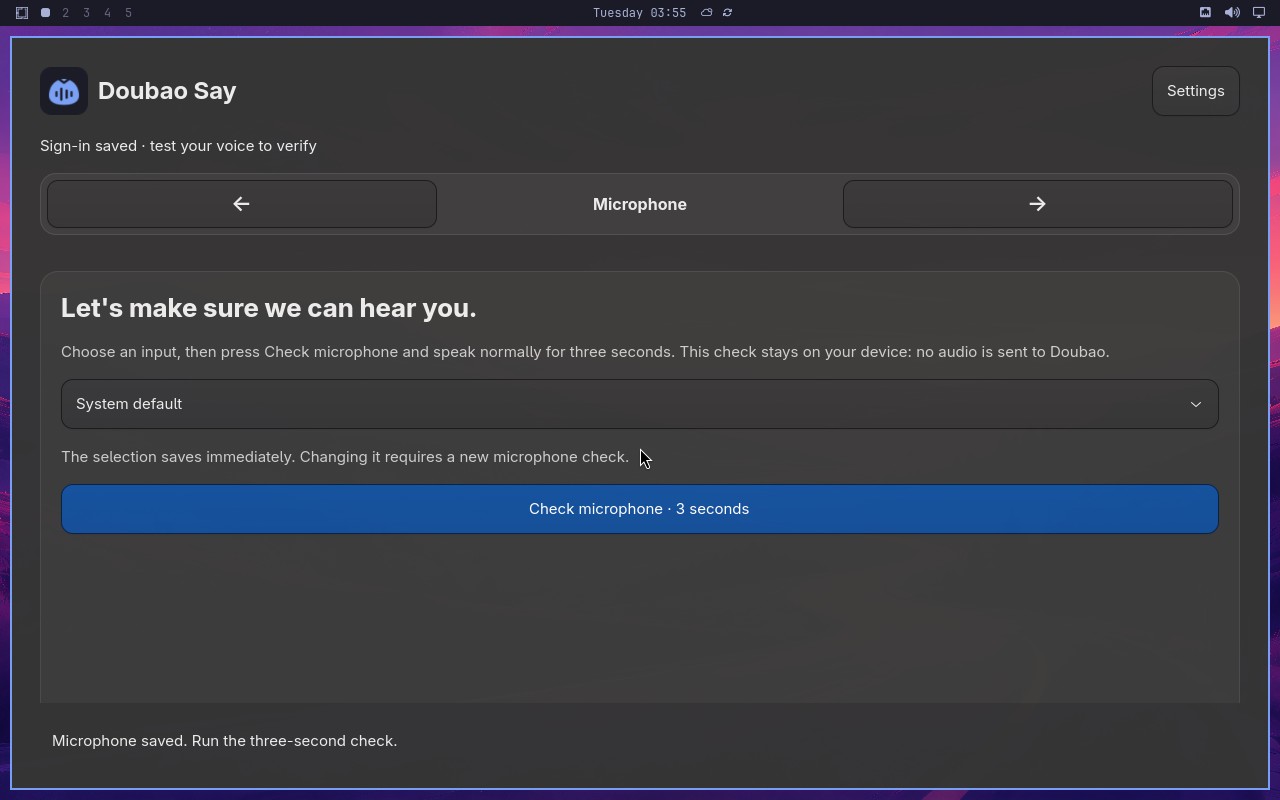 |
Error: Node "aiAssert" failed: Node "aiAssert" failed: Assertion failed: Synthetic microphone two is selected and a new microphone check is required. Reason: The screenshot shows the "Doubao Say" microphone settings page. The microphone input dropdown displays "System default", not "Synthetic microphone two". The text below states "The selection saves immediately. Changing it requires a new microphone check." Since the selected input is "System default" rather than "Synthetic microphone two", the statement is false. |
| ❌ Failed | Capture and retain a custom trigger shortcut | 4m44s | 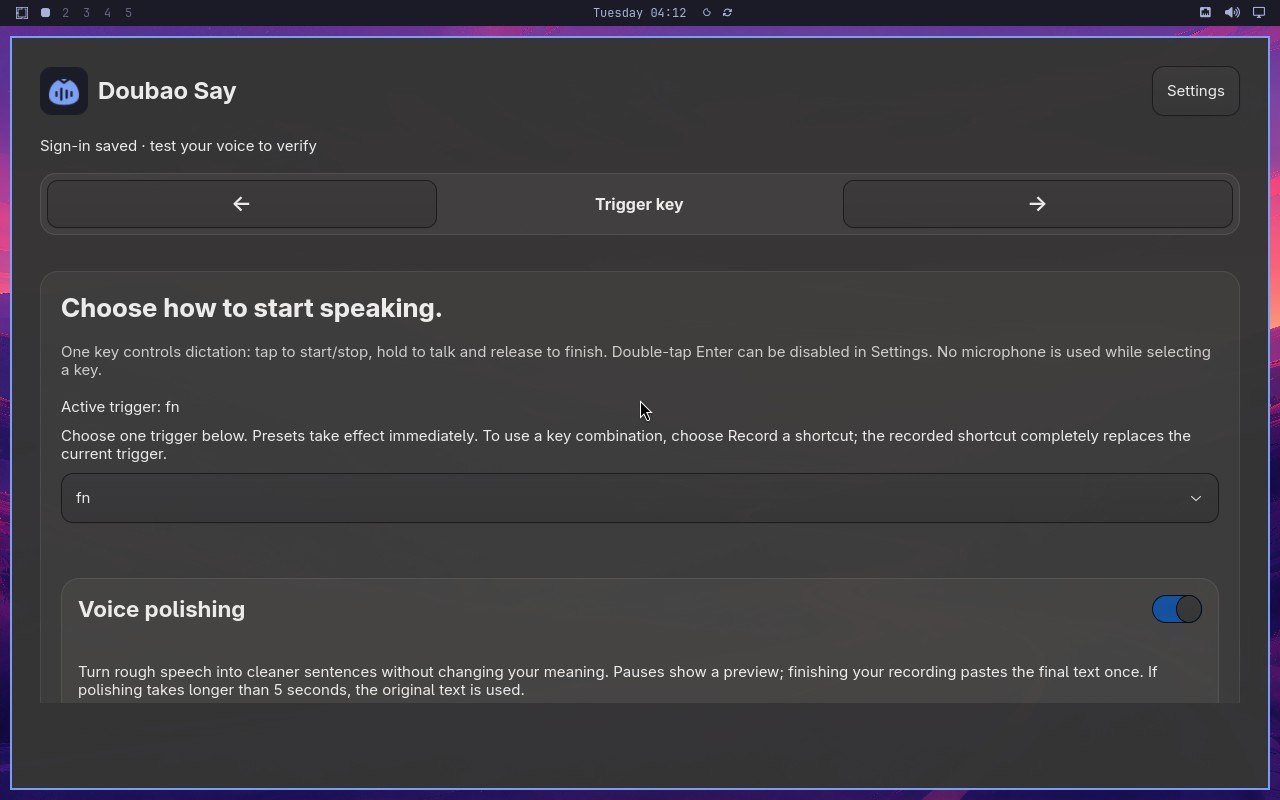 |
Error: Node "aiAct" failed: Replanned 40 times, exceeding the limit. Please configure a larger value for replanningCycleLimit (or use MIDSCENE_REPLANNING_CYCLE_LIMIT) to handle more complex tasks. |
| ❌ Failed | Toggle polishing without losing configuration | 8m01s | Not available | Error: Node "aiAct" timed out after 480000ms. |
| ❌ Failed | Complete and cancel a voice test safely | 3s | Not available | Error: Node "aiAct" failed: Cannot read properties of undefined (reading '_prepareForTestRunner') |
| ❌ Failed | Switch to Volcengine and validate credentials | 7m53s | 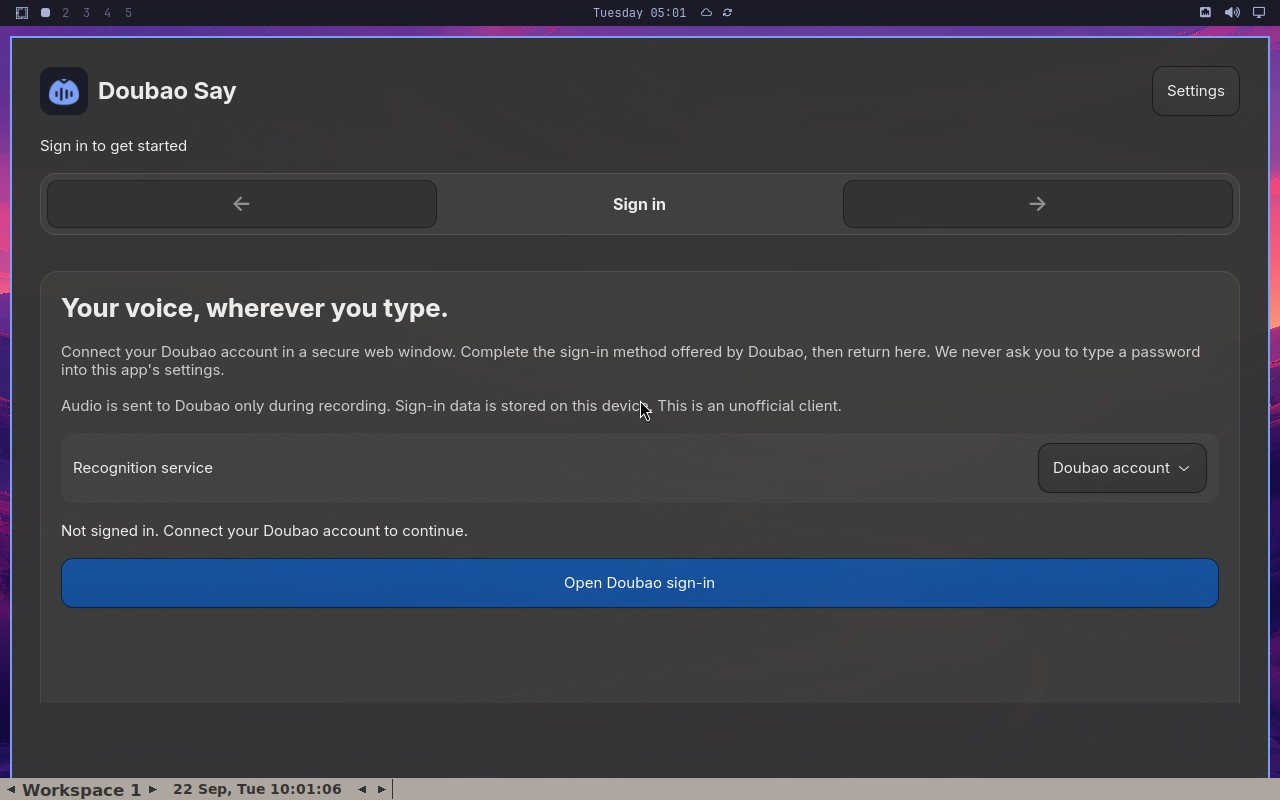 |
Error: Node "aiAct" failed: Replanned 40 times, exceeding the limit. Please configure a larger value for replanningCycleLimit (or use MIDSCENE_REPLANNING_CYCLE_LIMIT) to handle more complex tasks. |
| ❌ Failed | Preserve signed-in account across backward navigation | 4m21s | 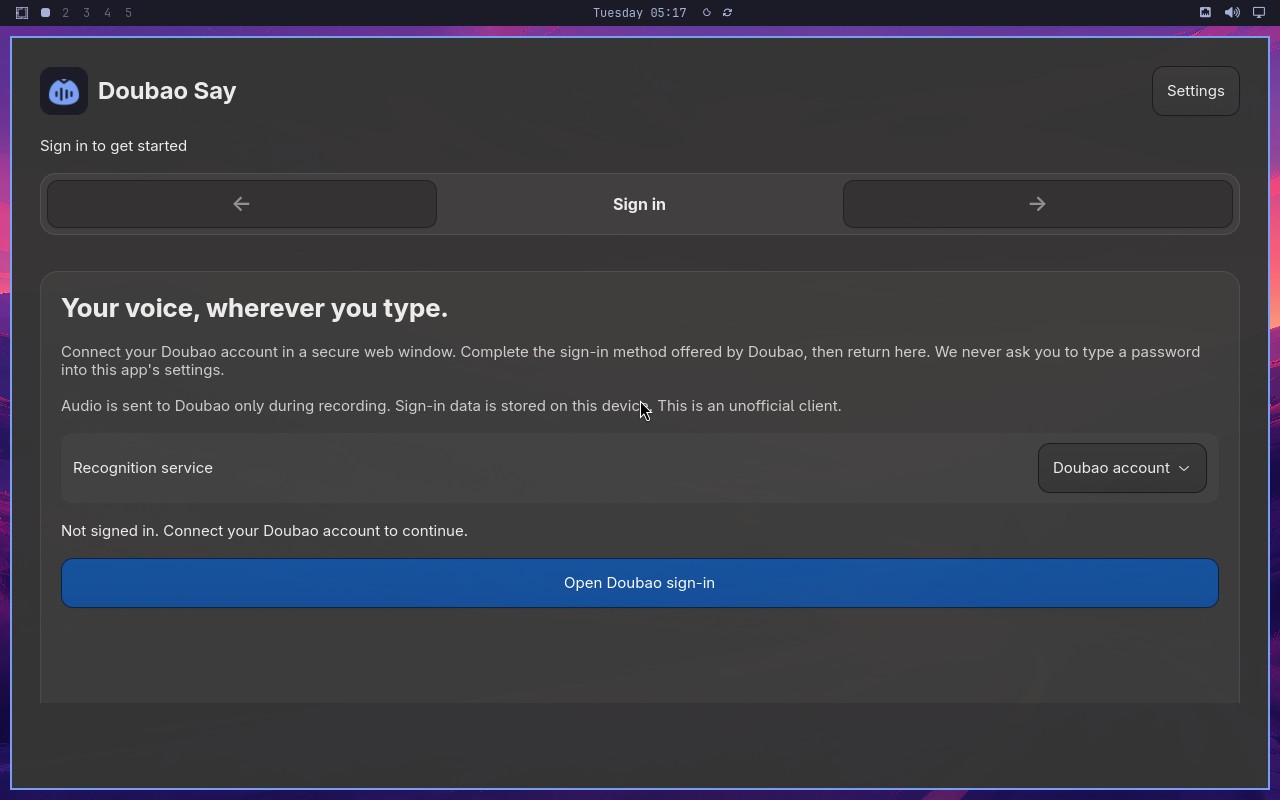 |
Error: Node "aiAct" failed: Replanned 40 times, exceeding the limit. Please configure a larger value for replanningCycleLimit (or use MIDSCENE_REPLANNING_CYCLE_LIMIT) to handle more complex tasks. |
| ❌ Failed | Require an enabled trigger and retain the replacement | 50s | 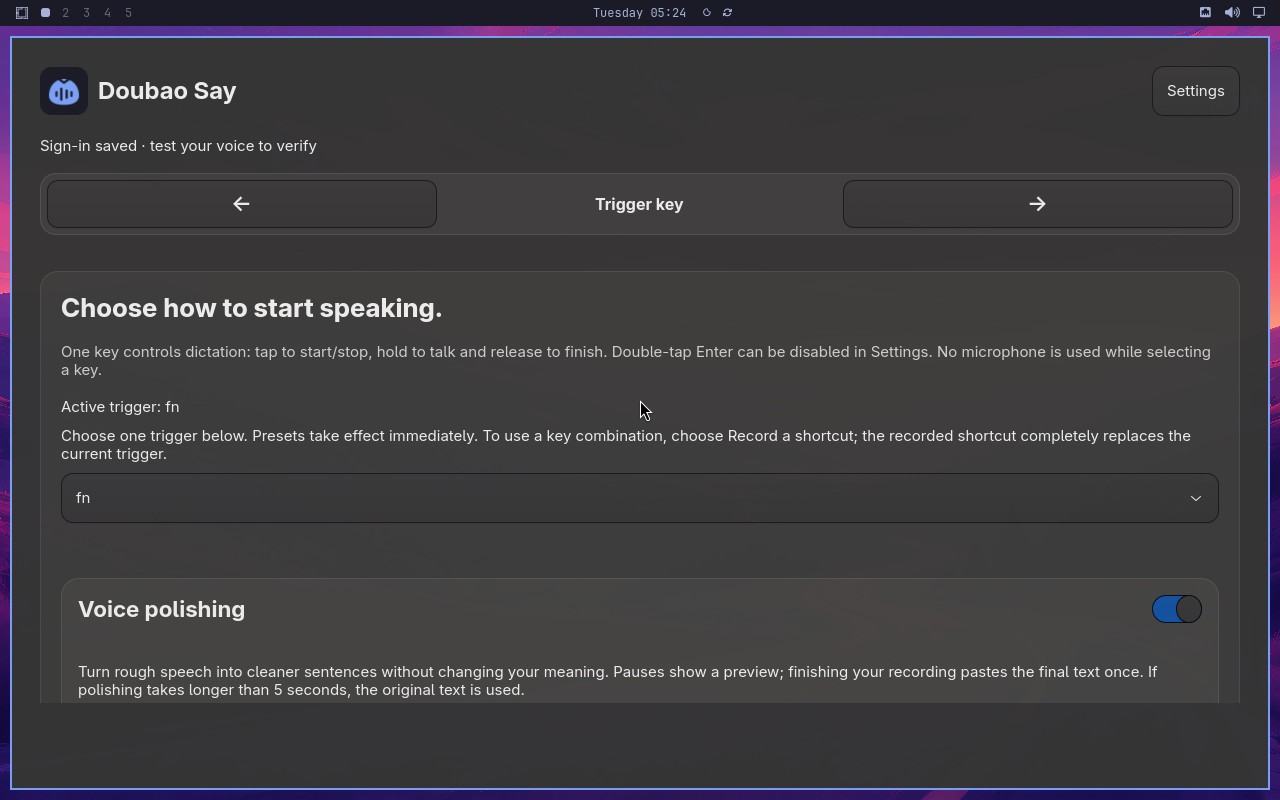 |
Error: Node "aiAssert" failed: Node "aiAssert" failed: Assertion failed: Active trigger says Disabled and Voice polishing has not changed. Reason: The screenshot shows a settings or configuration panel with several sections. I can see a section labeled "Active trigger" with a toggle or dropdown that appears to be set to "Disabled". Below that, there is a section labeled "Voice polishing" with a toggle switch. The toggle for "Voice polishing" appears to be in the "On" position (the switch is highlighted/colored, indicating it is enabled). Since the statement claims "Voice polishing has not changed," but the screenshot shows it is currently On, this does not match the condition of "has not changed" if it was previously off. However, without a reference to a previous state, the statement "Voice polishing has not changed" cannot be confirmed as true based solely on the current screenshot. The "Active trigger" is clearly set to "Disabled", which matches the first part of the statement. But the second part about "Voice polishing has not changed" is not verifiable from the current state alone; the toggle is On, which suggests it may have been changed. Therefore, the overall statement is not truthy. |
| ❌ Failed | Microphone check gates setup completion | 5m21s | 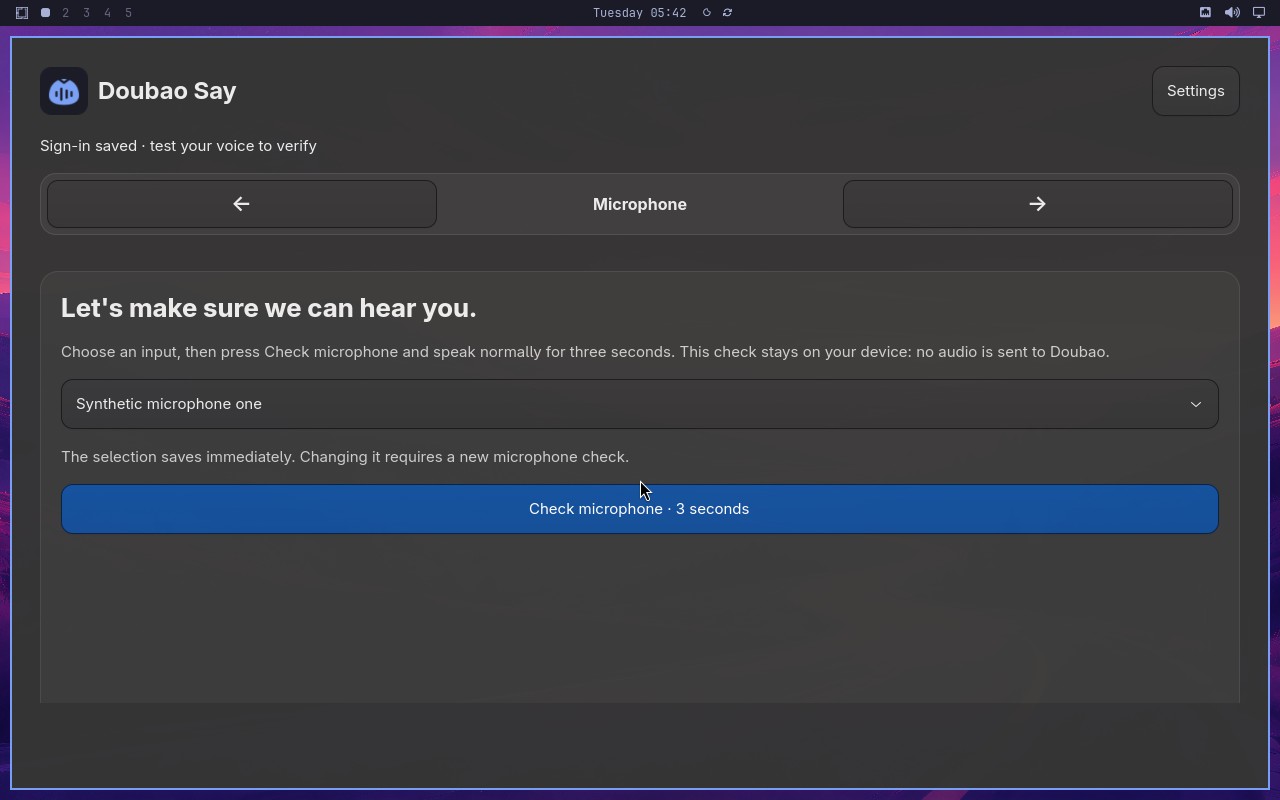 |
Error: Node "aiAct" failed: Replanned 40 times, exceeding the limit. Please configure a larger value for replanningCycleLimit (or use MIDSCENE_REPLANNING_CYCLE_LIMIT) to handle more complex tasks. |
| ❌ Failed | Cancel synthetic dictation without delivering text | 1m10s | 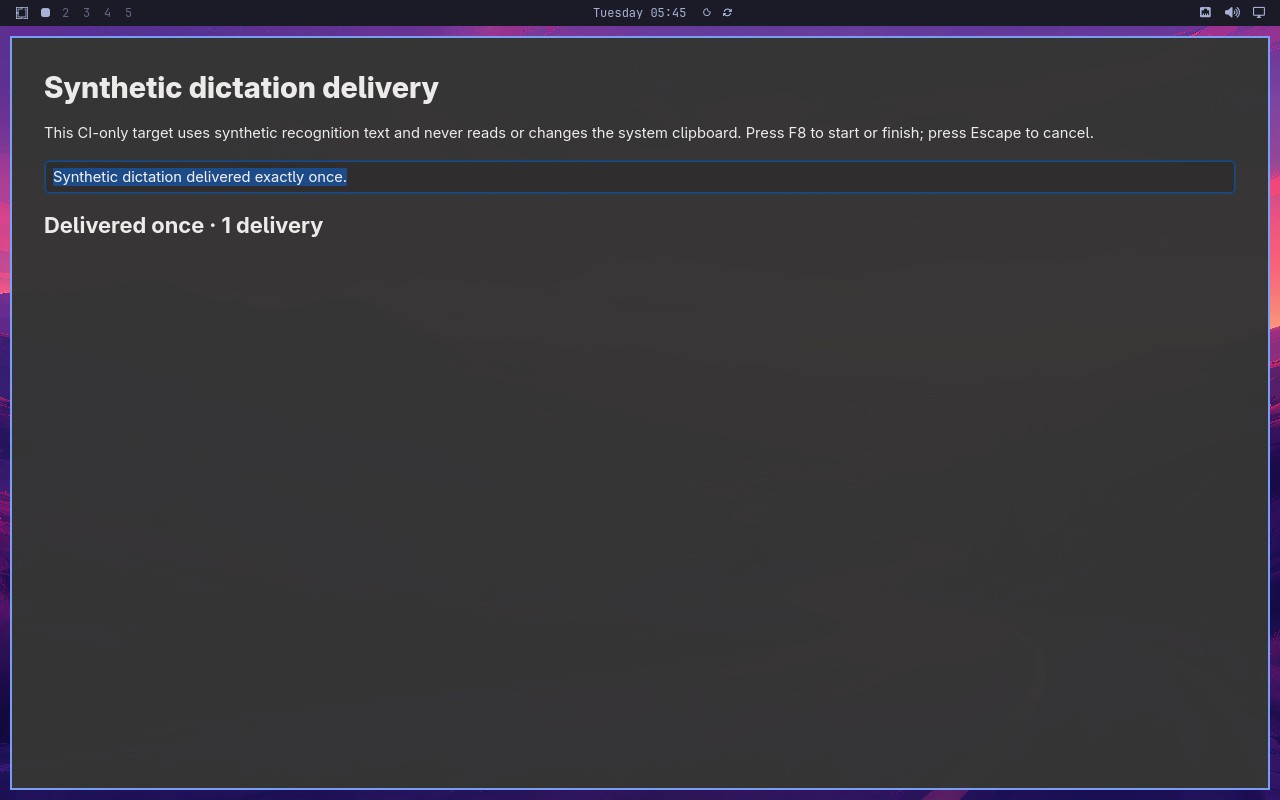 |
Error: Node "aiAssert" failed: Node "aiAssert" failed: Assertion failed: A new attempt succeeded with exactly one delivered synthetic sentence and the status reports 1 delivery. Reason: The screenshot is not fully visible in the provided base64 data; however, based on the available content, I cannot confirm any details about a new attempt, delivered synthetic sentences, or delivery status. The image appears to be blank or unreadable, so there is no evidence to support the statement. |
Omarchy visual checks
0/1 cases passed
| Result | Case | Duration | Node screenshot | AI response / error |
|---|---|---|---|---|
| ❌ Failed | System menu text and focused row are visible | 10s | 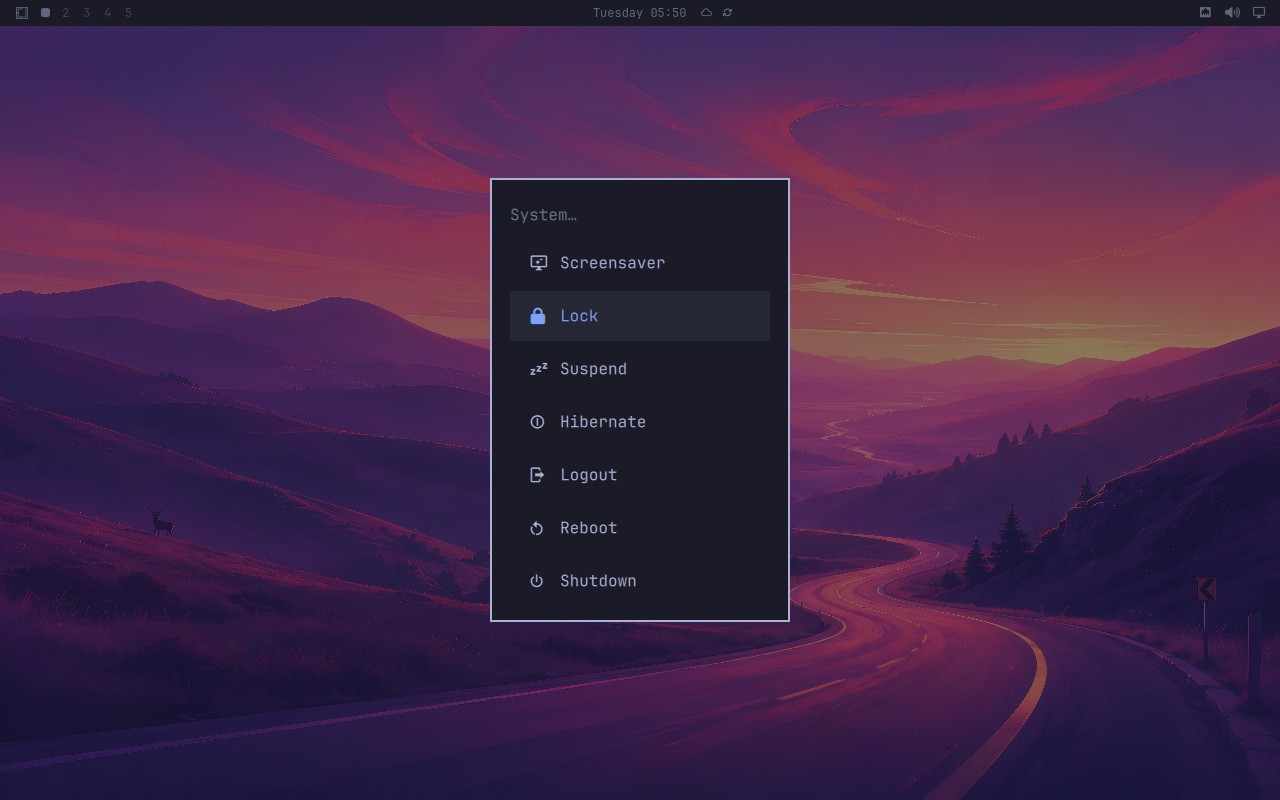 |
Error: Node "aiAssert" failed: Node "aiAssert" failed: Assertion failed: The Omarchy system menu is open, and its Shutdown item is clearly readable. Reason: The screenshot is not provided in a readable form; the image_base64 content is truncated and cannot be decoded to view the actual pixels. Therefore, I cannot observe the current state of the Omarchy desktop or determine whether the system menu is open and the Shutdown item is readable. |