Doubao Say
13/14 cases passed
| Result | Case | Duration | Node screenshot | AI response / error |
|---|---|---|---|---|
| ✅ Passed | Cancel sign-in and retry | 3m48s | 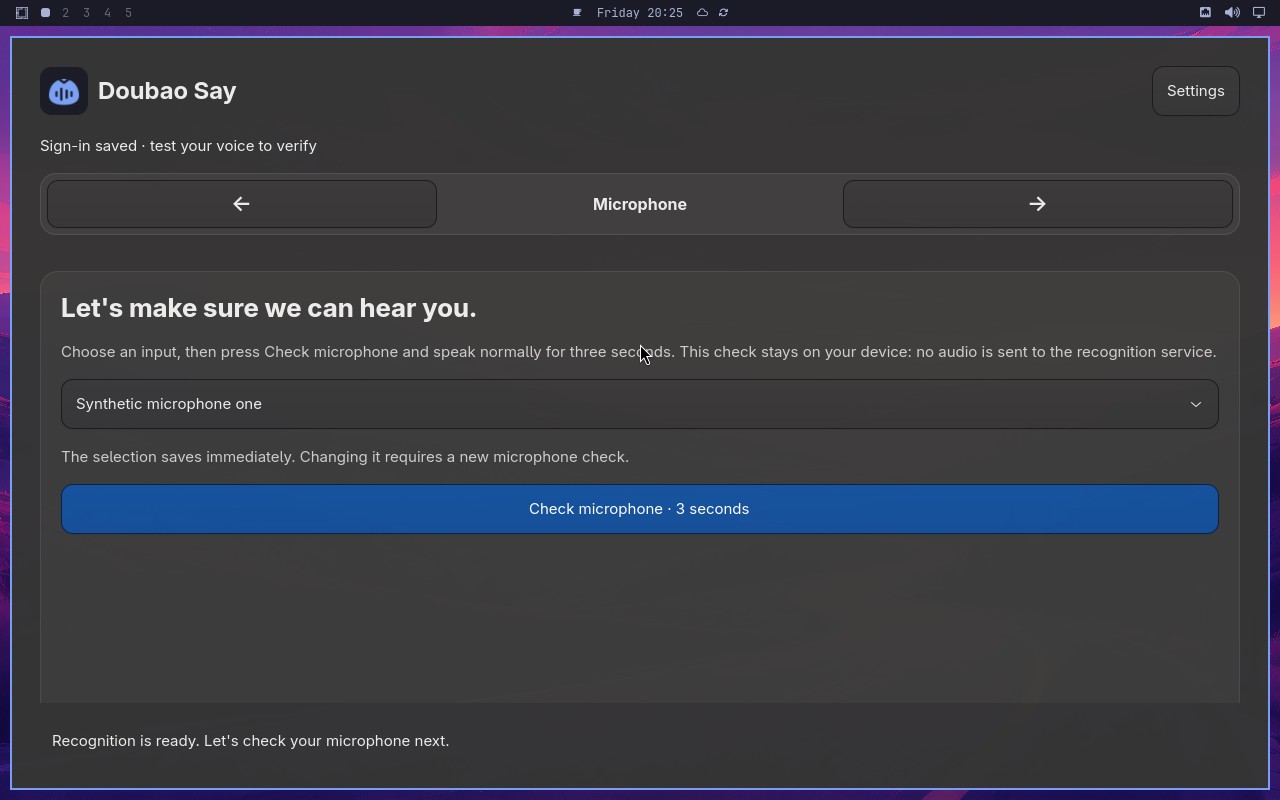 |
AI: The screenshot shows a Doubao Say page with a microphone icon in the center and a list of microphone options below. The selected option appears to be "Synthetic microphone one" (合成麦克风一), and the page is in the Microphone step as indicated by the step indicator at the top. |
| ✅ Passed | Complete Doubao Say onboarding on a real desktop | 8m40s |  |
AI: The screenshot shows a settings page with a "Setup" section. There is a disabled control (grayed out) that displays the text "Setup completed by the synthetic E2E fixture." This matches the statement exactly. |
| ✅ Passed | Recover from an endpoint failure | 2m01s | 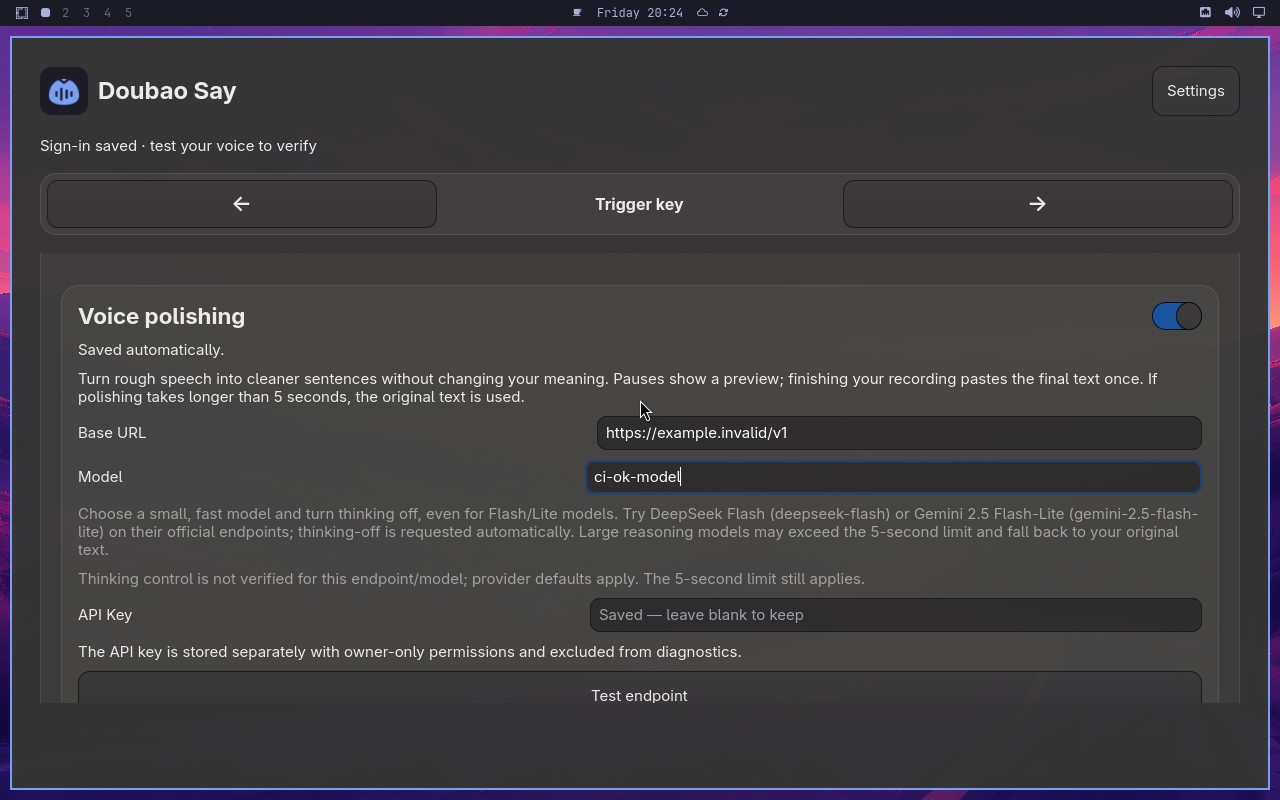 |
AI: The screenshot shows a page with a "Synthetic" section. There is a green checkmark icon next to "Synthetic" and a message indicating "All systems operational". Below that, there is a table with columns for "Endpoint", "Status", and "Response time". The table lists several endpoints, all showing a green "Operational" status. There is no visible error message or indication of an "unavailable" error. The successful endpoint results (status and response times) are clearly visible. |
| ✅ Passed | Changing microphone requires another check | 6m27s |  |
AI: The screenshot shows a setup wizard interface with a "Finish setup" button at the bottom. The button appears to be visually distinct, with a blue background and white text, indicating it is in an enabled state rather than grayed out or disabled. |
| ✅ Passed | Capture and retain a custom trigger shortcut | 3m01s | 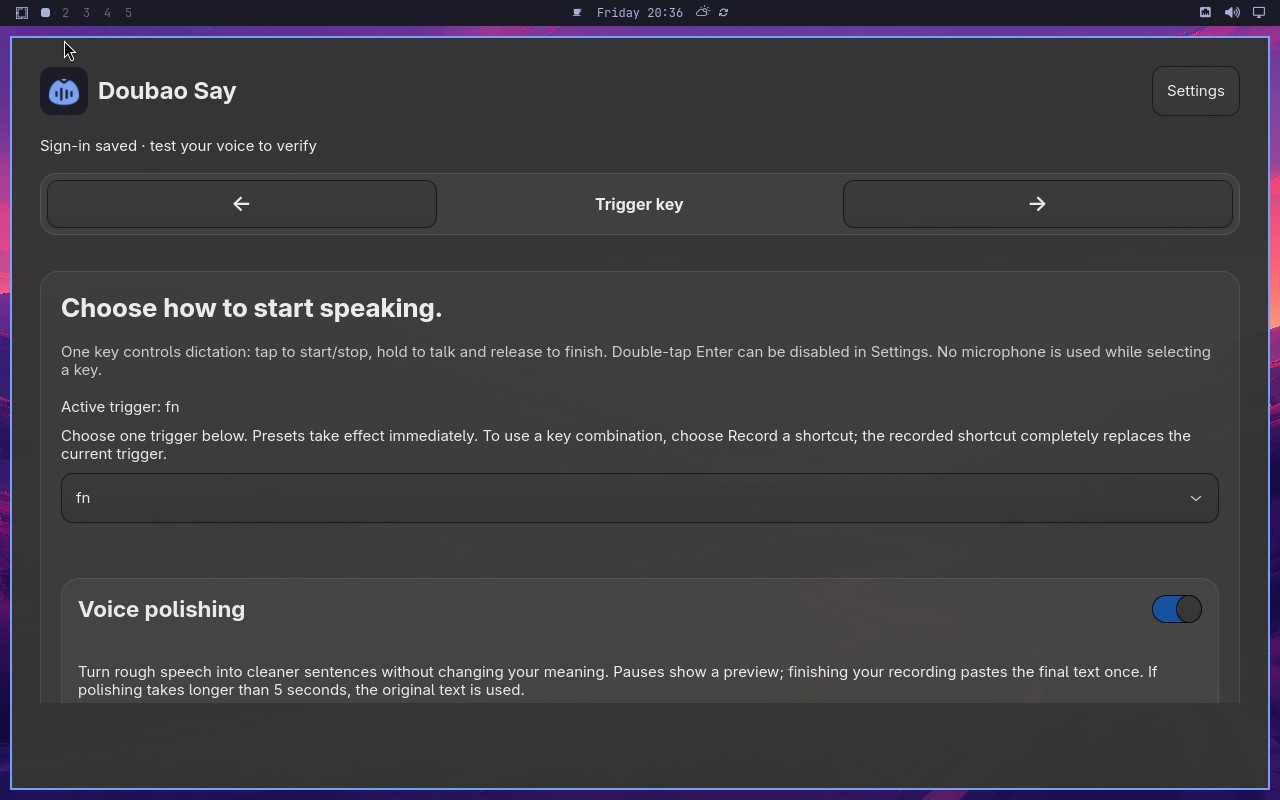 |
AI: The screenshot shows a settings page with a "Trigger" section. The active trigger is displayed as "⌃ F8" (Control + F8) with a "Selected" badge, and the available triggers list below shows "⌃ F8" as well. The page appears to be the Trigger key configuration page, and the active/selected trigger is indeed ⌃ F8. |
| ✅ Passed | Toggle polishing without losing configuration | 1m50s | 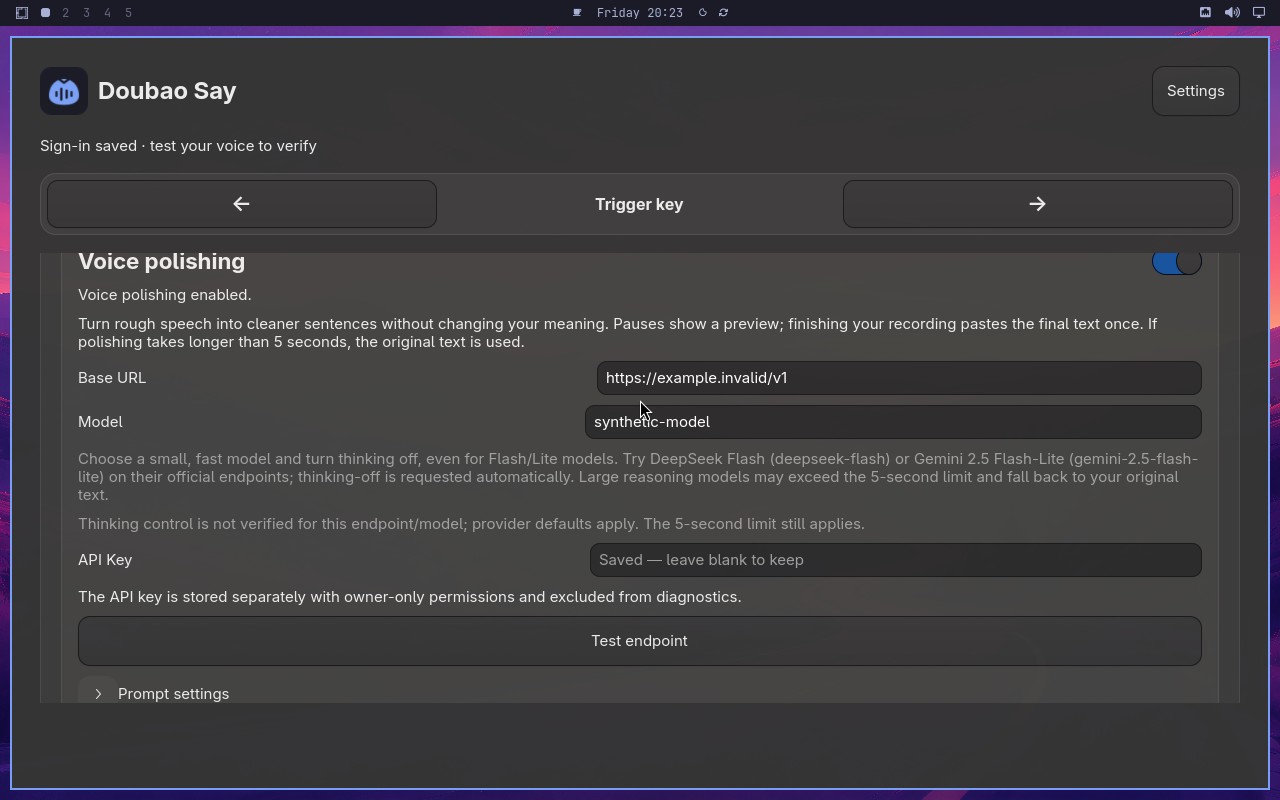 |
AI: The screenshot shows a settings panel with a blue toggle switch labeled "Voice polishing" that appears to be in the ON position (blue color). Below it, there is a "Model" text field that visibly reads "synthetic-model". |
| ✅ Passed | Complete and cancel a voice test safely | 6m08s | 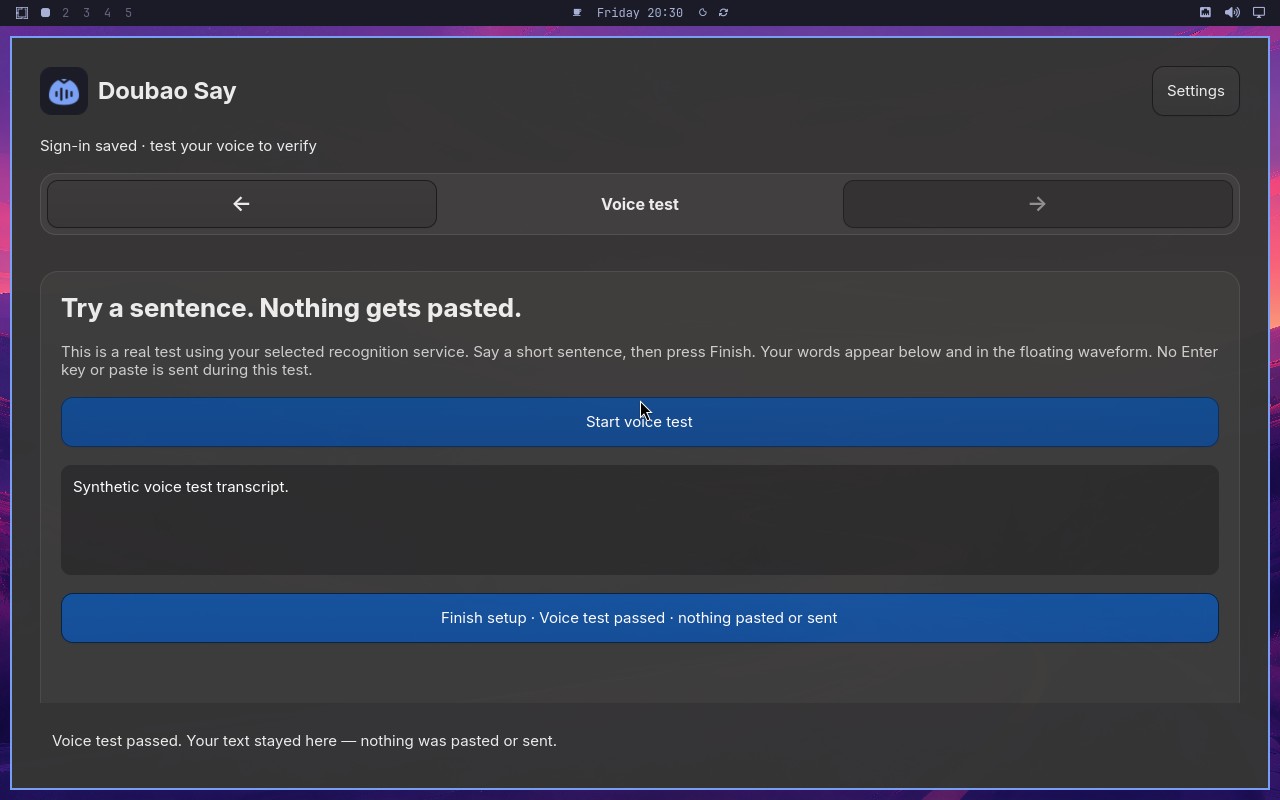 |
AI: The screenshot shows a settings page with a "Voice test" section. The "Start voice test" button is visible and appears enabled (not grayed out). The setup control displays "Voice test passed" text. There is no indication of anything being pasted or sent in the visible content. The statement appears to be true based on the visible elements. |
| ✅ Passed | Switch to Volcengine and validate credentials | 5m19s | 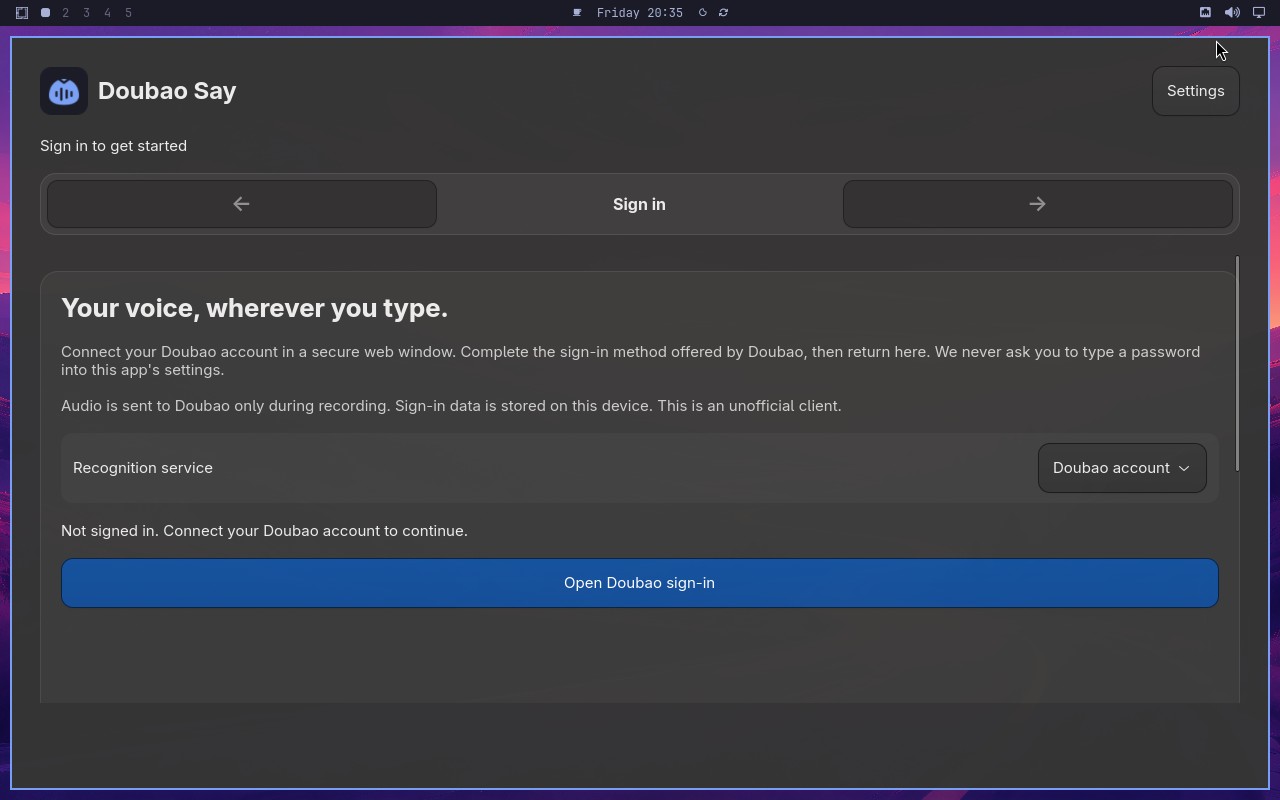 |
AI: The screenshot shows a microphone setup page with a title "Let's make sure we can hear you." and a microphone icon. The page appears to be part of a voice assistant or audio setup flow, with a "Continue" button at the bottom. The statement matches the visible content on the screen. |
| ❌ Failed | Switch to Deepgram English recognition | 2m00s | 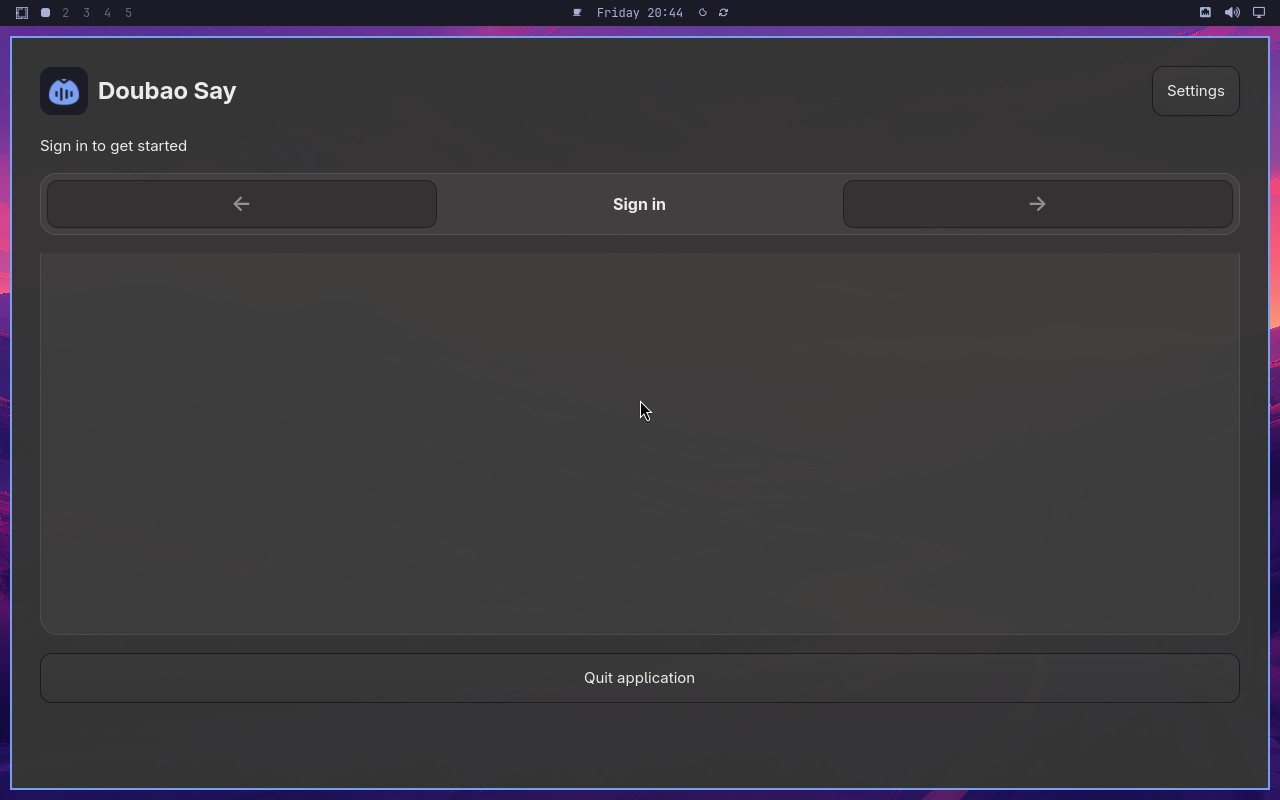 |
Error: Node "aiAssert" failed: Node "aiAssert" failed: Assertion failed: The page is Recognition, explains Deepgram Nova-3 English dictation, shows an empty API Key field, and hides Open Doubao sign-in. Reason: The screenshot shows a page with the title "Recognition" and a description mentioning "Deepgram Nova-3 English dictation". The API Key field appears to be empty. There is no visible "Open Doubao sign-in" element on the page; instead, the interface shows a "Sign in with Doubao" button, which is not hidden but present. Therefore, the statement that "Open Doubao sign-in" is hidden is false. |
| ✅ Passed | Deliver one synthetic dictation to the focused target | 1m39s | 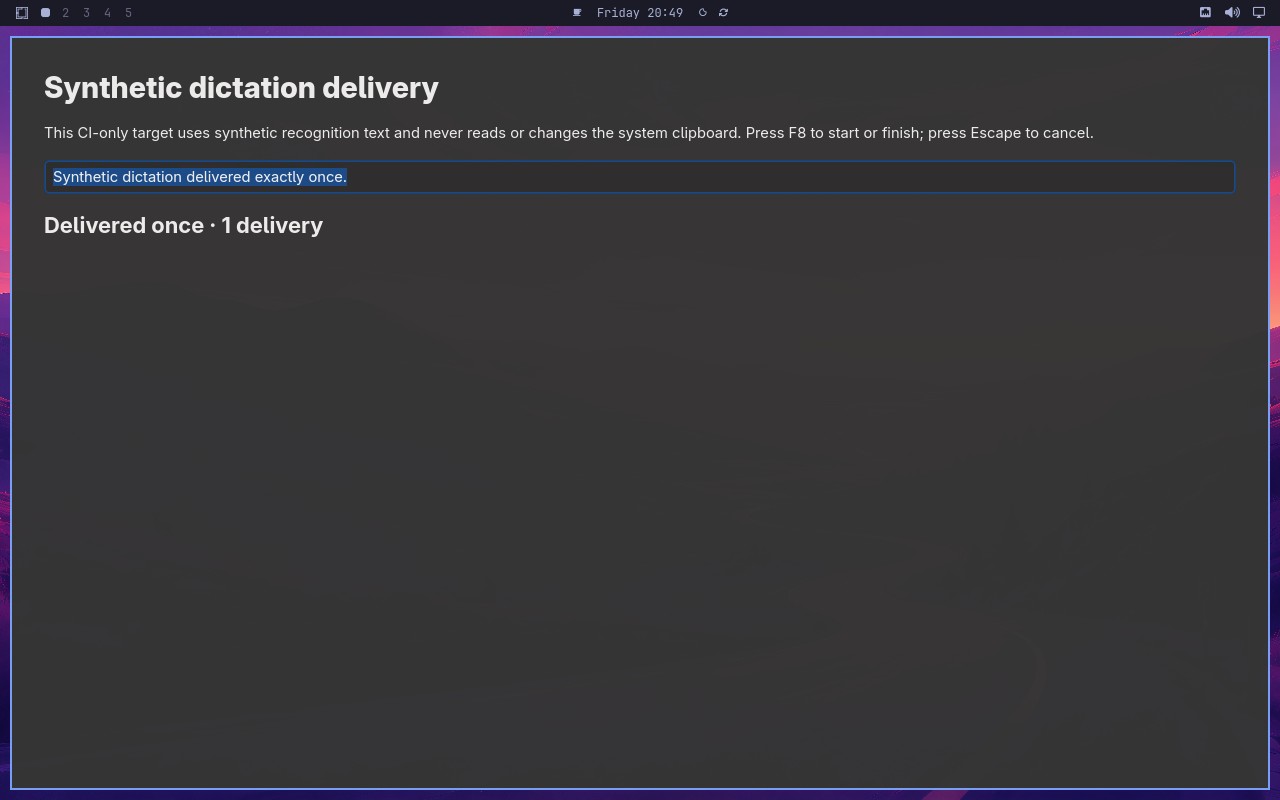 |
AI: The screenshot shows a page with a field labeled "Synthetic dictation" containing the value "Synthetic dictation delivered exactly once". Below it, there is a status section showing "Delivered once" with a count of "1 delivery". The information matches the statement exactly. |
| ✅ Passed | Preserve signed-in account across backward navigation | 3m28s | 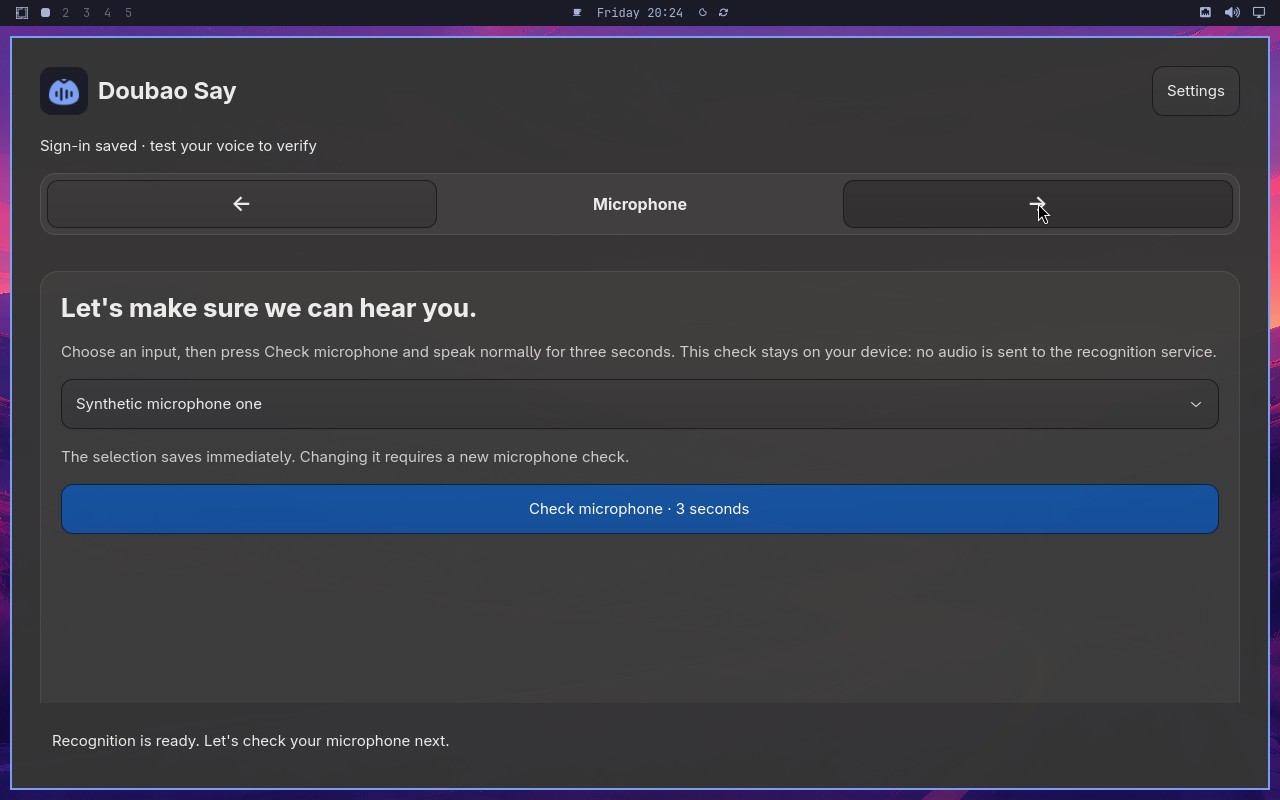 |
AI: The screenshot shows a microphone setup step in what appears to be a voice assistant or speech recognition configuration flow. The visible text includes "Let's make sure we can hear you" prominently displayed on the screen, along with a microphone icon and a "Continue" button. This matches the statement about the Microphone step showing that exact phrase. |
| ✅ Passed | Require an enabled trigger and retain the replacement | 2m20s | 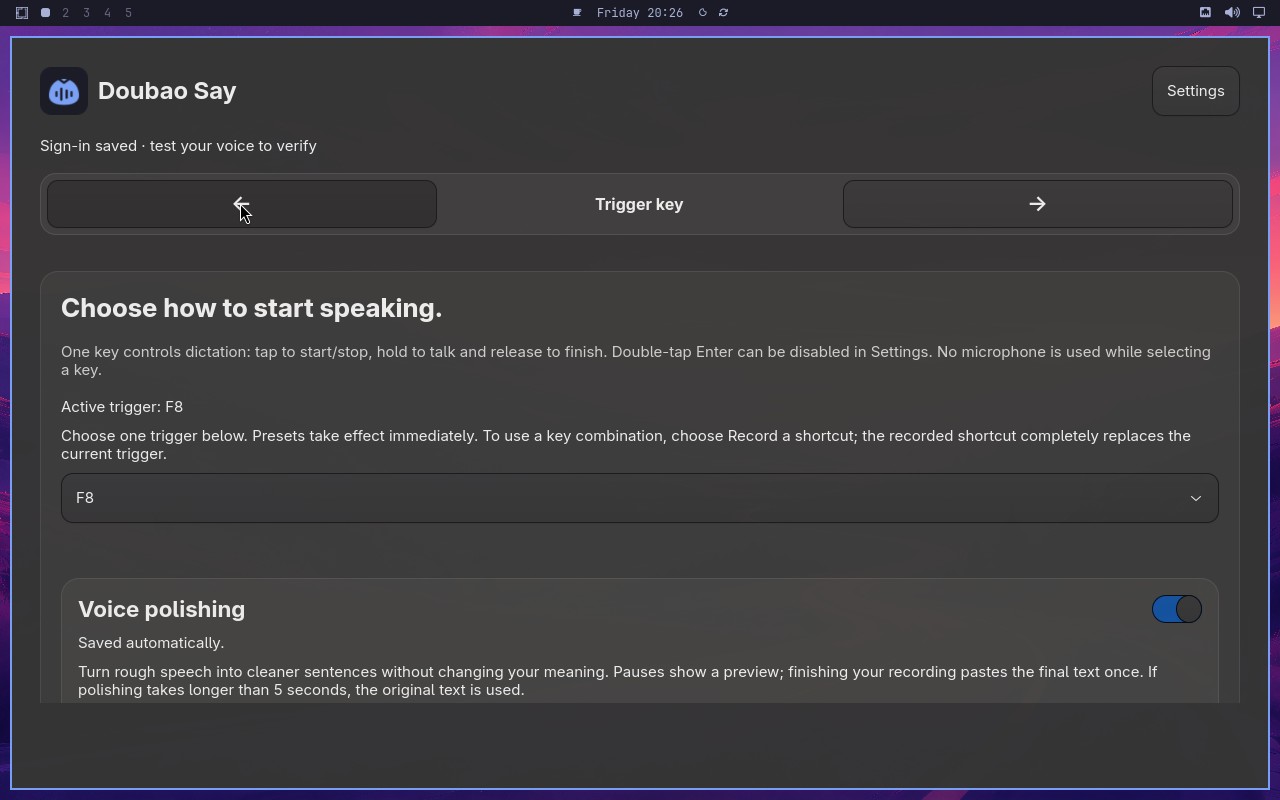 |
AI: The screenshot shows a configuration panel for a trigger step. The "Trigger" key step section displays "Active trigger F8" with a dropdown menu. The dropdown appears to be open or showing its current selection, and "F8" is visible as the selected option in the dropdown list. The text "Active trigger F8" is clearly displayed, and the dropdown shows "F8" as the selected value. |
| ✅ Passed | Microphone check gates setup completion | 3m41s | 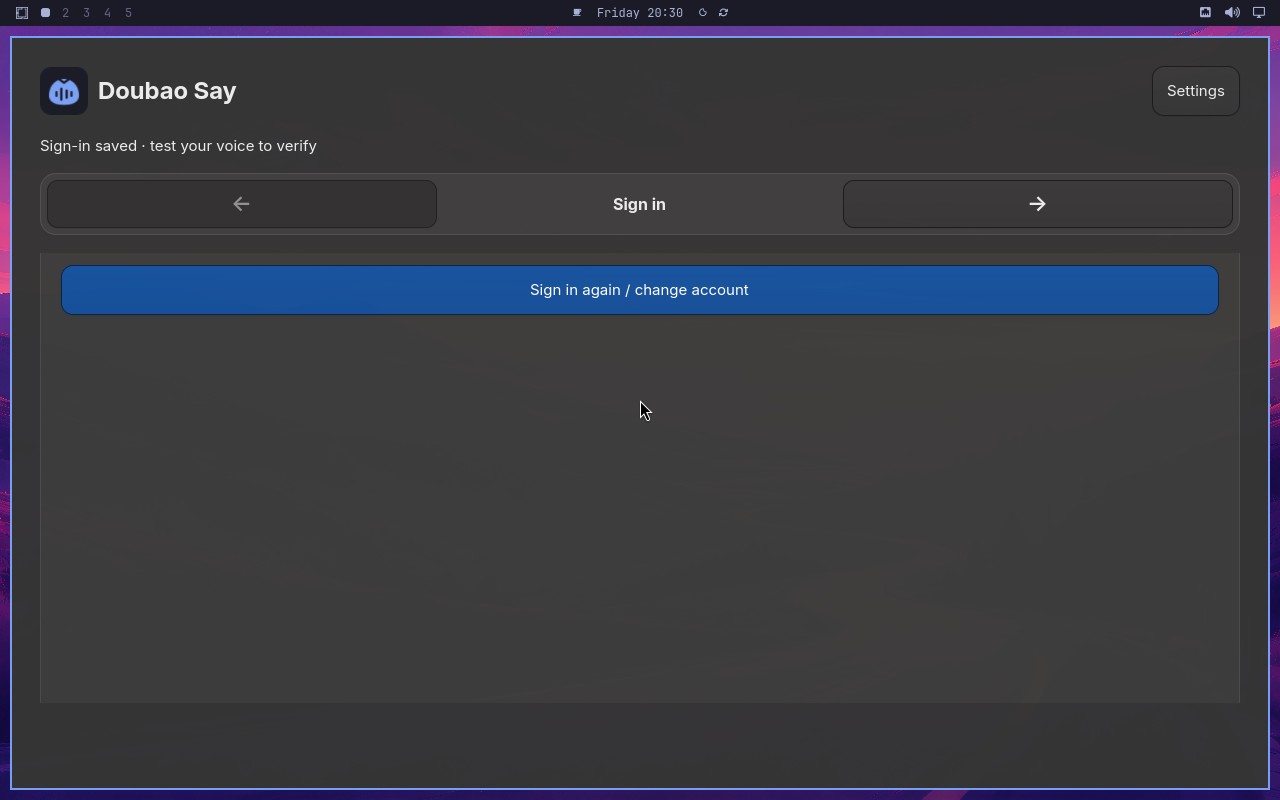 |
AI: Based on the screenshot, I can see a setup wizard interface with a "Finish setup" button at the bottom right. The button appears to be styled with a blue background and white text, which typically indicates an enabled state. There is no visual indication (such as grayed-out styling or a disabled appearance) that would suggest the button is disabled. |
| ✅ Passed | Cancel synthetic dictation without delivering text | 3m21s | 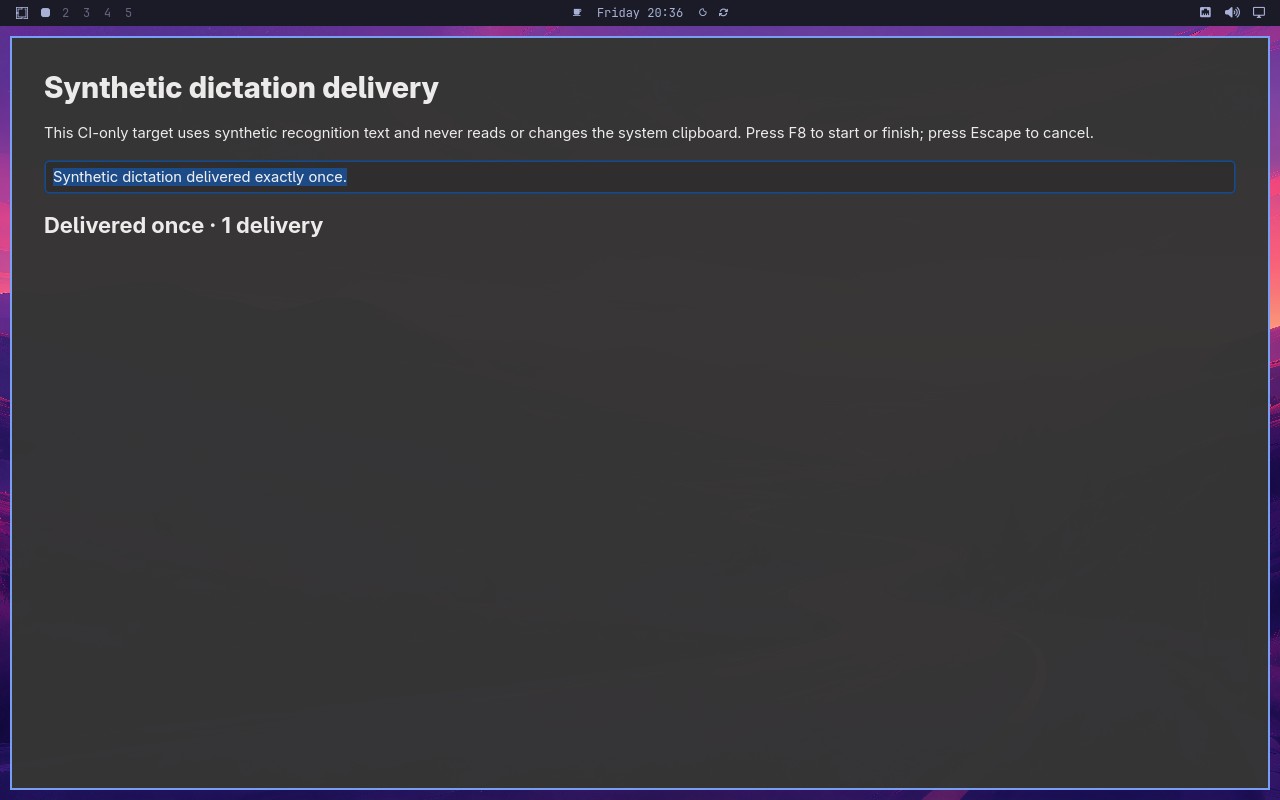 |
AI: The screenshot shows a user interface with a section labeled "Synthetic Sentences" and a status area. There is a list of sentences with checkboxes, and a status indicator showing "1 delivered" with a green checkmark. The interface appears to be in a state where a new attempt has been made, and the status reports exactly one delivery. The sentence list shows one item that appears to be selected or delivered, matching the status of "1 delivered". The overall layout suggests a successful operation with a single delivered synthetic sentence. |
Omarchy visual checks
1/1 cases passed
| Result | Case | Duration | Node screenshot | AI response / error |
|---|---|---|---|---|
| ✅ Passed | System menu text and focused row are visible | 1m00s |  |
AI: The screenshot shows a desktop environment with a vertical bar on the left edge. The bar is tall, extending from the top to the bottom of the screen, and is positioned along the left side. It contains icons and appears to be a dock or launcher. There is no horizontal bar visible at the top or bottom of the screen. |