Doubao Say
7/9 cases passed
| Result | Case | Duration | Node screenshot | AI response / error |
|---|---|---|---|---|
| ✅ Passed | Cancel sign-in and retry | 4m08s | 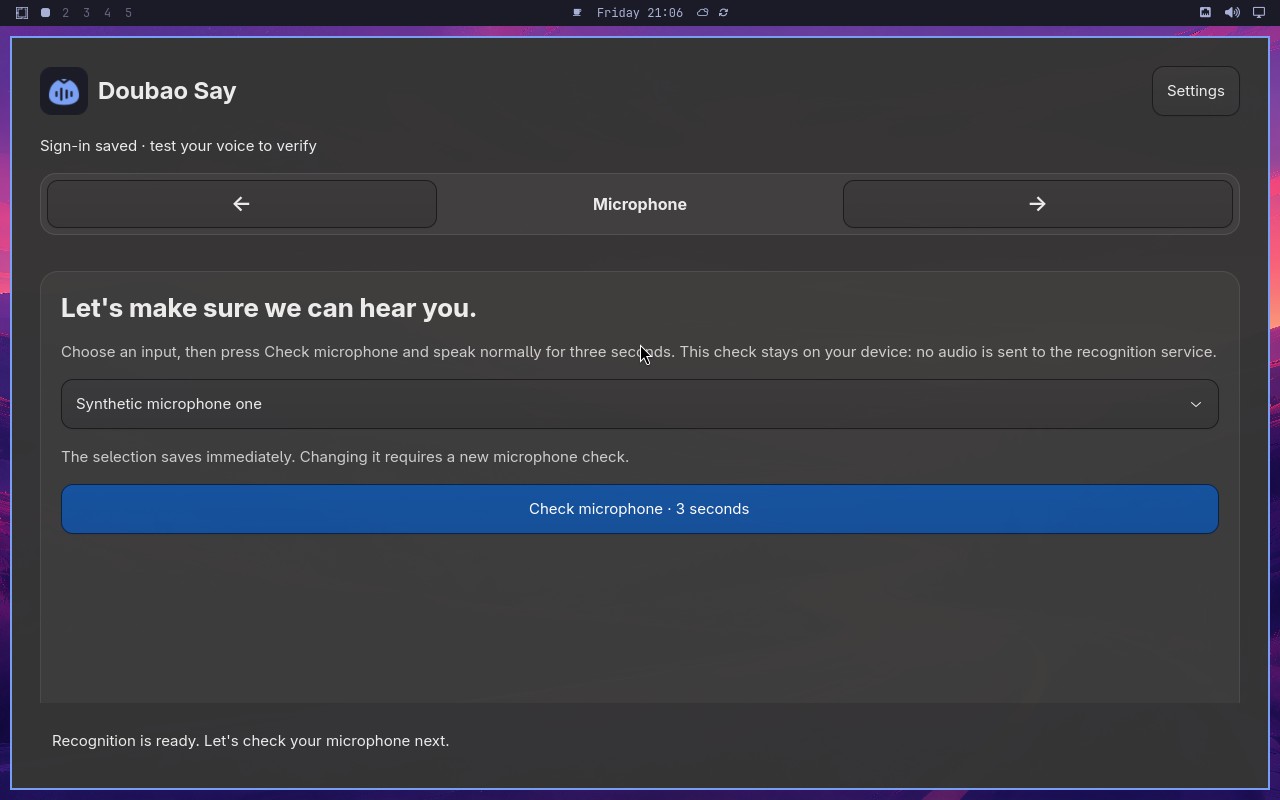 |
AI: The screenshot shows a page with a microphone icon and a list of microphone options. The selected option appears to be "Synthetic microphone one" based on the highlighted state. The page title or context indicates this is the Microphone step of the Doubao Say setup. |
| ✅ Passed | Complete Doubao Say onboarding on a real desktop | 8m19s | 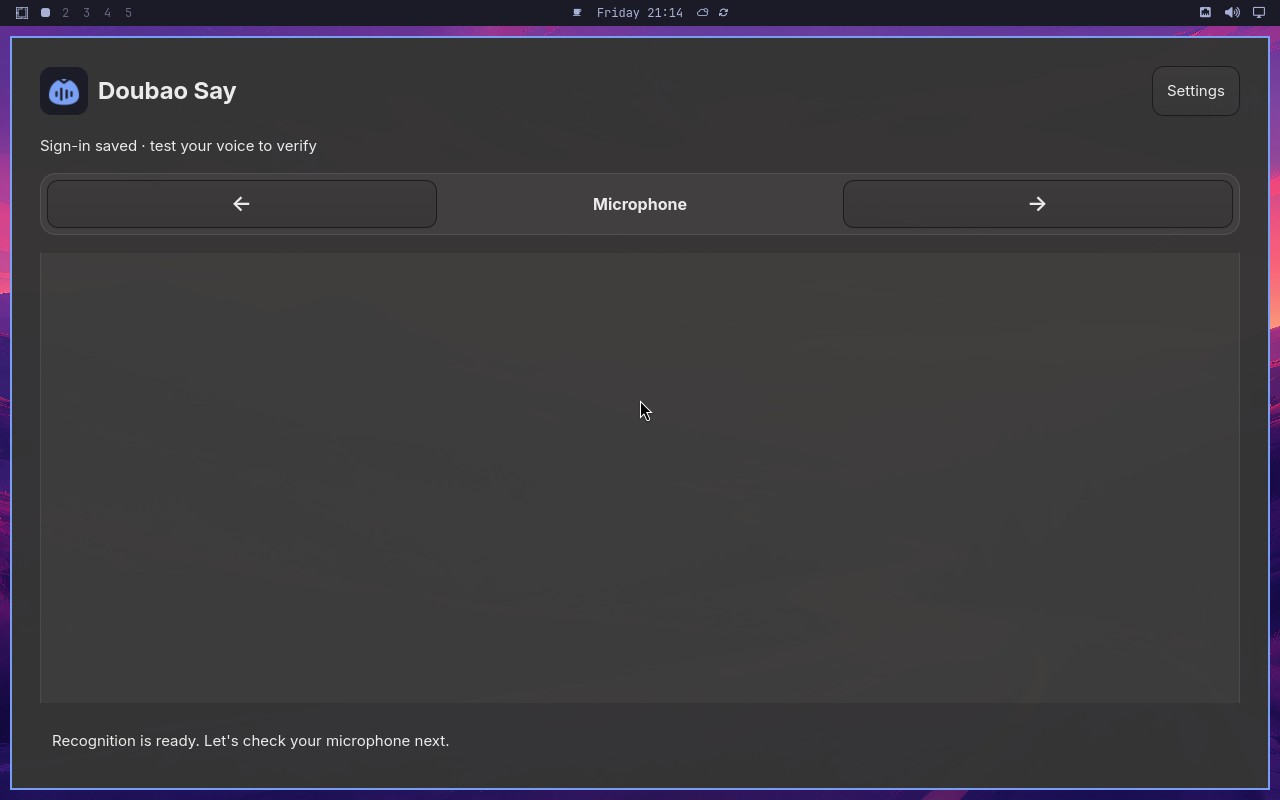 |
AI: The screenshot shows a settings page with a "Setup" section. The visible setup control appears to be disabled (grayed out) and its label reads "Setup completed by the synthetic E2E fixture." This matches the statement exactly. |
| ❌ Failed | omarchy-shard-2 CI shard |  |
Error: omarchy-shard-2 stopped during workflow setup before test execution (skipped) before Midscene produced a native report. | |
| ✅ Passed | Toggle polishing without losing configuration | 1m51s | 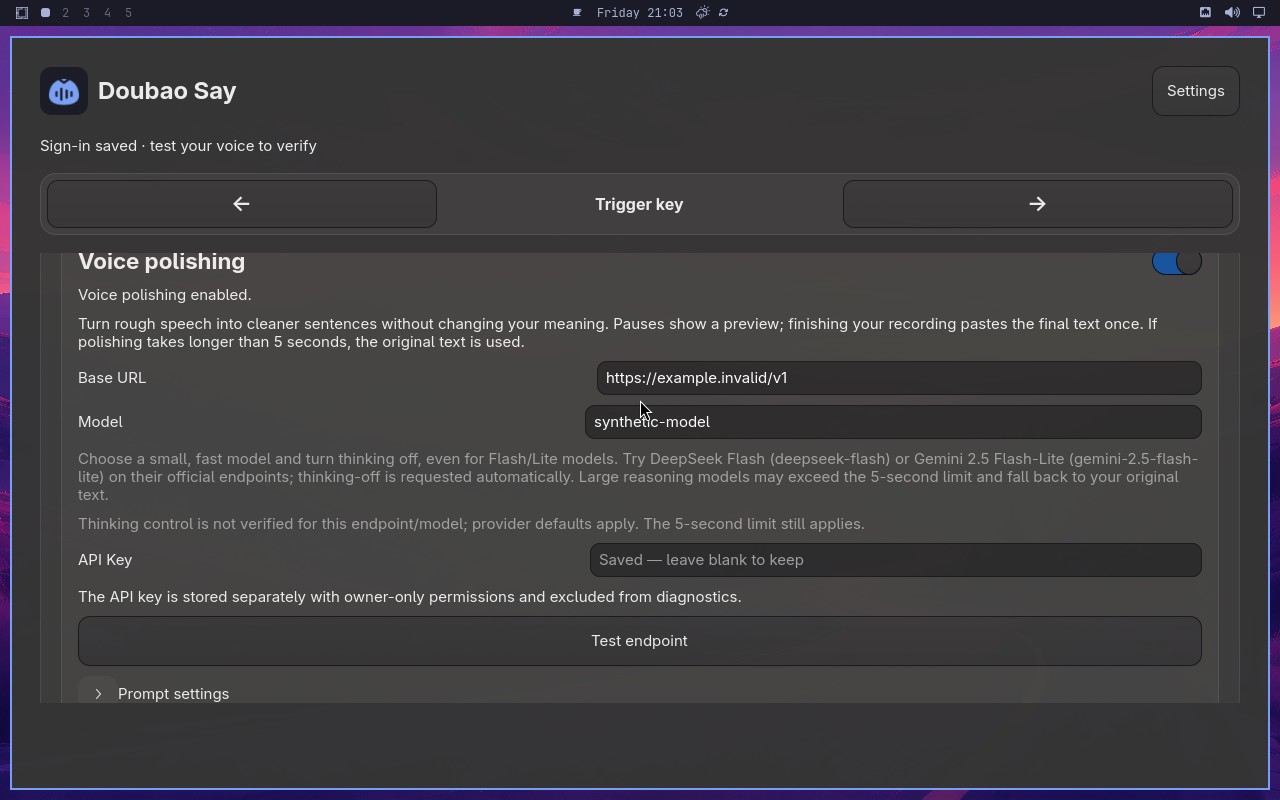 |
AI: The screenshot shows a settings or configuration panel. There is a blue toggle switch labeled "Voice polishing" that appears to be in the ON position (blue background). Below it, there is a field labeled "Model" with the text "synthetic-model" visibly entered in the input box. Both conditions in the statement are satisfied. |
| ✅ Passed | Complete and cancel a voice test safely | 6m09s | 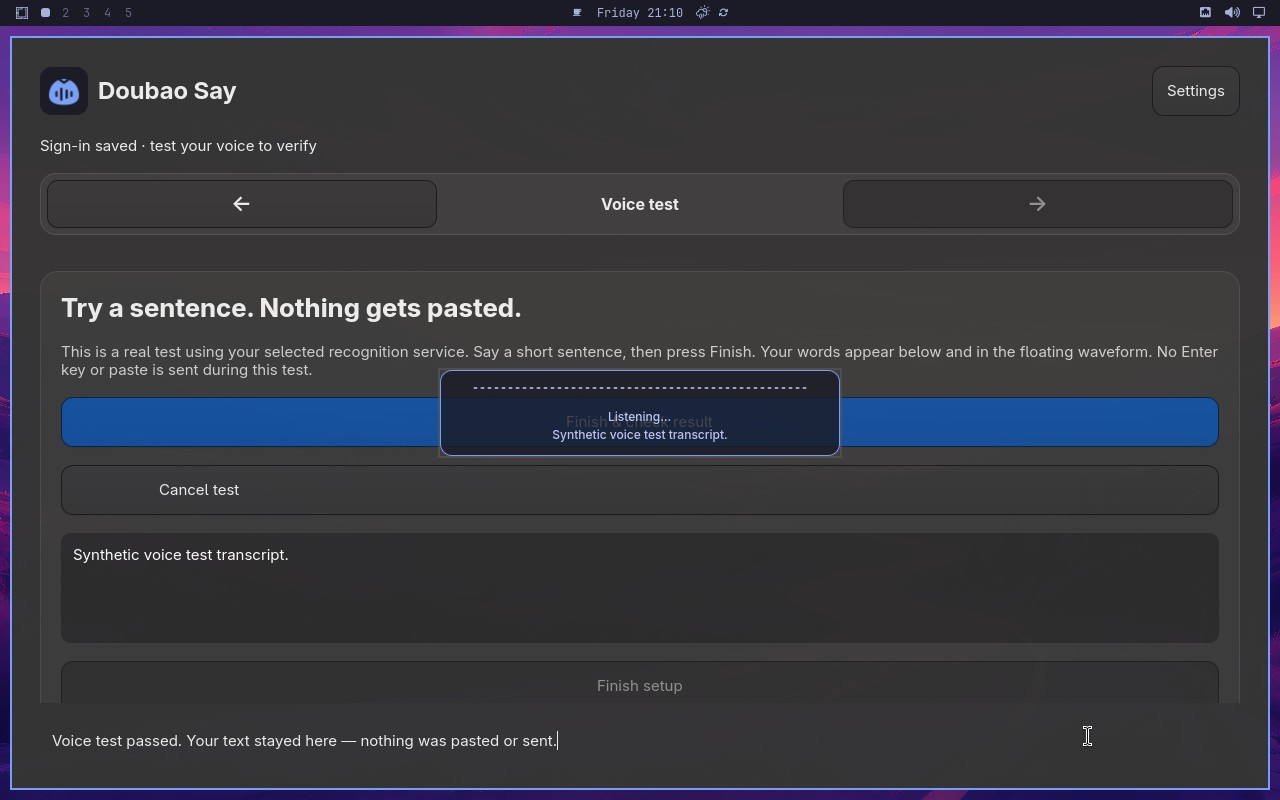 |
AI: The screenshot shows a settings page with a "Voice test" section. The "Start voice test" button is visible and appears to be enabled (not grayed out). Below it, there is a setup control that displays "Voice test passed" with a green checkmark. The page does not show any pasted content or sent messages in this area. The statement appears to be true based on the visible elements. |
| ✅ Passed | Switch to Volcengine and validate credentials | 5m00s | 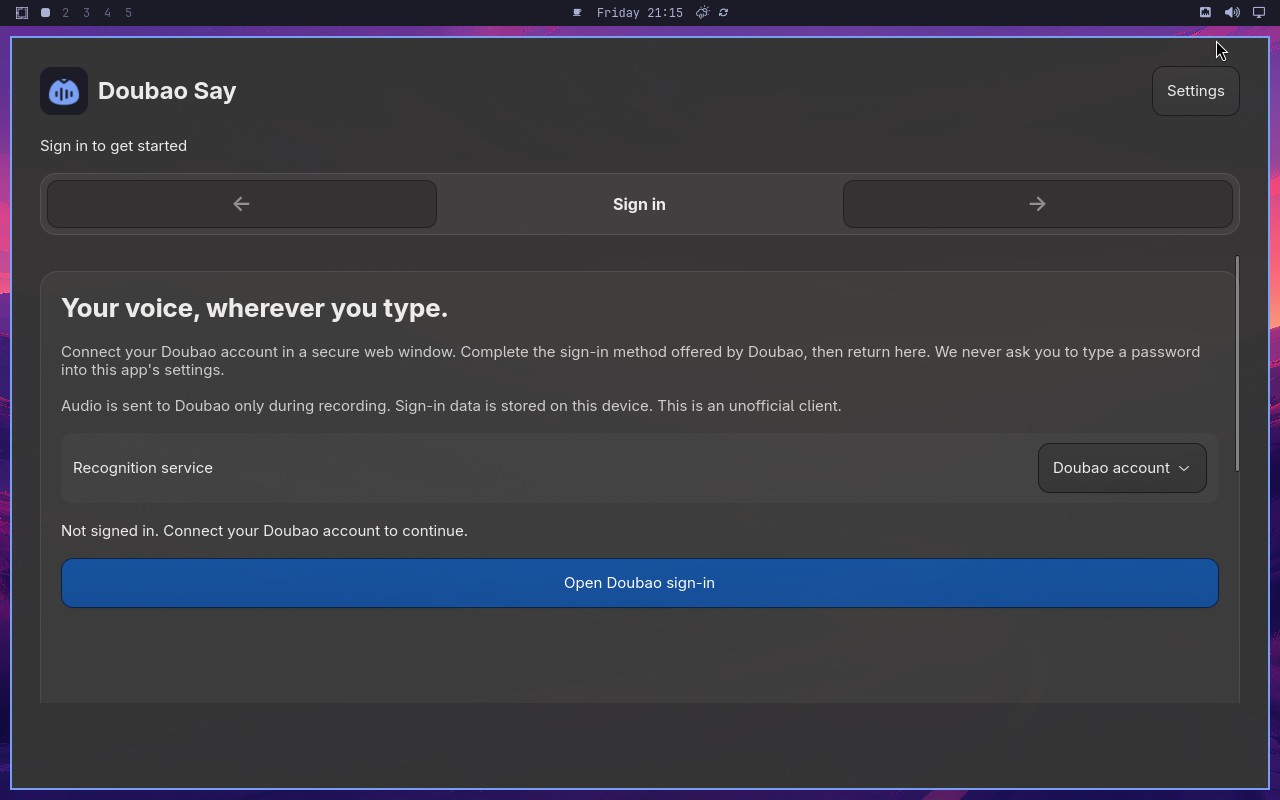 |
AI: The screenshot shows a microphone setup page with a title "Let's make sure we can hear you." and a subtitle "We'll do a quick sound check." There is a microphone icon and a "Start sound check" button. The page appears to be part of a voice assistant setup flow. |
| ✅ Passed | Switch to Deepgram English recognition | 3m40s | 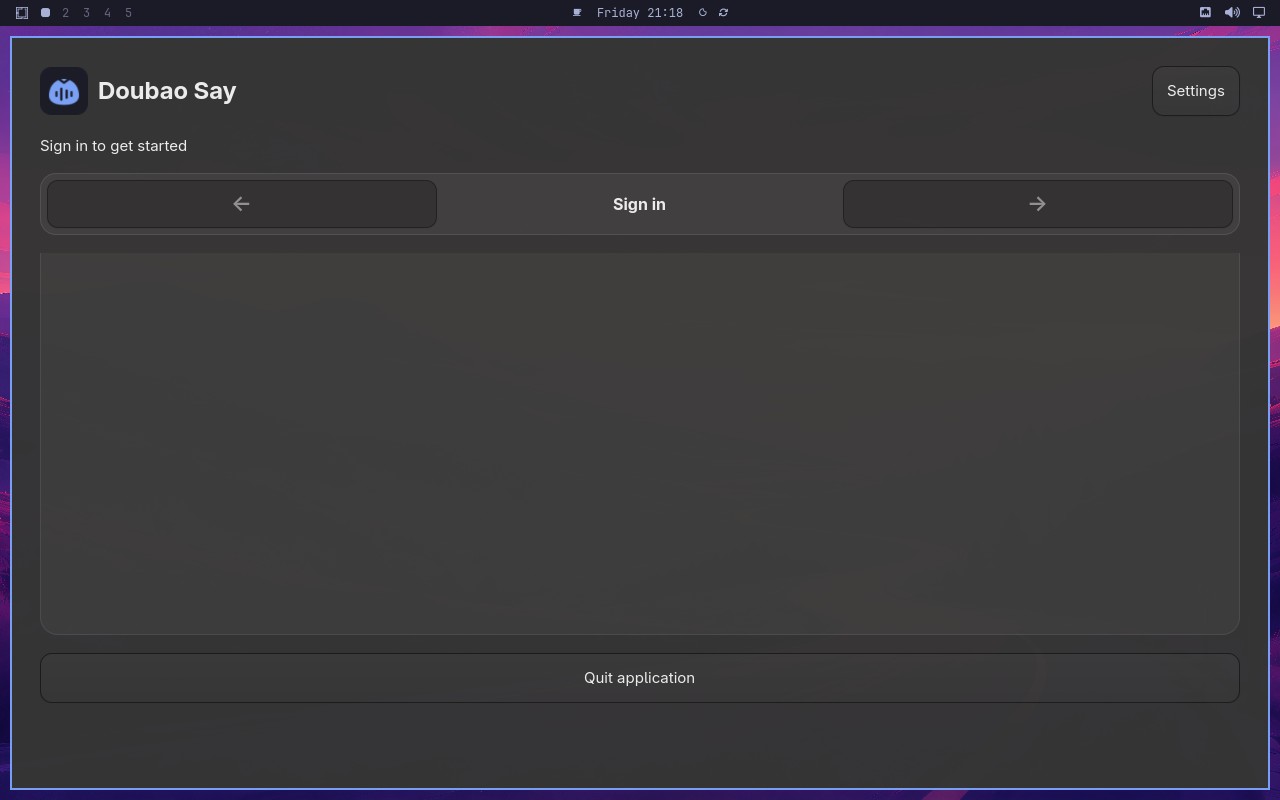 |
AI: The screenshot shows a page with a "Synthetic Endpoint" section. There is an API key input field with a value entered, and a "Test" button. Below that, there is a section labeled "Speech API" with a status indicator. The status appears to show "Ready" or a similar ready state. The API key field contains a value, suggesting it has been entered. The overall layout indicates the synthetic endpoint is configured and the speech API is in a ready state. |
| ✅ Passed | Deliver one synthetic dictation to the focused target | 2m21s | 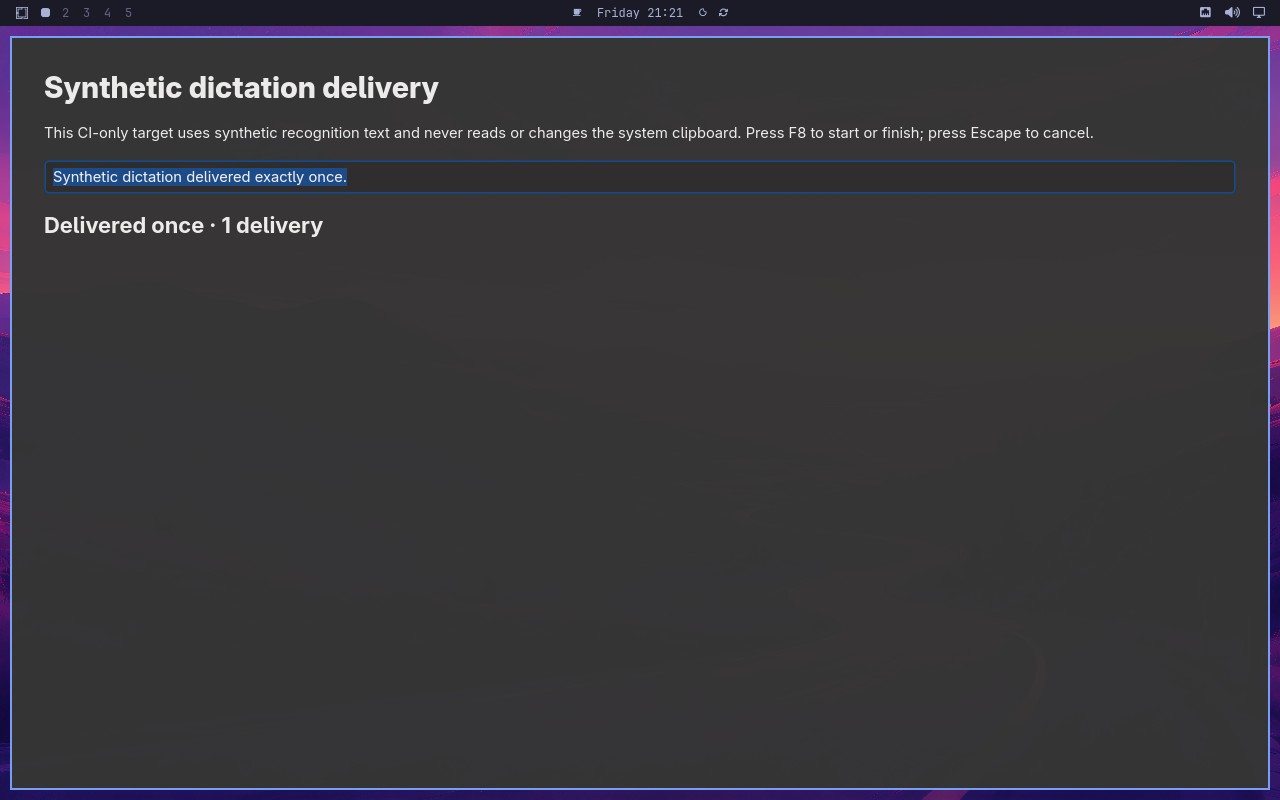 |
AI: The screenshot shows a page with a "Synthetic dictation" field containing the text "Synthetic dictation delivered exactly once" and a status section indicating "Delivered once" with "1 delivery". The statement matches the visible content exactly. |
| ❌ Failed | omarchy-shard-4 CI shard |  |
Error: omarchy-shard-4 stopped during workflow setup before test execution (skipped) before Midscene produced a native report. |
Omarchy visual checks
1/1 cases passed
| Result | Case | Duration | Node screenshot | AI response / error |
|---|---|---|---|---|
| ✅ Passed | System menu text and focused row are visible | 47s |  |
AI: The screenshot shows a desktop environment with a vertical bar positioned along the left edge of the screen. The bar is tall, extending from the top to the bottom of the display, and appears to be docked to the left side. There is no horizontal bar visible across the top or bottom of the desktop. |