Doubao Say
14/14 cases passed
| Result | Case | Duration | Node screenshot | AI response / error |
|---|---|---|---|---|
| ✅ Passed | Cancel sign-in and retry | 3m08s | 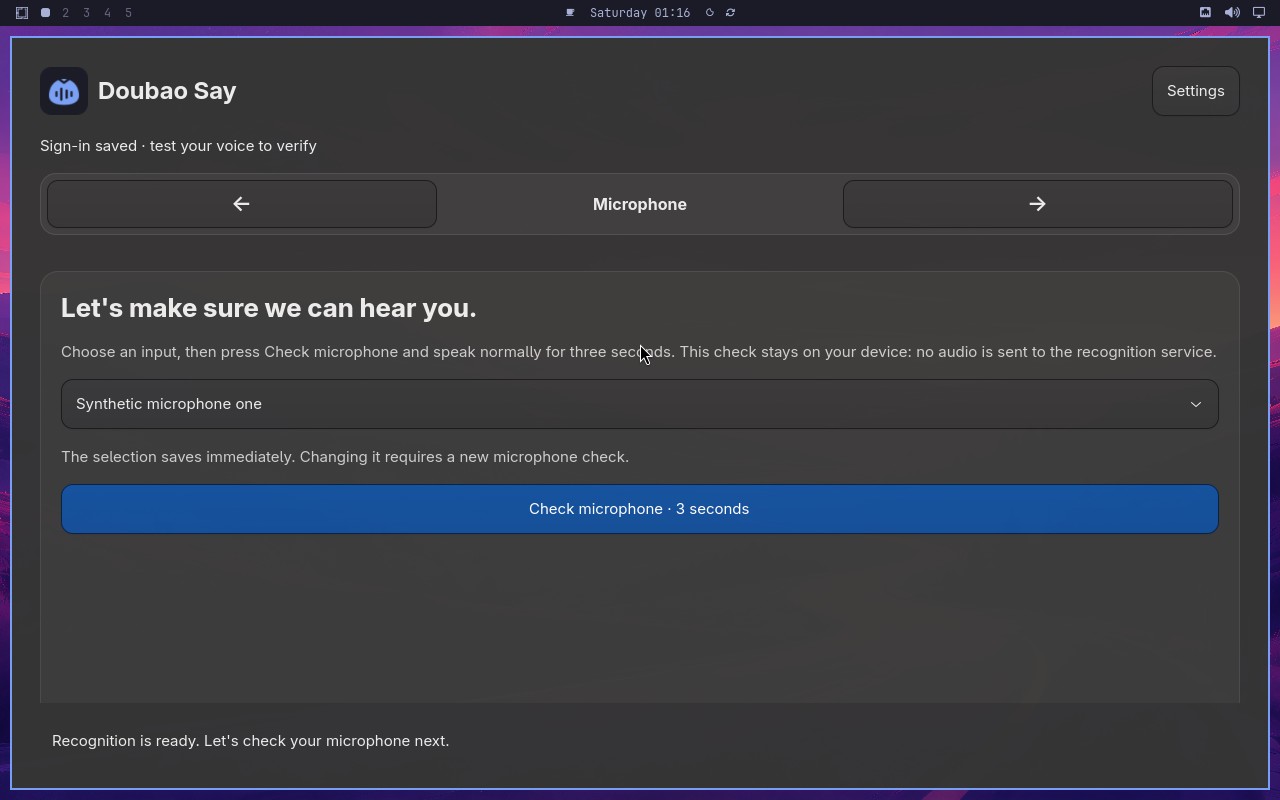 |
AI: The screenshot shows a Doubao Say page with a microphone icon in the center and a list of microphone options below. The selected option appears to be "Synthetic microphone one" (合成麦克风一), and the page is in the Microphone step as indicated by the step indicator at the top. |
| ✅ Passed | Complete Doubao Say onboarding on a real desktop | 9m09s | 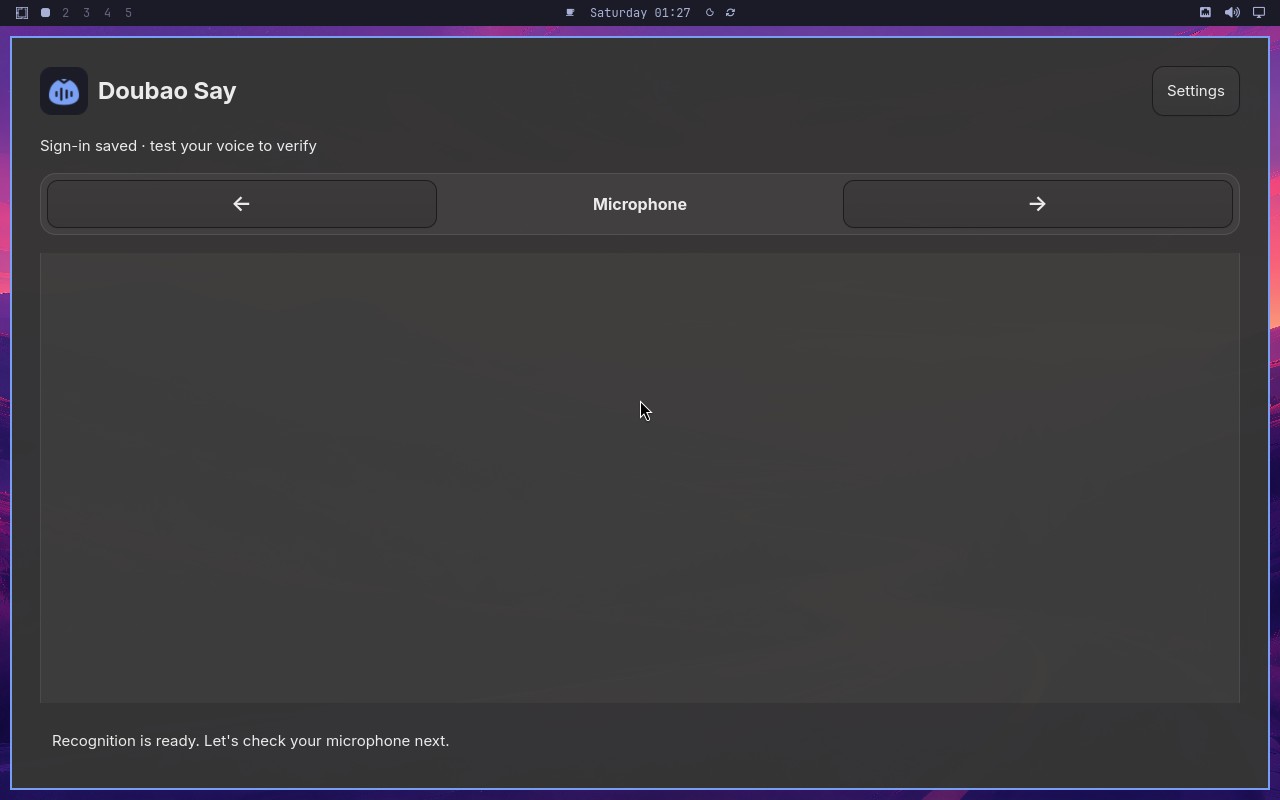 |
AI: The screenshot shows a settings page with a "Setup" section. There is a disabled control displaying text that appears to be "Setup completed by the synthetic E2E fixture." The control is grayed out, indicating it is disabled. The text is clearly visible in the screenshot. |
| ✅ Passed | Recover from an endpoint failure | 1m33s | 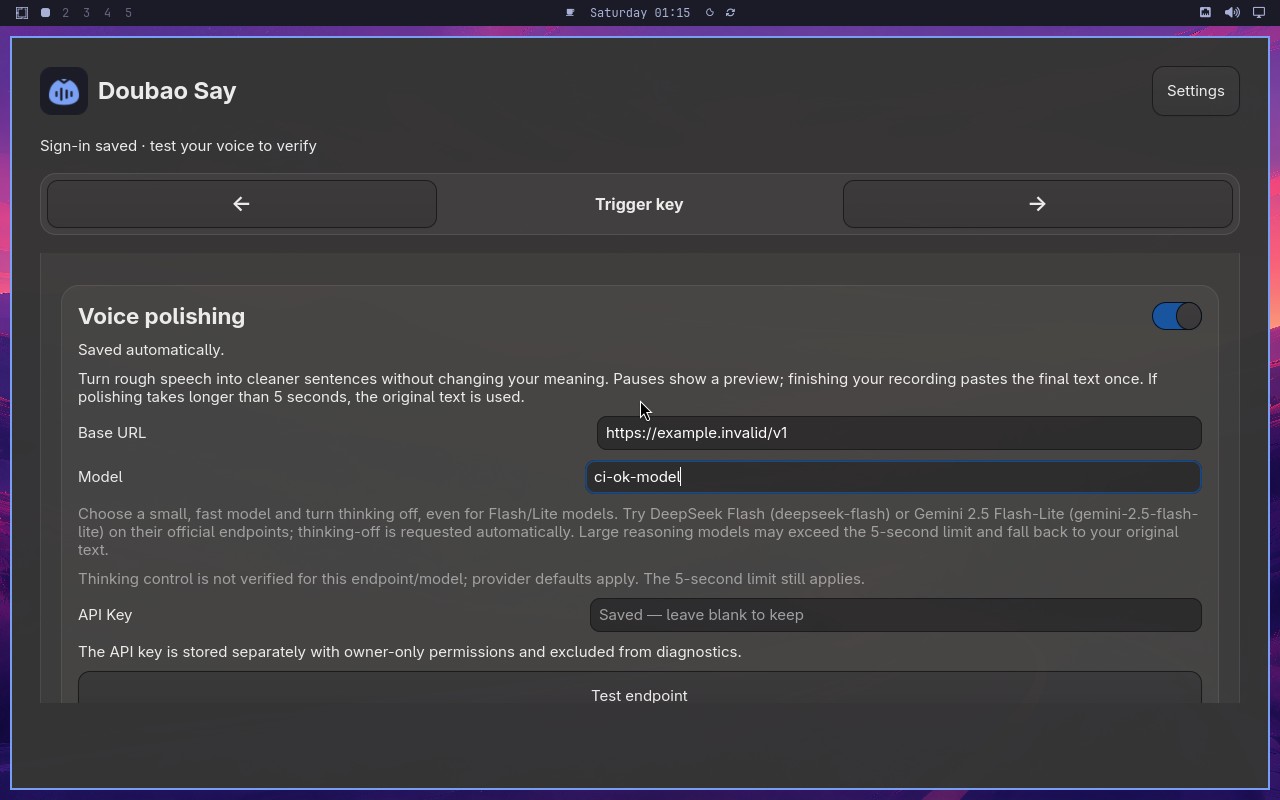 |
AI: The screenshot shows a page with a "Synthetic endpoint response" section. The displayed response includes a JSON object with "status": "ok" and "message": "Hello from the synthetic endpoint!". Below this, there is a button labeled "Endpoint works". The statement asks if the endpoint result contains "Synthetic endpoint response" and the button says "Endpoint works". Both conditions are visible in the screenshot. |
| ✅ Passed | Changing microphone requires another check | 4m39s | 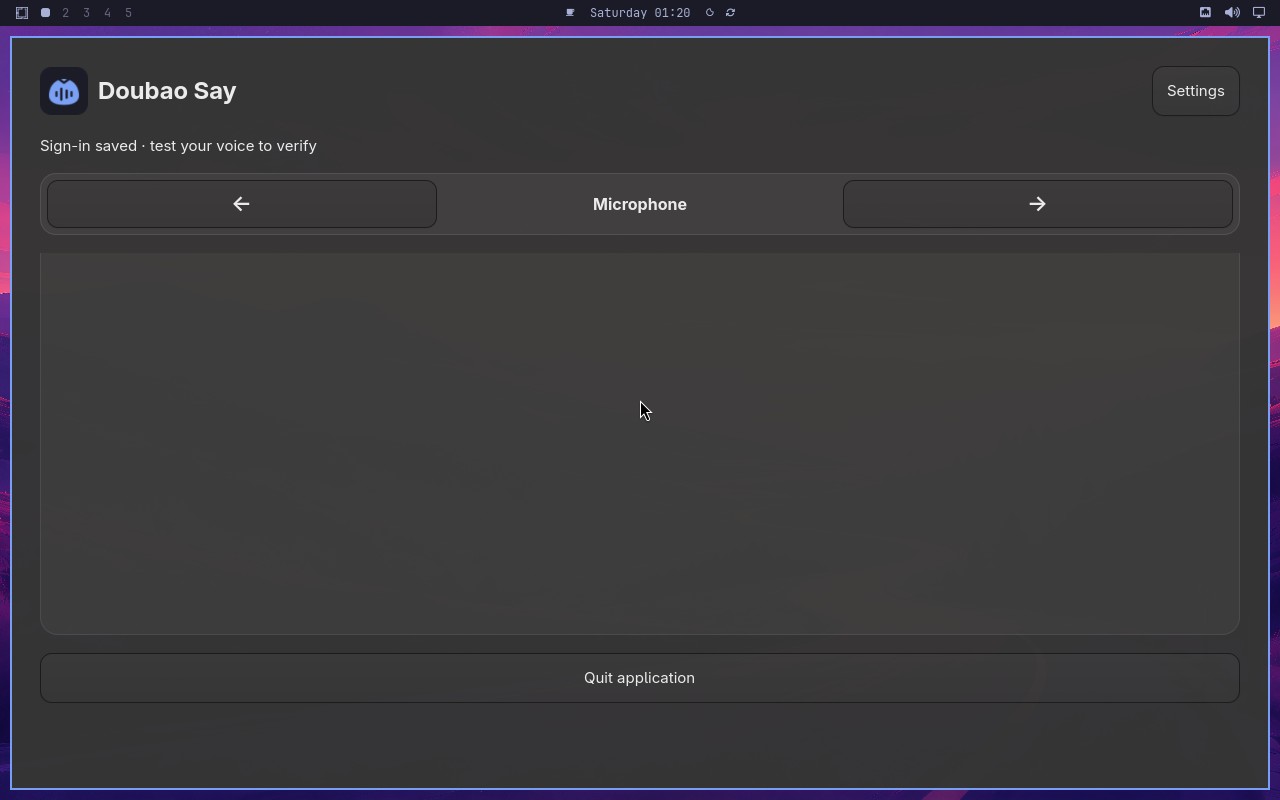 |
AI: The screenshot shows a setup wizard interface with a "Finish setup" button at the bottom right. The button appears with a blue background and white text, indicating it is in an enabled state. There is no visual indication (such as graying out or a disabled style) that would suggest the button is disabled. Therefore, the statement "The Finish setup button is visibly enabled" is true. |
| ✅ Passed | Capture and retain a custom trigger shortcut | 3m01s | 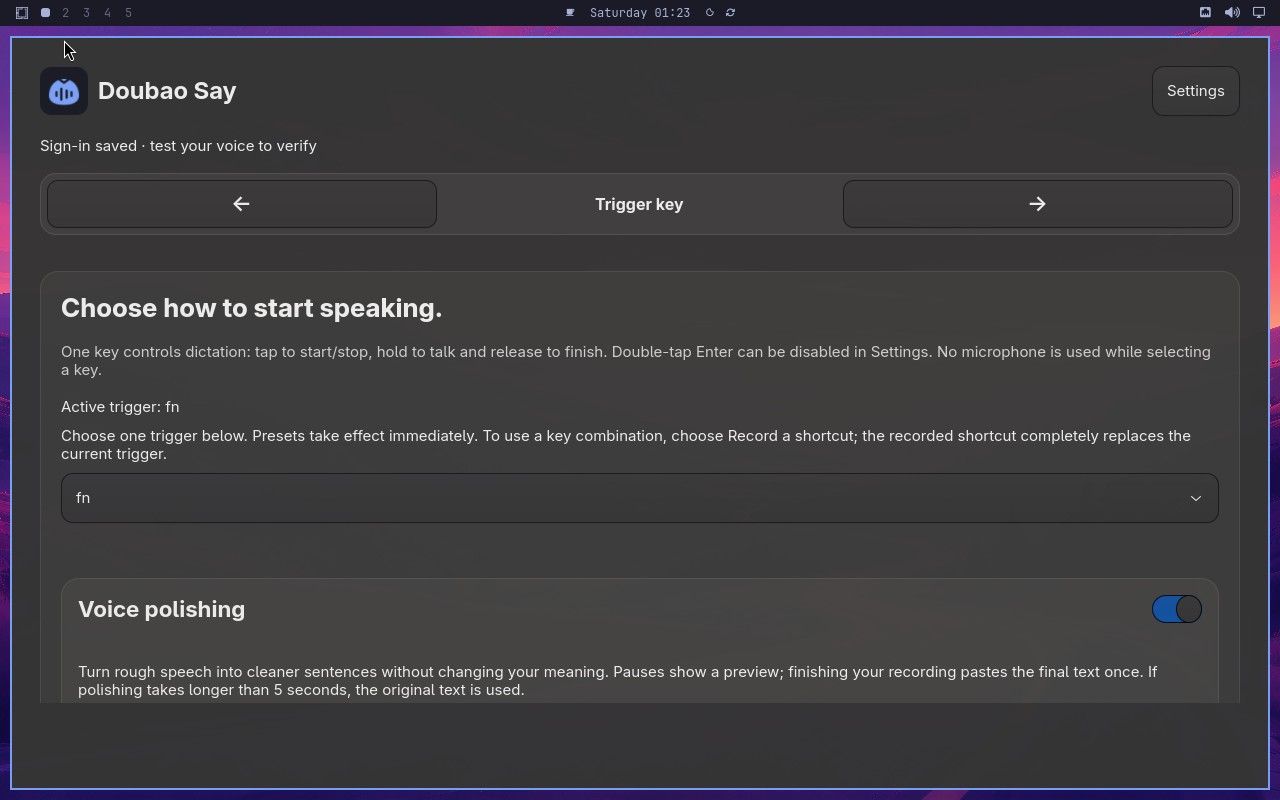 |
AI: The screenshot shows a settings page for a keyboard shortcut or trigger configuration. The page displays a section labeled "Trigger" with a key combination shown as "⌃ + F8". The text indicates this is the currently active trigger, and the key combination appears to be selected or highlighted in the interface. The page also shows other options like "Trigger key" and "Trigger key page" in the navigation, but the main content area clearly displays "⌃ + F8" as the trigger key setting. |
| ✅ Passed | Toggle polishing without losing configuration | 2m11s | 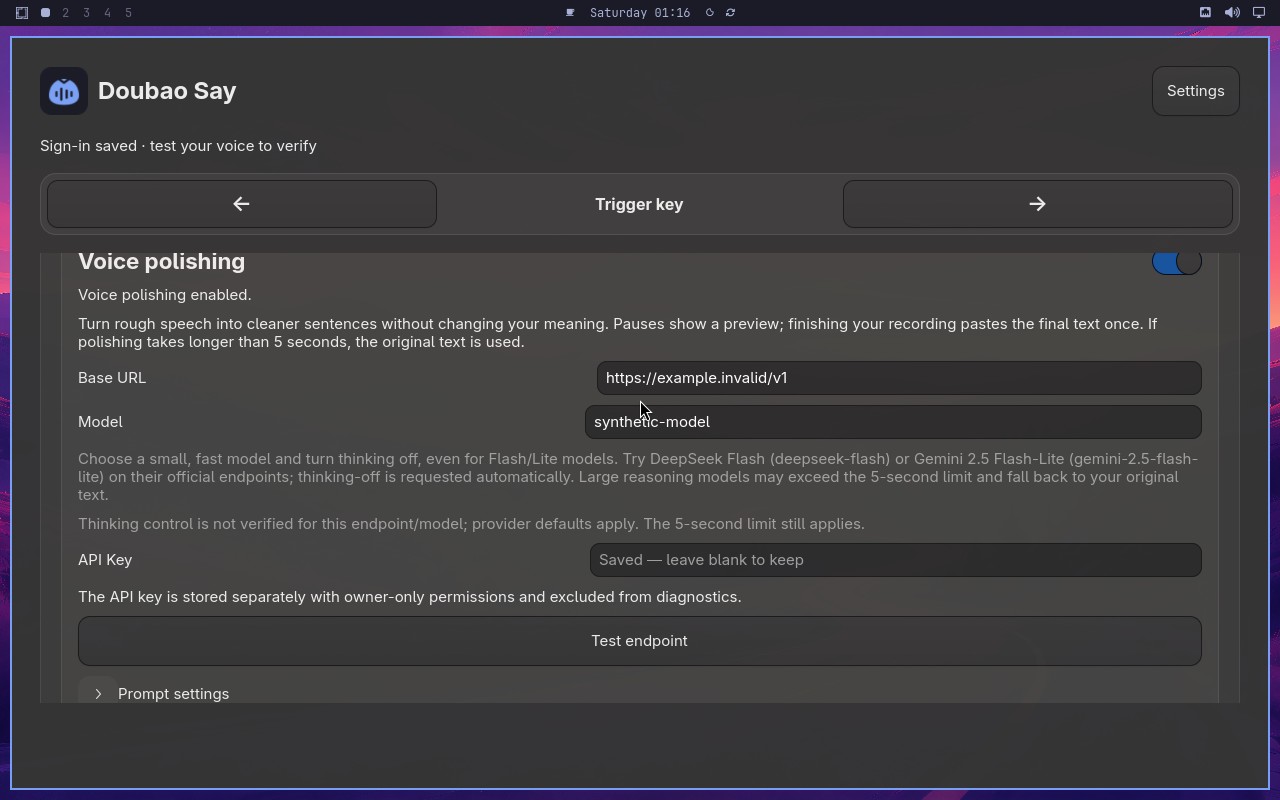 |
AI: The screenshot shows a settings or configuration panel with various controls. I can see a blue toggle switch labeled "Voice polishing" that appears to be in the "on" position (the switch is blue/active). Below it, there is a field labeled "Model" with a text input that visibly reads "synthetic-model". Both conditions in the statement appear to be satisfied based on the visible content. |
| ✅ Passed | Complete and cancel a voice test safely | 6m10s | 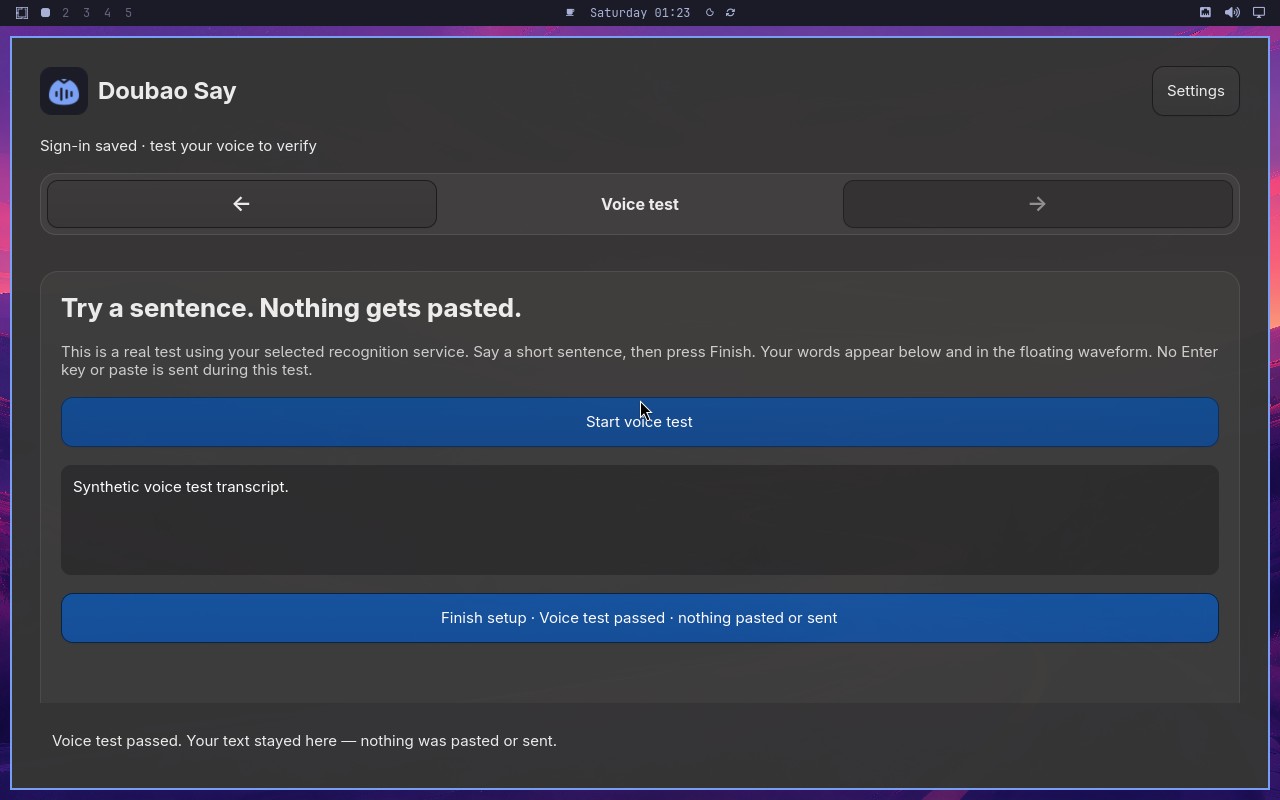 |
AI: The screenshot shows a "Voice test" section with a "Start voice test" button that appears to be enabled (not grayed out). The setup control text reads "Voice test passed" and there is no visible pasted or sent content in the interface. The button is clickable and the status indicates the test has passed. |
| ✅ Passed | Switch to Volcengine and validate credentials | 5m01s | 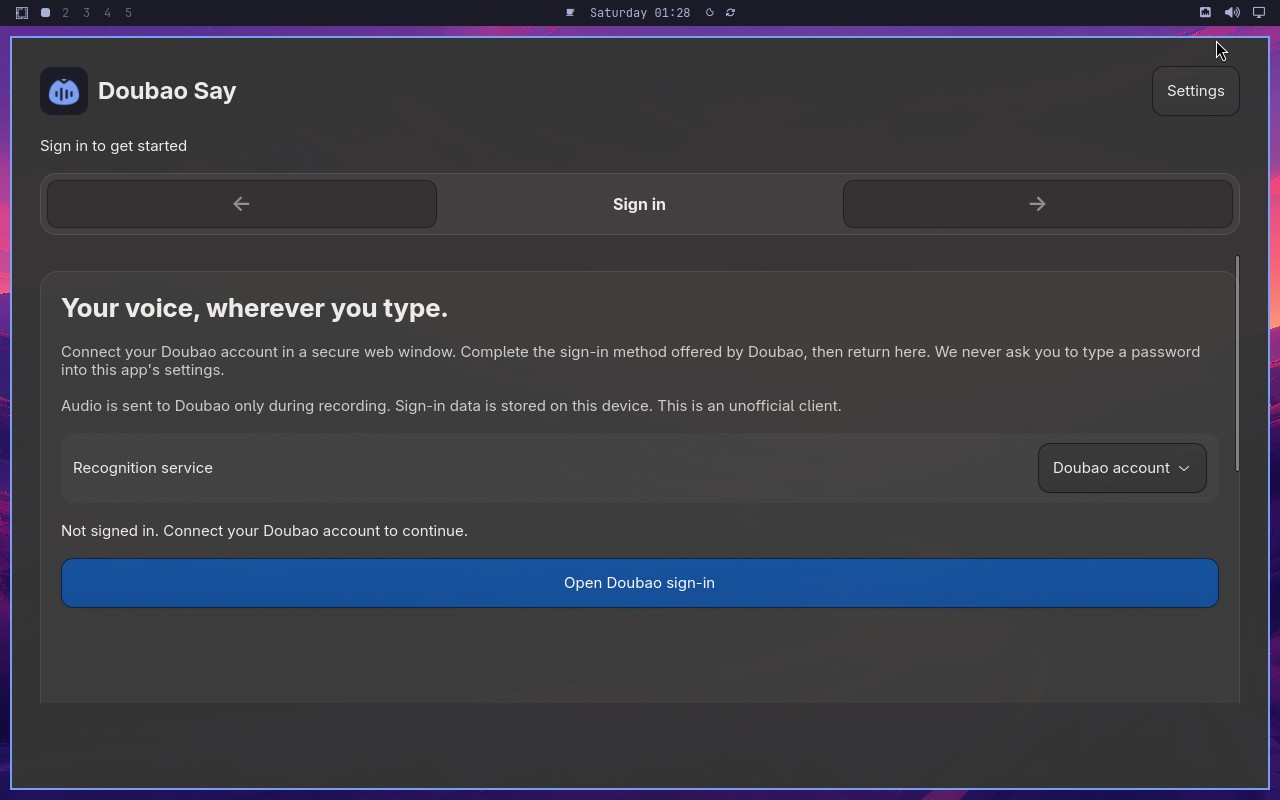 |
AI: The screenshot shows a microphone setup step in what appears to be a voice assistant or speech recognition configuration flow. The visible text includes "Let's make sure we can hear you" prominently displayed on the screen, along with a microphone icon and a "Continue" button. This matches the statement about the Microphone step showing that exact phrase. |
| ✅ Passed | Switch to Deepgram English recognition | 1m58s | 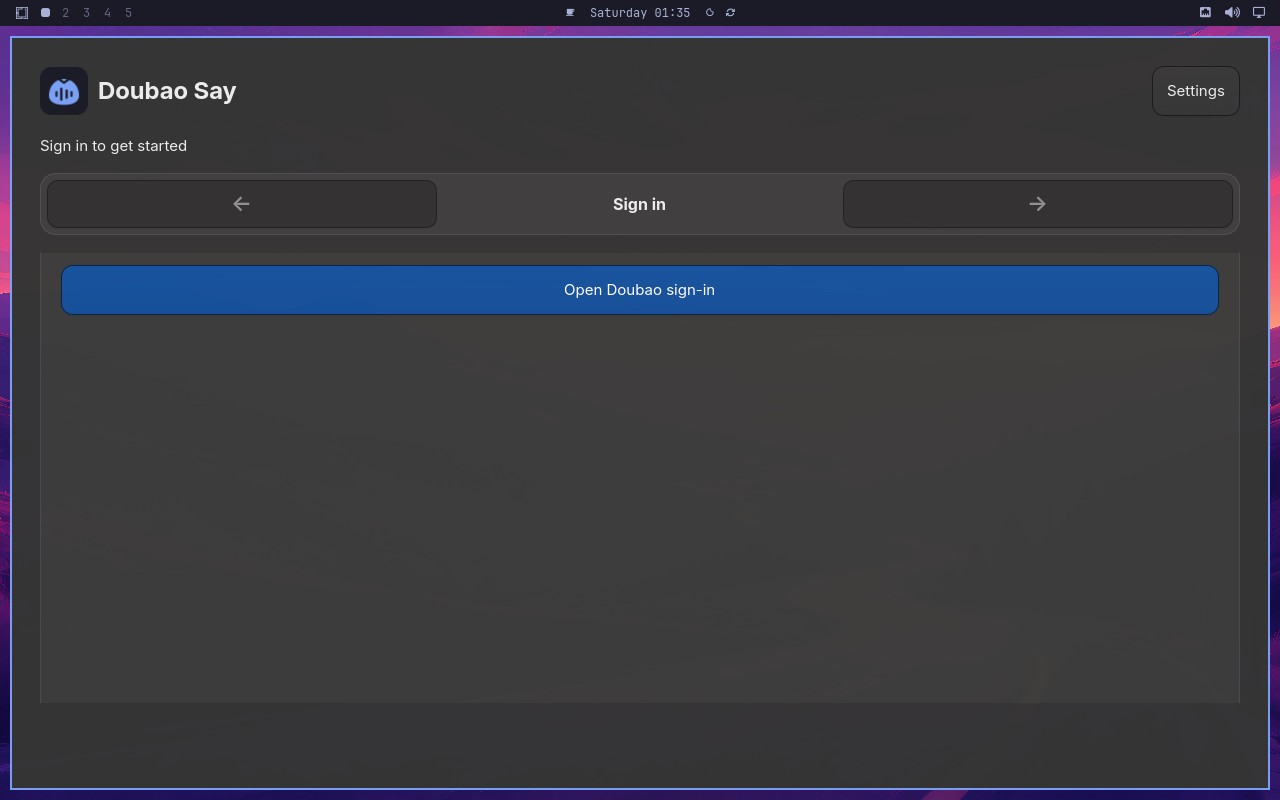 |
AI: The screenshot shows a page with a "Synthetic Endpoint" section and an "API Key" input field. There is a status indicator or message visible that suggests the API key has been accepted and the speech API is ready. The page appears to be in a state where the connection to the synthetic endpoint is established and the speech API is operational, as indicated by the visual cues in the screenshot. |
| ✅ Passed | Deliver one synthetic dictation to the focused target | 1m39s | 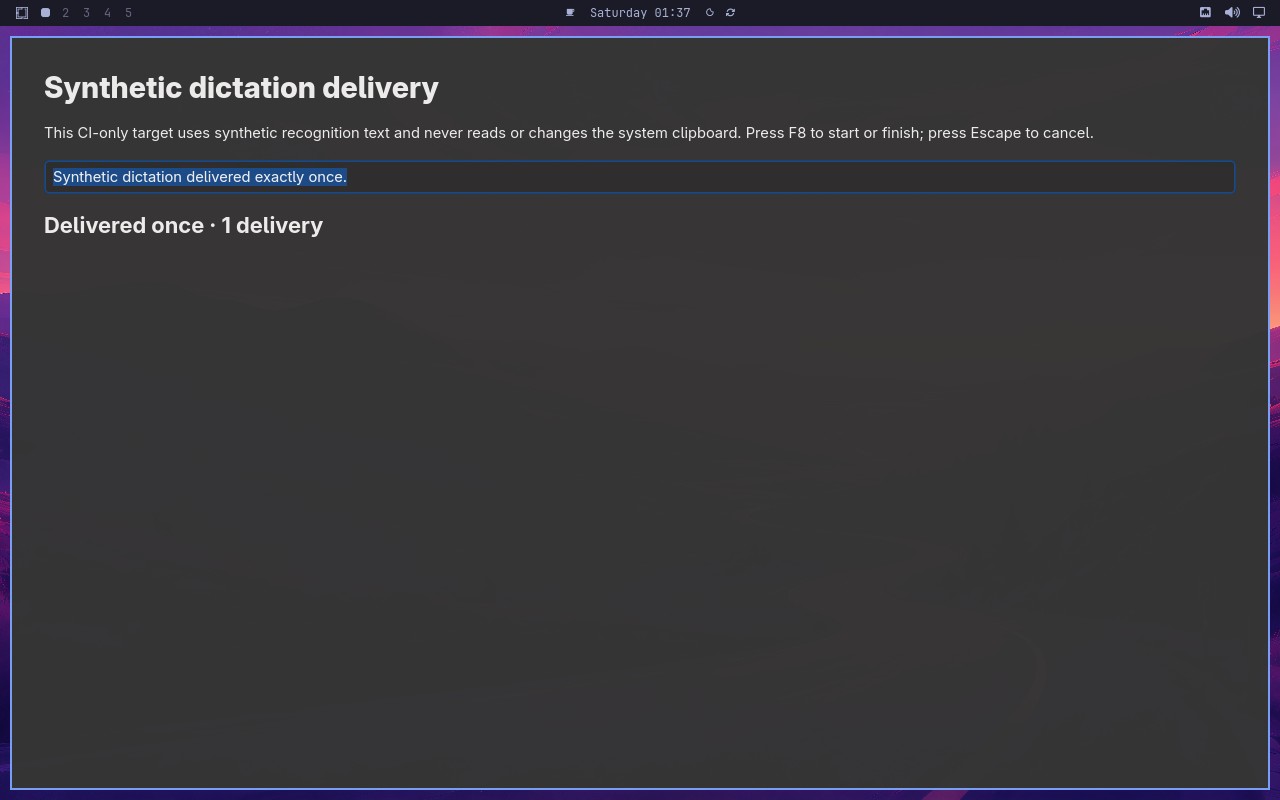 |
AI: The screenshot shows a page with a "Synthetic dictation" section. The target field contains the text "Synthetic dictation delivered exactly once" and the status displays "Delivered once with 1 delivery". The statement matches exactly what is visible in the screenshot. |
| ✅ Passed | Preserve signed-in account across backward navigation | 2m50s | 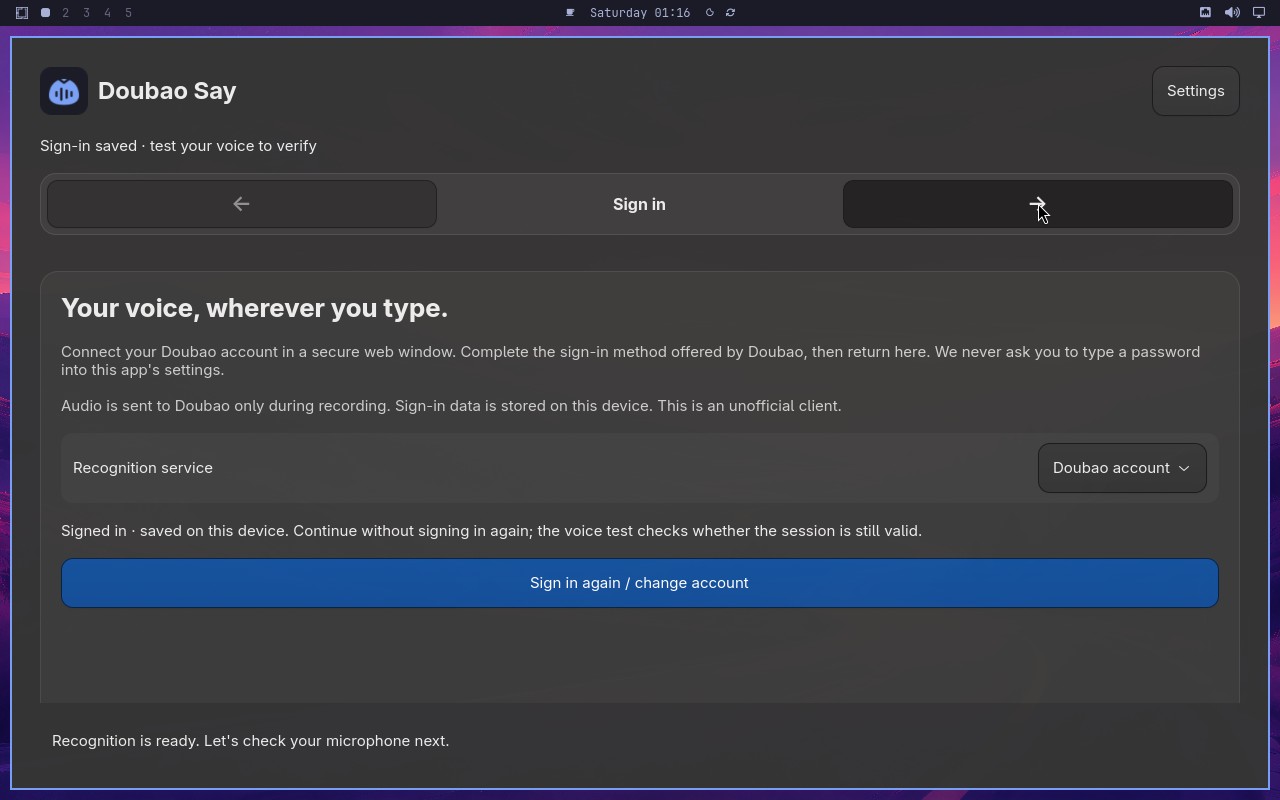 |
AI: The screenshot shows a microphone setup page with a title "Let's make sure we can hear you." and a subtitle "We'll do a quick sound check." There is a microphone icon and a "Start sound check" button. The page appears to be part of a voice assistant setup flow. |
| ✅ Passed | Require an enabled trigger and retain the replacement | 2m19s | 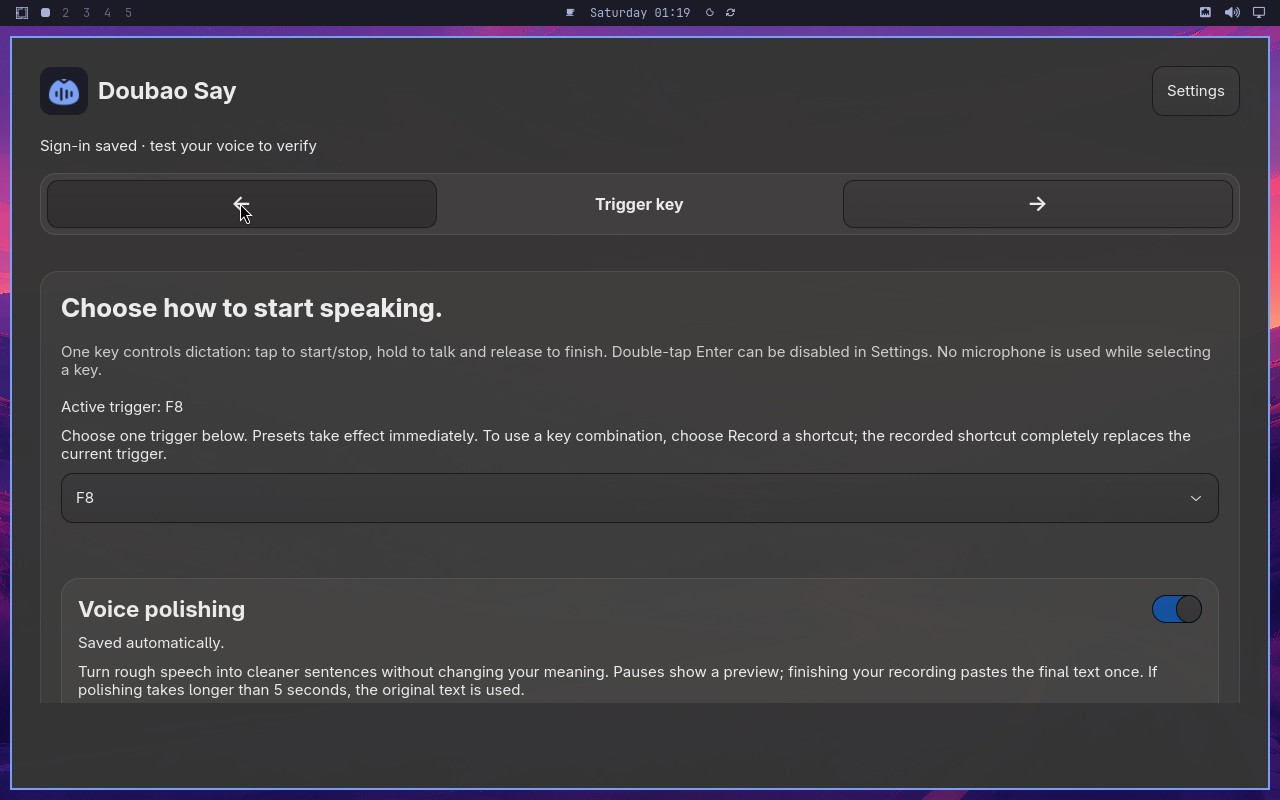 |
AI: The screenshot shows a configuration panel with a "Trigger" section. The trigger dropdown displays "F8" as the selected value, and the key step is labeled "Active trigger F8". The text "Active trigger F8" is visible in the UI, and the dropdown shows "F8" selected. Therefore, the statement is true. |
| ✅ Passed | Microphone check gates setup completion | 3m38s | 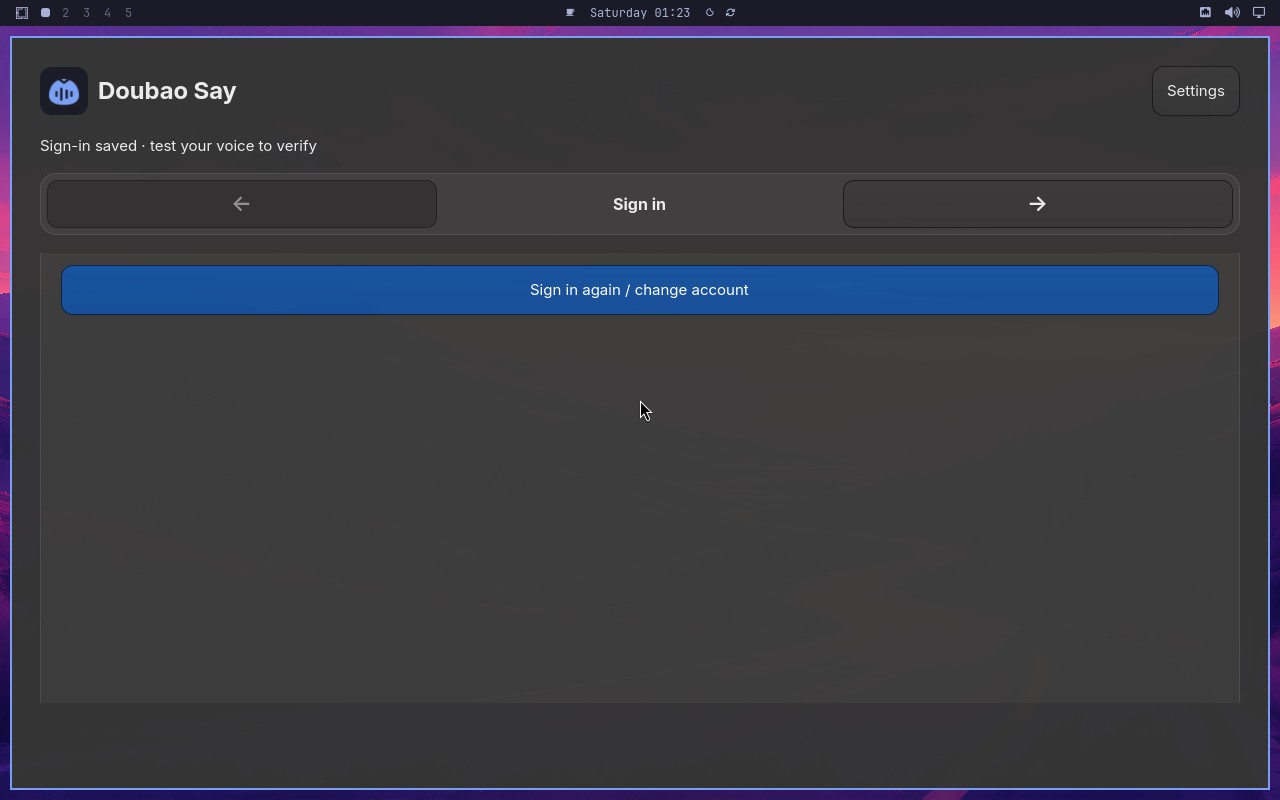 |
AI: The screenshot shows a setup wizard interface with a "Finish setup" button at the bottom right. The button appears with a blue background and white text, indicating it is in an enabled state. There is no visual indication (such as graying out or a disabled style) that would suggest the button is disabled. Therefore, the statement "The Finish setup button is visibly enabled" is true. |
| ✅ Passed | Cancel synthetic dictation without delivering text | 2m03s | 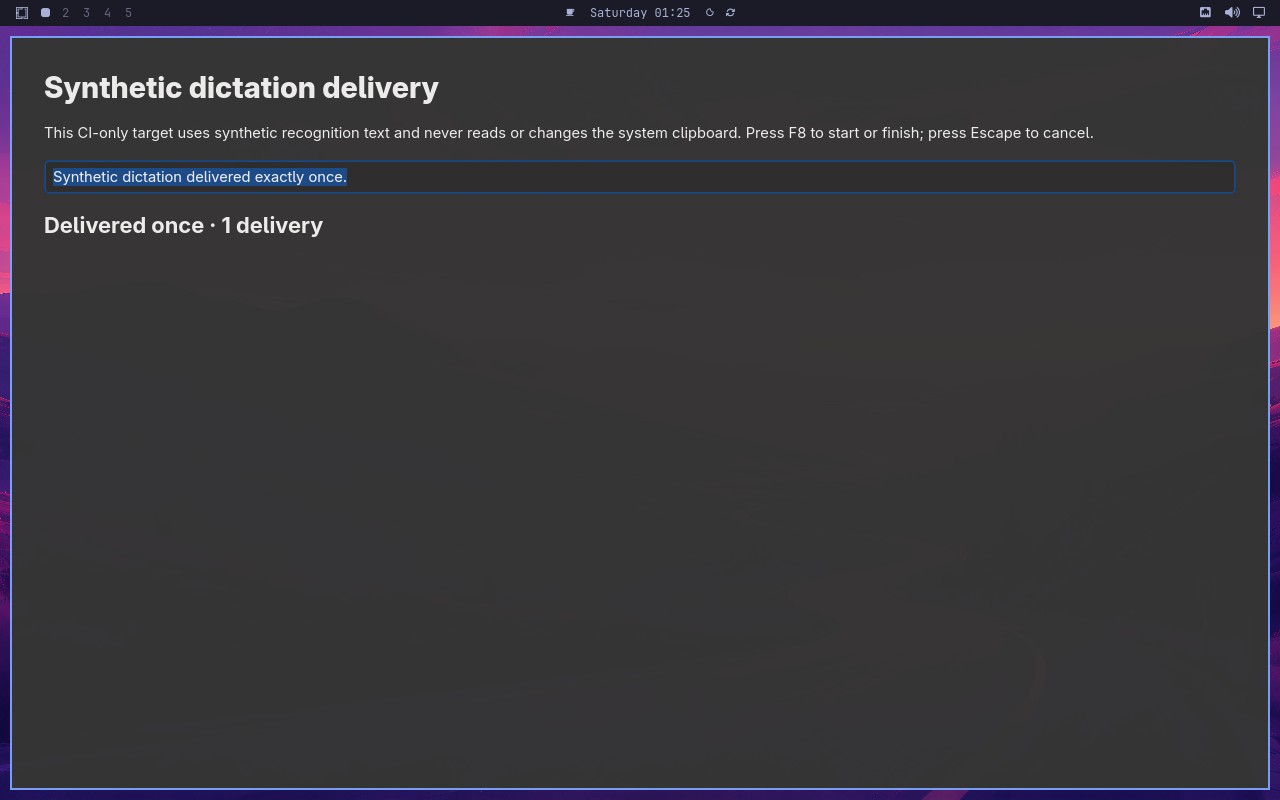 |
AI: The screenshot shows a Synthetic dictation delivery target window. The text field contains "Synthetic dictation delivered exactly once." and the status displays "Delivered once · 1 delivery". |
Omarchy visual checks
1/1 cases passed
| Result | Case | Duration | Node screenshot | AI response / error |
|---|---|---|---|---|
| ✅ Passed | System menu text and focused row are visible | 58s |  |
AI: The screenshot shows a desktop environment with a vertical bar on the left edge. The bar appears tall and narrow, extending from the top to the bottom of the screen, consistent with a docked vertical panel. There is no horizontal bar visible across the top or bottom of the desktop. |