Schema and Download Bar
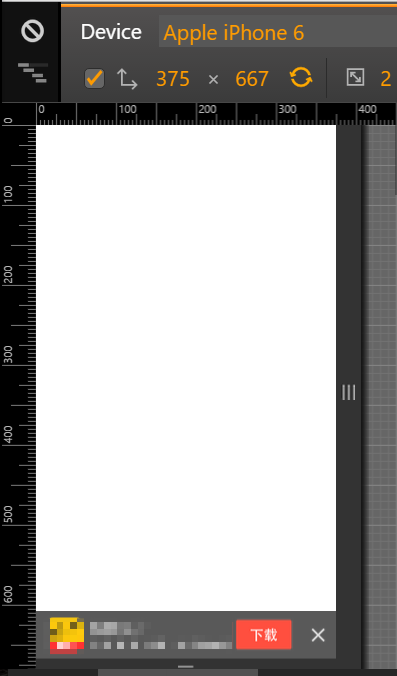
Since our company had a website without a corresponding mobile version, we needed to display a download bar at the bottom when the website is accessed from a mobile device. Clicking the download bar needed to meet the following two requirements:
- If the app is already installed on the device, attempt to open the corresponding app;
- If the app is not installed on the device, redirect to the download page for the corresponding operating system.
Requirements
Since our company had a website without a corresponding mobile version, we needed to display a download bar at the bottom when the website is accessed from a mobile device. Clicking the download bar needed to meet the following two requirements:
- If the app is already installed on the device, attempt to open the corresponding app;
- If the app is not installed on the device, redirect to the download page for the corresponding operating system.
Schema Protocol
Schema is similar to a custom URL protocol. We can use a custom protocol to open our own application, in the format:
Code example:
myapplink://
- For example, Facebook’s:
fb:// - iTunes:
itms-apps:// - SMS also uses a similar format:
sms://
If you want to open an app, the simplest way is through a link. For example, in HTML you can write:
Code example:
Open my app
Download Bar
Configuration
Since the download bar is used on a PC page, rem units cannot be used. I made all the download bars as PNGs and configured different download bars by including a JS file:
1 | <script src="dlBar.js" data-imgurl="下载条图片地址" data-itunesurl="苹果下载地址" data-androidurl="安卓下载地址" data-schemaurl="schema url"> |
Generation
For compatibility, the download bar is generated using vanilla JavaScript to create the corresponding CSS and HTML. The code is as follows:
1 | function creatHtml () { |
Configure the download bar image, App Store redirect URL, Android download URL, and schema URL.
Main Code
1 | function downloadApp () { |
Code Logic
- First, create an iframe and assign the schema URL to its src attribute;
- When the download button is clicked, record the timestamp at the time of the click, append the iframe to the body, and then set a setTimeout;
- If the app is already installed, it will attempt to open the app using the schema protocol;
- If the app is not installed, the timer will execute after 600ms. It records the time when the timer fires, and if the difference from the click time is within 200ms, it redirects to the download URL for the corresponding operating system.
How It Works
- If the schema URL redirect succeeds, it means the app is already installed, and it doesn’t matter how the subsequent code executes;
- Otherwise, if the redirect fails, it means the app is not installed, so the program redirects to the corresponding download URL;
- The time difference is there to wait for the schema URL to open the app. Without the waiting time, the program would immediately execute the redirect, leaving no chance for the schema to work.
Schema and Download Bar